Loading
Articles by Abiola David
- Databricks
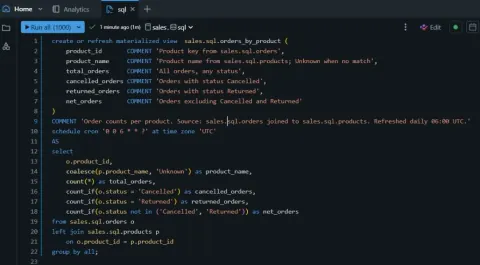
One SQL statement for a self-refreshing reporting table in Databricks
Create a Databricks SQL materialized view that refreshes daily, documents its columns, and calculates reporting metrics in a single statement.
- Power BI
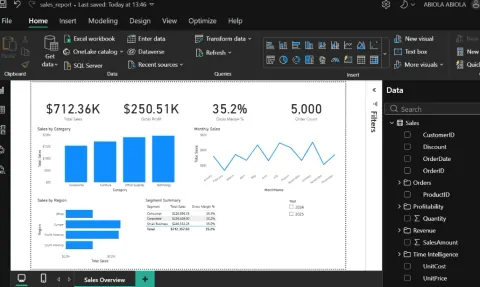
Converting a Power BI .pbix File to a .pbit Template and Its Benefits
Learn how to convert a Power BI .pbix report into a reusable .pbit template and understand its benefits for reuse, data privacy, and reporting consistency.
- Microsoft Fabric
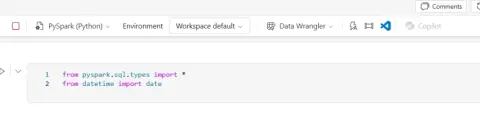
From Raw Data to a Delta Table in Microsoft Fabric: A Practical PySpark Walkthrough
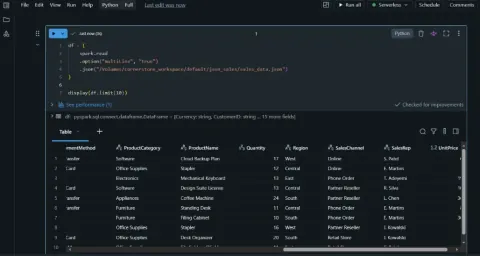
Learn how to define a PySpark schema, create a sales DataFrame, and write it as a Delta table in a Microsoft Fabric Lakehouse.
- Microsoft Fabric
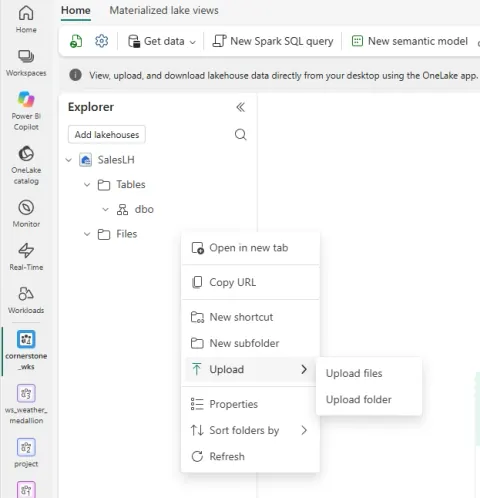
Ways to Load Data into a Microsoft Fabric Lakehouse: Upload Files
Learn how to upload local files to a Microsoft Fabric Lakehouse, store them in OneLake, and load CSV data into Delta tables for analysis.
- Microsoft Fabric
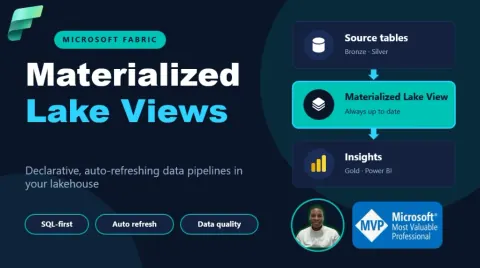
Materialized Lake Views in Microsoft Fabric
Learn how Microsoft Fabric Materialized Lake Views materialize Lakehouse transformations, optimize refreshes, enforce data quality, and support medallion architecture pipelines.
- Microsoft Fabric
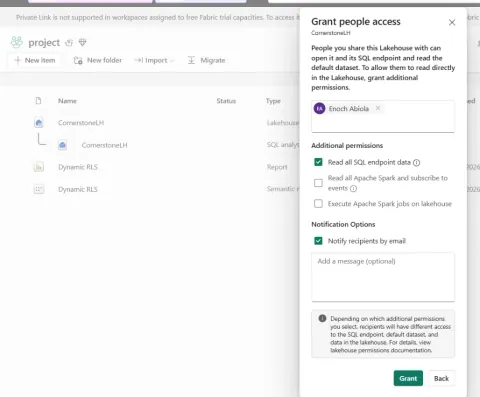
Sharing a Lakehouse in Microsoft Fabric
Learn how to share a Microsoft Fabric Lakehouse, assign read, SQL, and Spark permissions, and manage user access without granting workspace access.
- Microsoft Fabric
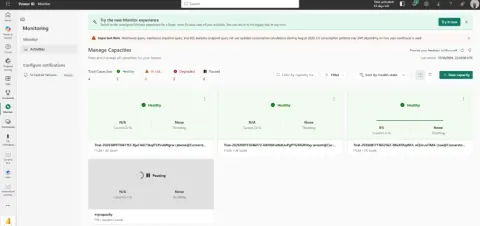
Creating a Fabric Capacity from Fabric Capacity Monitoring
Learn how to create a Microsoft Fabric capacity from the Manage Capacities page in the Monitor hub, including configuration options, permissions, and provisioning steps.
- Microsoft Fabric
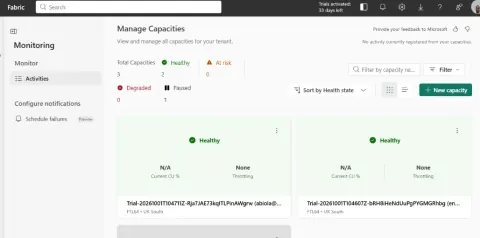
New Fabric Capacity Monitoring in Microsoft Fabric
Learn how to use Microsoft Fabric Capacity Monitoring to review capacity health, CU utilisation, throttling, SKUs, regions, and capacity management options.
- Databricks
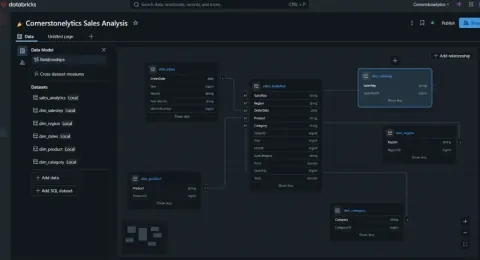
💡 NEW: Create Relationships in Databricks AI/BI Dashboard
Learn how Databricks AI/BI Dashboard dataset relationships connect data sources, enable cross-filtering, and support more interactive self-service analytics.
- Databricks
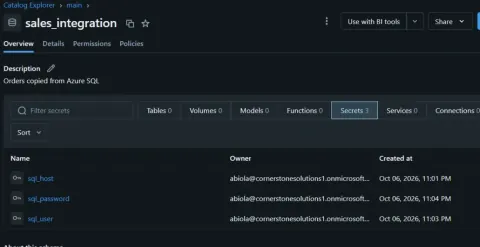
Stop Hiding Your Credentials in Notebooks: A Look at Secrets in Unity Catalog
Learn how Databricks Unity Catalog secrets centralize credential storage, permissions, rotation, auditing, and secure use in notebooks and Python UDFs.
- Power BI
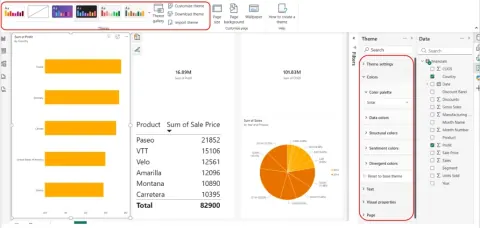
New Design Ribbon and Dark Theme for Power BI Reports
Learn how Power BI's Design ribbon centralizes report themes, page size, backgrounds, wallpaper, and light or dark appearance settings.
- Databricks
Databricks Auto Loader, Properly Explained: The Options Nobody Bothers to Justify
In this article, you'll learn how Databricks Auto Loader actually works under the hood - not just the five-line tutorial version. It covers file discovery (directory listing vs. event-based), the five schema evolution modes and when to use each, throughput controls like maxFilesPerTrigger and maxBytesPerTrigger, file metadata and lineage, the built-in cloud_files_state() audit function, trigger strategy, and what Auto Loader's exactly-once guarantee actually promises (and doesn't
- Microsoft Fabric
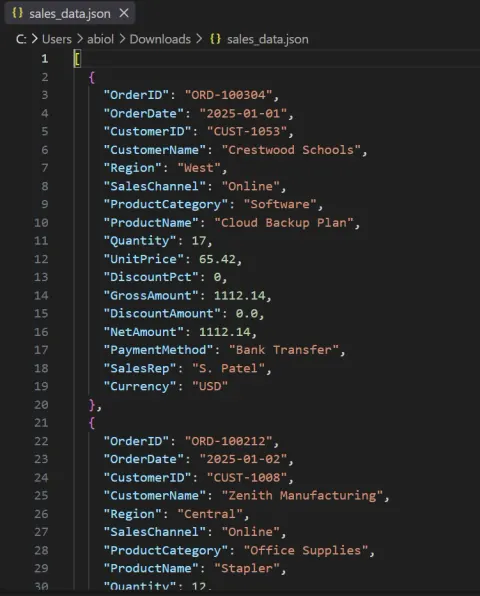
Integrating JSON Data into a Fabric Lakehouse Using Dataflow Gen2
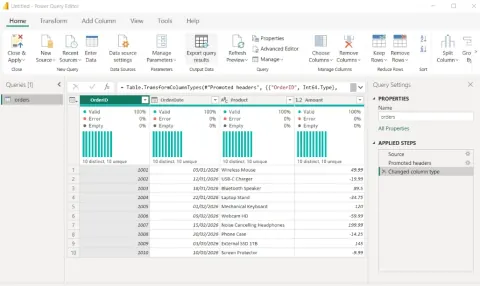
In this article, I walk through the exact steps I used to integrate a JSON sales file into a Microsoft Fabric Lakehouse using Dataflow Gen2 — from connecting to the JSON source and expanding its nested structure, to fixing data types, mapping the output to a Lakehouse table, and publishing the dataflow for a clean, queryable result.
- Power BI
Making Sense of Power BI: A Plain-English Guide to the Service's Core Concepts
A plain-English walkthrough of the Power BI service's core vocabulary: semantic models, reports, dashboards, workspaces, apps, licensing, capacity, Copilot, workbooks, and dataflows — explained through the lens of the two types of people who use the platform: the creators who build content and the business users who consume it. Ideal for anyone new to Power BI who wants the terminology to finally click.
- Databricks
Reading and Writing JSON Files in Databricks Unity Catalog
In this article, I covered how to read and write JSON multiline data from Databricks' unity catalog volume to delta table
- Power BI
Using the ABS Function DAX and Number. Abs in Power BI and Power Query
In this article, I demonstrated how to treat numerical column containing positive and negative numbers to all positive numbers using the ABS and Number.Abs functions in Power BI and Power Query
- Microsoft Fabric
Lakehouse Schemas in Microsoft Fabric: Creating Sales and Marketing Tables Using Fabric Notebook
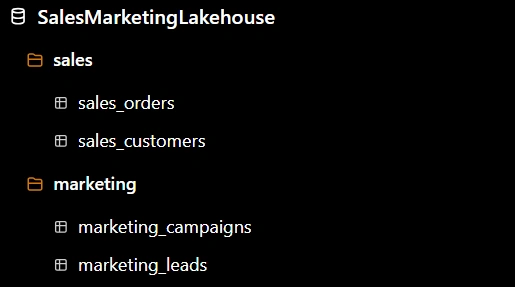
In this article, we explored how to create Sales and Marketing schemas in a Microsoft Fabric Lakehouse and use a Fabric Notebook to create and write tables into their respective schemas. The demonstration used PySpark to create sample data and save it as Delta tables.
- Microsoft Fabric
Reassigning a Workspace in the Microsoft Fabric Admin Portal
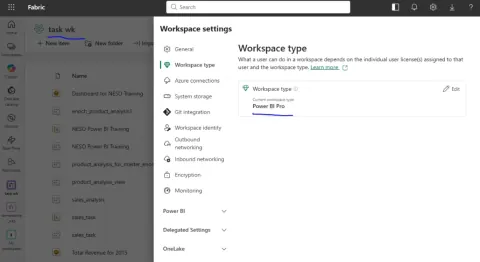
Learn how to reassign an existing Power BI Pro workspace to a Fabric Capacity directly from the Microsoft Fabric Admin Portal
- Microsoft Fabric
Microsoft Fabric Admin Portal: A Practical Guide for Fabric Administrators
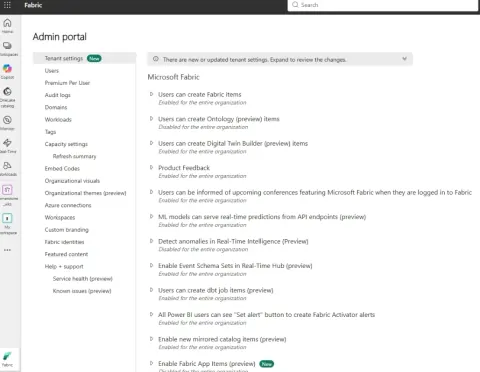
A practical introduction to the Microsoft Fabric Admin Portal, covering tenant settings, capacity management, domains, monitoring, governance, security, and the difference between tenant-level and workspace administration.
- Microsoft Fabric
Switching Lakehouses in a Microsoft Fabric Notebook
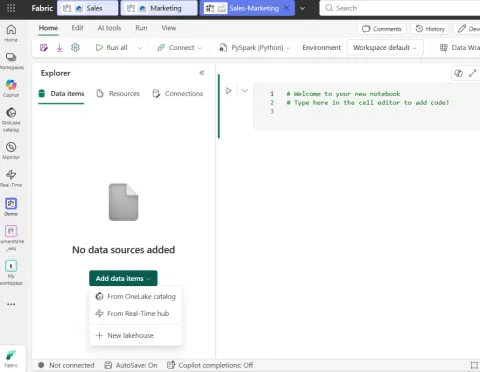
In my latest article, I demonstrate how to connect multiple Lakehouses to a Fabric Notebook and switch between them when needed, using Sales and Marketing Lakehouses as an example. A simple but useful feature for Fabric data engineers and developers.
- Power BI
Lock Objects in Power BI Service
Learn how to use Lock Objects in Power BI Service to prevent visuals, buttons, images, shapes, and other report elements from accidental movement or resizing.
- Databricks
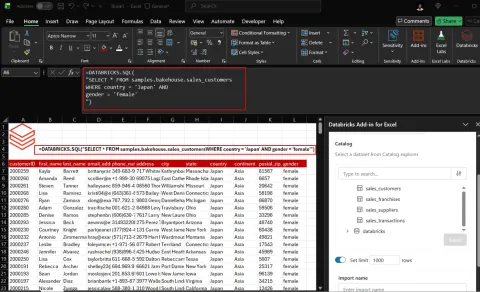
DATABRICKS.SQL and DATABRICKS.TABLE Functions Debuts in Microsoft Excel
Discover how Excel’s DATABRICKS.SQL and DATABRICKS.TABLE functions connect spreadsheets directly to Databricks, enabling live SQL queries, enterprise data analysis, and real-time insights.
- Microsoft Fabric
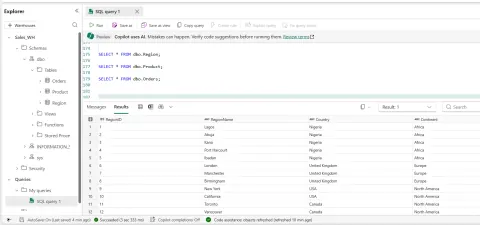
Switching Query Results in Fabric Warehouse
Learn how to run multiple SELECT statements in a Microsoft Fabric Warehouse and easily switch between their individual result sets. Using practical examples with Region, Product, and Orders tables, this article shows how multiple queries can simplify data exploration, validation, troubleshooting, and everyday SQL development in Fabric.
- Microsoft Fabric
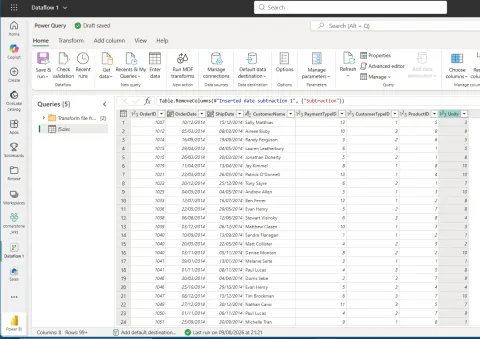
Calculate the Number of Days Between Order Date and Ship Date in Fabric Dataflow Gen2
Learn to calculate shipping days in Fabric Dataflow Gen2 using Power Query. Handle date types, missing values, and invalid dates for robust data transformation.
- Microsoft Fabric
How Zero-Copy Access Between Microsoft Fabric OneLake and Azure Databricks Changes Modern Data Engineering
Unlock modern data engineering with zero-copy access between Microsoft Fabric OneLake & Azure Databricks. Reduce costs, simplify architecture, and ensure data consistency.