Loading
Jignesh Trivedi's contributions

Getting Started With Azure IoT Hub And Devices
This article explain how to create Azure IoT hub and devices using Azure portal

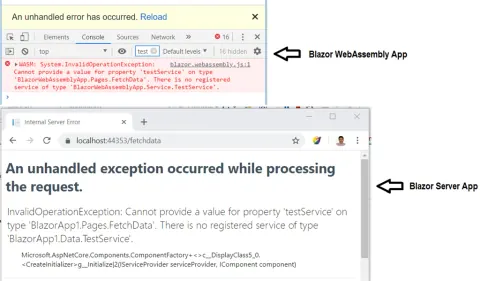
Understand Dependency Injection in Blazor
In this article, you will learn about dependency Injection in Blazor.
Understand Validation In Blazor Apps
In this article, you will learn about how to do validation in Blazor server and webassembly application
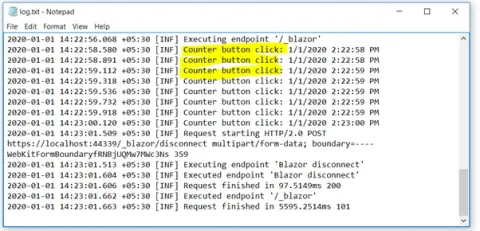
Log Data Into File Using Serilog Framework In Blazor Server App
In this article, you will learn how to log data into files using Serilog framework in Blazor server app.

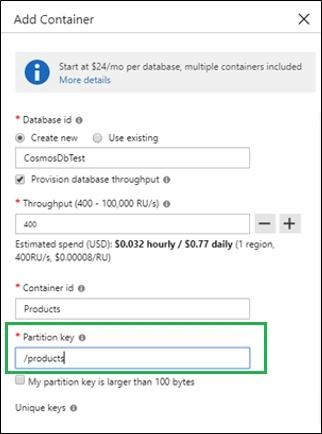
Understanding Partitioning And Partition Key In Azure Cosmos DB
In this article, you will learn about partitioning and Partition Keys in Azure Cosmos DB.
Deep Dive Into Azure Cosmos DB
In this article, you learn about Azure Cosmos DB and how to perform CRUD operations there.
Working With Timer-Triggered Azure Functions
In this article, you will learn about Time-Triggered Azure functions, the basics of CRON expressions, and how to define CRON expressions for timer-triggered Azure Functions.
Working With Queue Storage Trigger Azure Functions
In this article, you will learn about working with Queue Storage Trigger Azure Functions
Azure Functions - Serverless Computing
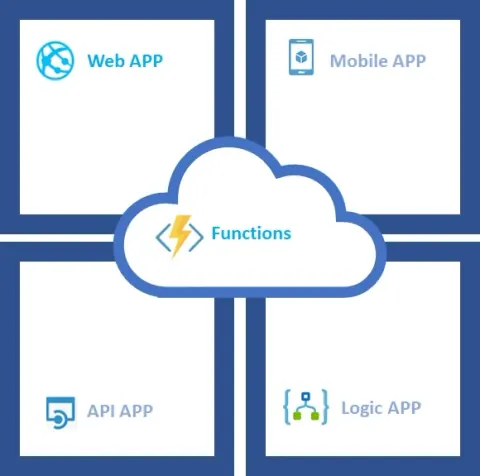
In this article, you will learn about Serverless Computing using Azure Functions.
Working With Topic And Subscription - Azure Service Bus
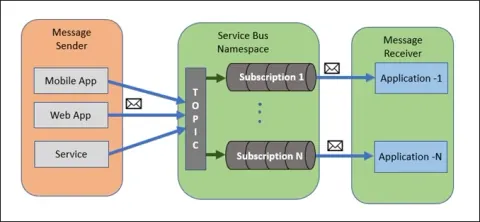
In this article, I have explained about Topic and Subscription in Azure Service Bus.
Working With Queue - Azure Service Bus
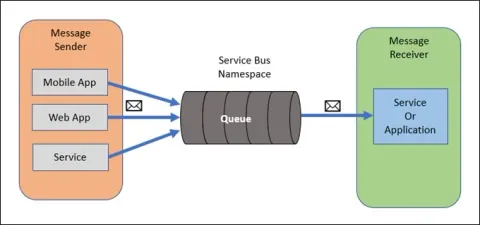
In this article, I have explained about Queue in Azure Service Bus.
An Introduction to Azure App Service
Azure App services are the services that provide a platform for hosting web applications, APIs, and mobile back-ends.

Image Analysis Using Computer Vision API - Cognitive Services
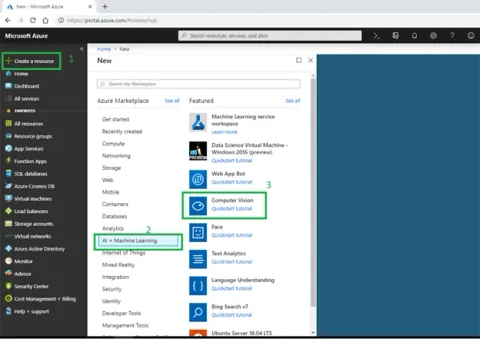
In this article, I am talking about one of the popular Cognitive services, Computer Vision API, for image analysis.

Introduction To NLog With ASP.NET Core
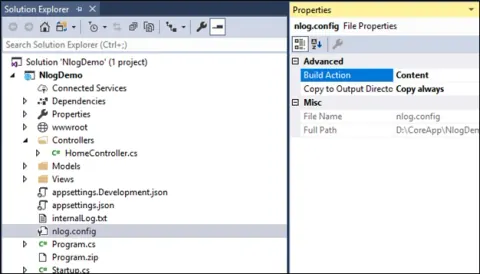
Logging is a very critical and essential part of any software. It helps us in the investigation of the essence of problems. ASP.NET Core has built-in support for logging APIs and is able to work with various logging providers. Using these built-in providers, we can send application logs to one or more destinations and also, we can plug in third-party logging frameworks such as Serilog, Nlog, etc. In this article, we learn how to implement NLog with ASP.NET Core.
Test Your ASP.NET Core Web API With Swagger
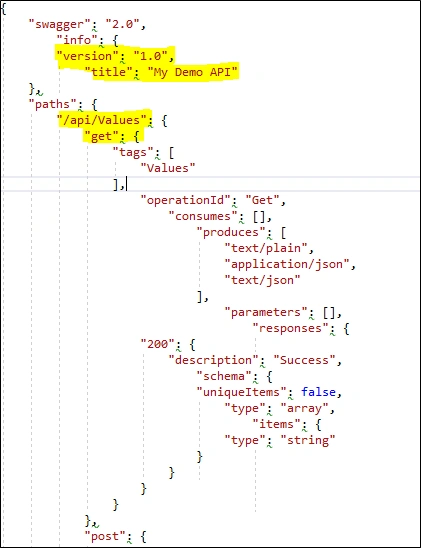
Testing of Web APIs is always a challenge because it exposes the end-point rather than the UI. Testing such things may have a dependency on third-party tools, such as fiddler and Post-Man, to Web API endpoints. Swagger can resolve this issue.
Introduction To Templated Components In Blazor
Blazor has components at the core part. It uses the combination of Razor, HTML and C# code as a component. A component is the base element of the Blazor application, i.e., every page is considered as a component in Blazor. Blazor use the Razor template engine that generate HTML and served to web browsers. We can mix HTML and C# syntax in the Razor template and Razor engine will compiled Razor template and generate the HTML.
Understanding JavaScript Interop In Blazor
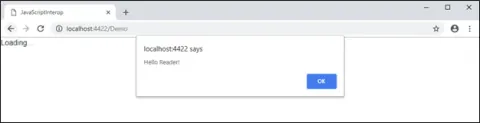
Blazor is a .NET framework that runs in the browser on a real.NET runtime (Mono) via Web Assembly. Blazor is an experimental project and till date, it is not in production and so many changes are going on. WebAssembly is a web standard which defines a binary format just like lower level assembly language. So, it enables executing code nearly as fast as running native machine code.
Creating Custom Authorization Policy Provider In ASP.NET Core
Learn how to implement custom authorization policies in ASP.NET Core using IAuthorizationPolicyProvider. Discover how to create policies dynamically based on runtime information, register them with a custom provider, and apply them to your application.
Claim Based And Policy-Based Authorization With ASP.NET Core 2.1
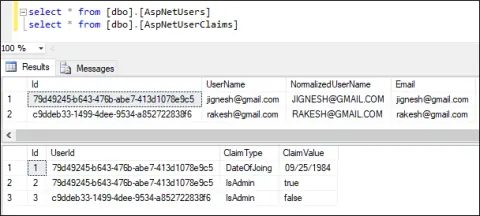
Authorization is the process of determining if a user can access system resources. Claim-based authorization checks specific user claims (e.g., "DateOfJoining" or "IsAdmin") for access control. Policies can be created to evaluate these claims or roles for more flexible authorization management.
Role Base Authorization In ASP.NET Core 2.1
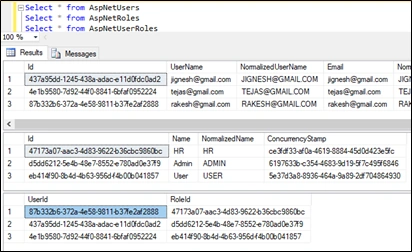
In this article, we explore Role-Based Authorization in ASP.NET Core 2.1, explaining how to secure applications by assigning user roles and managing access control.
Authorization In Razor Pages ASP.NET Core
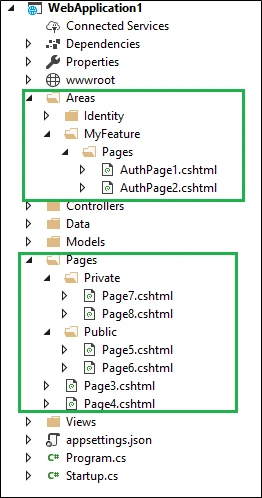
Learn how to implement authorization in ASP.NET Core Razor Pages using AddRazorPagesOptions. This guide covers configuring access controls with methods like AuthorizePage, AuthorizeFolder, and AllowAnonymousToPage, including support for areas and Razor Class Libraries.
Configuring HTTPS In ASP.NET Core 2.1
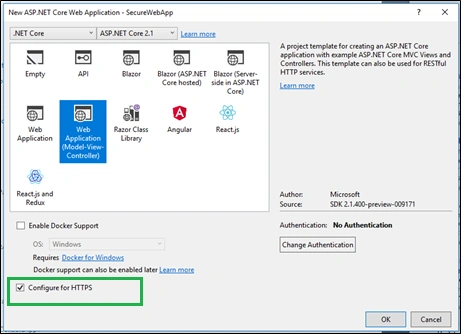
Learn to configure HTTPS in ASP.NET Core 2.1, including HSTS settings, HTTPS redirection, ports, and development environment considerations.
Razor Class Library - Create Reusable UI In ASP.NET Core
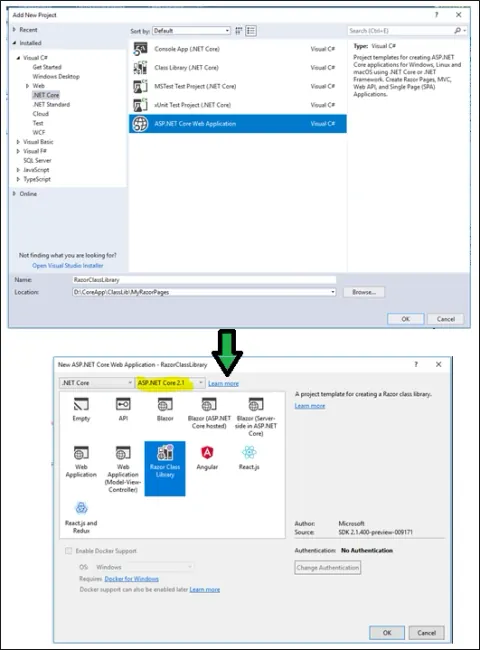
Razor Pages is a new feature introduced with ASP.NET Core 2.0. They are much like MVC pages and have most of the feature of MVC but they are more focused UI implementation.
Introduction To SignalR With ASP.NET Core
SignalR is an open source library that adding real-time web functionality to application. It means, it enable the server-side to push the content to client instantly rather than the server wait for client to request for new data. It provides an API for creating server to client RPC (remote procedure calls). The RPC call JavaScript functions on client from server side .net core code.