Loading
Articles by Mahesh Chand

Virtualization in WPF Using VirtualizingStackPanel
This article demonstrates how to implent virtualization in WPF using VirtualizingStackPanel

XAML WrapPanel
The WrapPanel element in XAML represents a Wrap Panel. This tutorial shows how to use a XAML WrapPanel in WPF and C#.
Most Important Tip To Be Productive At Work
Learn how scheduling time for email, social media, and text messages can reduce distractions and improve focus and productivity at work.
XAML ListView
The ListView element in XAML represents a ListView control. The code example in this tutorial demonstrates how to use a XAML ListView in WPF using C#.
How To Create A GridView In XAML
Learn how to create a WPF GridView layout by setting a ListView's View property and defining GridViewColumn headers, widths, and data bindings.
XAML ListBox
This is a reference tutorial of XAML ListBox element with code examples written in XAML and C#.
XAML Viewbox Tutorial
Learn how to use XAML Viewbox with code example. <Viewbox> element in XAML represents a Viewbox control of WPF and C#. Viewbox.Stretch and Viewbox.StretchDirection properties.
XAML TreeView
XAML <TreeView> element represents a TreeView control in WPF. Here are a few XAML TreeView code examples.
WPF Toolbar Tutorial
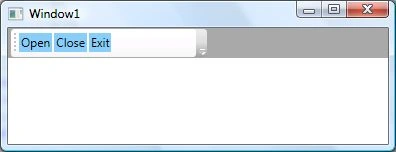
The <Toolbar> element in XAML and the Toolbar class in WPF represent a Toolbar control. This tutorial consists of several code examples of how to create a Toolbar and add buttons to a toolbar control in WPF using XAML and C#.
XAML ToolTip Reference
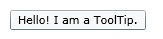
XAML ToolTip element represent a ToolTip of control that can be set using the ToolTip property of a WPF control. Here are some code examples of how to show tool tips of controls in WPF.
XAML TextBox
The element in XAML represents a TextBox control. Code examples of how to use XAML TextBox.
Using XAML TextBlock
XAML TextBlock element represents a TextBlock control. These code examples demo how to declare and use a XAML Text Block.
Scroll Windows With WPF ScrollViewer in C# and XAML
Implement vertical and horizontal scrolling in your WPF applications using ScrollViewer. Control content visibility with properties like VerticalScrollBarVisibility and HorizontalScrollBarVisibility for seamless user experience.
XAML Slider Code Sample
XAML Slider element represents the slider control in XAML and WPF. The code example in this article uses <Slider> to implement a slider in WPF.
XAML ScrollBar
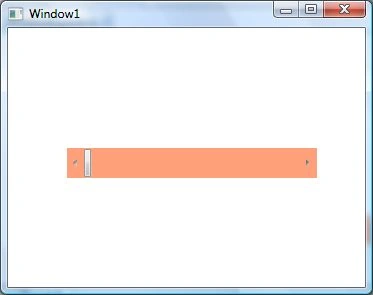
The <Scrollbar> element of XAML represents a scroll bar control for WPF apps. The code sample in this tutorial shows how to use a ScrollBar control in a WPF app using XAML.
XAML RichTextBox Code Example
The <RichTextBox> element in XAML represents a RichTextBox Windows control. The code example in this tutorial shows you how to use a RichTextBox control available in WPF.
XAML RepeatButton Code Example
The <RepeatButton> element of XAML represents a repeat button. The code example shows how to use XAML RepeatButton in a WPF app.
XAML RadioButton Code Example
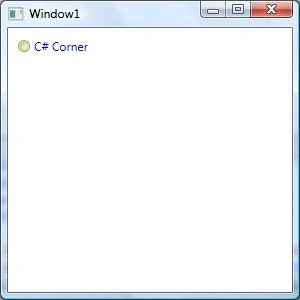
Learn how to use XAML Radio Button in a WPF app. The <RadioButton> element in XAML is used to create a radio button control in a WPF app.
Using XAML Popup In WPF
Popup in WPF is a Windows that appears on top of a UI and shows a message. These code examples demonstrate how to show a popup in WPF using XAML and C#.
XAML ProgressBar Code Example
Learn how to use XAML Progress Bar in a WPF app. The code examples in this article demonstrates how to create a Windows app with a Progress bar control.
XAML Password Box Code Example
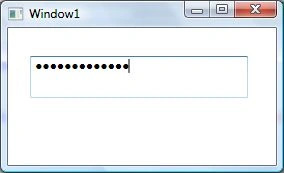
Learn how to create and configure a WPF PasswordBox in XAML, including password masking, MaxLength, SecurePassword, and the PasswordChanged event.
XAML Menu Code Example
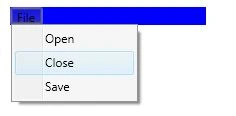
The <Menu> and <MenuItem> XAML elements are used to create menus in XAML. Learn how to use menu and menu item in a WPF app.