Loading
Articles by Mahesh Chand

Image Transformation in WPF
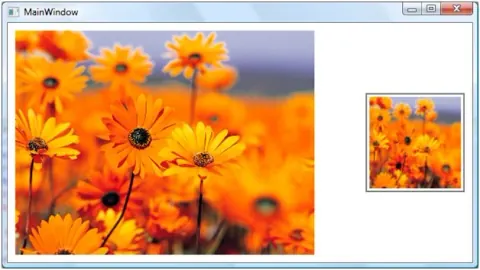
Image transformation is a process of rotating and scaling images. This article demonstrates how to rotate and translate images in WPF and XAML.
System Pens and System Brushes in GDI+
In this article I will explain about working with brushes and pens in GDI+.
GrayScale Image in WPF
The PixelFormats class is used to represent image pixel formats. The class has about 2 dozens of static properties representing various pixel formsts such as BlackWhite, Gray16, Gray32Float, Gray8, Rgba64 and so on.
Clipping or Cropping Images in WPF
Clipping a region is a process of displaying partial area of a region by setting the outline of a region. In WPF, the clipping has been extended to all elements that are inherited from UIElement that includes controls, images, panels, Windows, and Pages.
How to Convert a Byte Array to Double in C#
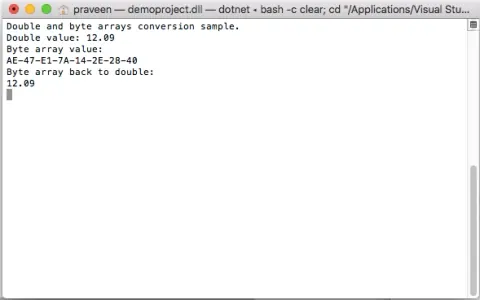
This code snippet is an example of how to convert a byte array to double. Code also shows conversion of double to a byte array using C#.

Convert Byte Array to Int in C#
The code snippet in this article converts different integer values to a byte array and vice-versa using BitConverter class.
Transformation with Brushes in GDI+
In this article I will explain about working with Transformation with Brushes in GDI+.
Drawing Other Graphics Shapes by Applying Cap and Dashed Line Styles in GDI+
In this article I will explain about Drawing Other Graphics Shapes by Applying Cap and Dashed Line Styles in GDI+.
How to Bind a Struct to a ComboBox in C#
This tip and code snippet shows how to bind a struct to a ComboBox in WPF and load its properties in the drop down.
LineCap, DashCap, and DashStyle in GDI+
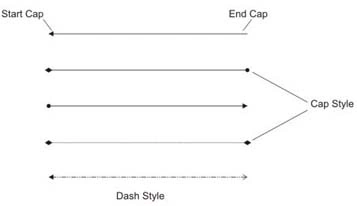
In this article I will explain about working with LineCap, DashCap, and DashStyle in GDI+.
How to convert a string to an enum in C#
Here is code example of how to convert a C# string to an enum.
Polygon In WPF
A polygon is a series of connected lines which is a closed shape. A closed shape is a shape that has same start point and end point. This article demonstrates how to create and use a polygon in WPF using XAML.
Polyline In WPF
A polyline is a collection of connected straight lines. This article demonstrates how to create a polyline in WPF and XAML.
Line in WPF
The Line object represents a line shape and draws a line between two defined points. This article demonstrates how to create lines in WPF and XAML.
Ellipse In WPF
The Ellipse object represents an ellipse shape and draws an ellipse with the given height and width. This article demonstrates how to create and use an ellipse in WPF and XAML.
Path In WPF
A graphics path is a set of connected lines, curves, and other simple graphics objects, including rectangles, ellipses, and text. This article demonstrates how to create and use paths in WPF and XAML.
Rectangle In WPF
The Rectangle object represents a rectangle shape and draws a rectangle with the given height and width. This article demonstrates how to create rectangles in WPF and XAML.

Paging in DataGrid Control using ADO.NET
In this article I will explain Paging in DataGrid Control in using ADO.NET.