Loading
Articles by Mahesh Chand

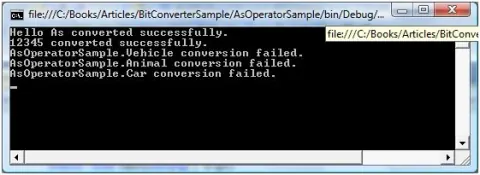
As Operator In C#
The As operator in C# is used to convert from one type to another. You can use casting to cast one type to another but if you apply casting on incompatible types, you will get an exception.

Working With Pen In WPF
Learn how to use the WPF Pen class in XAML and C# to draw shape outlines, configure brushes and thickness, and apply line caps, joins, and dash styles.

Working with DataSet Events in ADO.NET
In this article I will explain working with DataSet Events in ADO.NET.
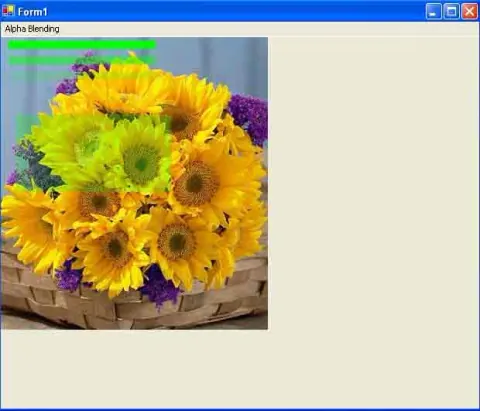
Drawing Transparent Graphics Objects in GDI+
Learn how to draw transparent lines, rectangles, pens, and brushes in GDI+ using alpha values with Color.FromArgb.
Transparent Brushes in WPF
All elements in XAML including all brushes have an Opacity attribute that defines the transparency of an element. This article demonstrates how to use Opacity to implement transparent brushes in WPF using XAML.
Video Brush in WPF
This article demonstrates how to implement video brushes in WPF using MediaElement XAML element.
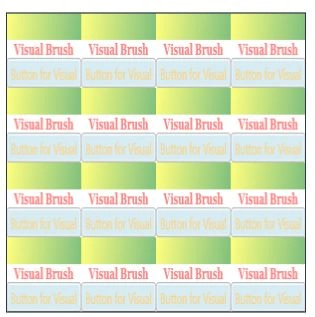
Visual Brush in WPF with C#
The Visual object in WPF represents a visual control. This article demonstrates how to create and use a visual brush in WPF using XAML and C#.
DataAadapter Events in ADO.NET
In this article I will explain working with DataAadapter Events in ADO.NET.
Handling ADO .NET Events & Connection Events
In this article I will explain handling ADO .NET Events & Connection Events.
Using ImageBrush In WPF
An image brush paints an area with an image. The ImageSource property represents the image to be used during the painting by an image brush. The ImageBrush object represents an image brush.
WPF Drawing Brush
The Drawing object in WPF represents a 2-D drawing that include shapes, text, video, image and other drawings. A Drawing Brush represented by the DrawingBrush object paints a surface with a drawing.
SkewTransform in WPF
SkewTransform is used to skew or shear an element. Shear can be used to add depth to elements to give them a 3-D look.
TranslateTransform in WPF
TranslateTransform is used to move an element from one position to other. The X and Y properties are used to move an element towards the x and y axes.
WPF RadialGradientBrush
This article demonstrates how to use LinearGradientBrush in WPF using XAML and C#.
ScaleTransform in WPF
Scaling is a process of stretching or shrinking an element. The ScaleTransform scales an element by a given factor.
RotateTransform in WPF
This article demonstrates how to rotate elements and controls in WPF using XAML and C#.
WPF LinearGradientBrush
This article demonstrates how to use LinearGradientBrush in WPF using XAML and C#.
Convert Integer to Byte Array in C#
The code snippet in this article converts different integer values to a byte array and vice-versa using BitConverter class. The BitConverter class in .NET Framework is provides functionality to convert base data types to an array of bytes, and an array of bytes to base data types.
Adding Colors, Pens, and Brushes to the GDI+Painter Application
In this article I will explain about working with brushes and pens in GDI+.
Adding Editor, and Deleting data in Web Forms using ADO.NET
In this article I will explain Adding Editor, and Deleting data in Web Forms using ADO.NET.