Loading
Mahesh Chand's contributions

XAML Slider Code Sample
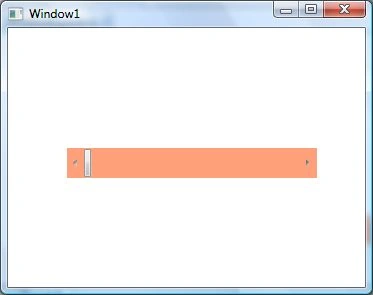
XAML Slider element represents the slider control in XAML and WPF. The code example in this article uses <Slider> to implement a slider in WPF.
XAML ScrollBar
The <Scrollbar> element of XAML represents a scroll bar control for WPF apps. The code sample in this tutorial shows how to use a ScrollBar control in a WPF app using XAML.
Received Microsoft MVP Award 2015
I just woke up and saw an email from the Microsoft MVP Award team and I was selected as an MVP for year 2015. This is my 10th award in 10 consecutive years.
XAML RichTextBox Code Example
The <RichTextBox> element in XAML represents a RichTextBox Windows control. The code example in this tutorial shows you how to use a RichTextBox control available in WPF.
XAML RepeatButton Code Example
The <RepeatButton> element of XAML represents a repeat button. The code example shows how to use XAML RepeatButton in a WPF app.
XAML RadioButton Code Example
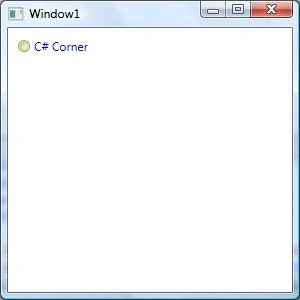
Learn how to use XAML Radio Button in a WPF app. The <RadioButton> element in XAML is used to create a radio button control in a WPF app.
Using XAML Popup In WPF
Popup in WPF is a Windows that appears on top of a UI and shows a message. These code examples demonstrate how to show a popup in WPF using XAML and C#.
XAML ProgressBar Code Example
Learn how to use XAML Progress Bar in a WPF app. The code examples in this article demonstrates how to create a Windows app with a Progress bar control.
XAML Password Box Code Example
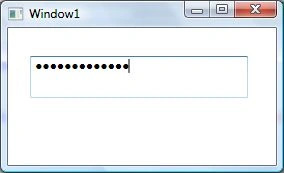
Learn how to create and configure a WPF PasswordBox in XAML, including password masking, MaxLength, SecurePassword, and the PasswordChanged event.
XAML Menu Code Example
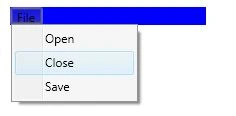
The <Menu> and <MenuItem> XAML elements are used to create menus in XAML. Learn how to use menu and menu item in a WPF app.
XAML Label Code Example
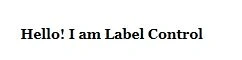
The <Label> element in XAML represents a Label control. This article shows how to use a Label control in WPF using XAML and C#.
Display Image In WPF using XAML and C#
The Image class represents the WPF Image control that is used to display images in WPF. The <Image> element of XAML is used to create the Image control at design-time. The code example in this article shows how to use a WPF Image control do display and manipulate images using C# and XAML.

Using WPF GroupBox in C# and XAML
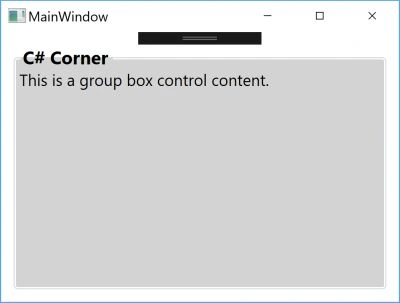
Learn how to create and style a WPF GroupBox in XAML and C#, including headers, borders, and layouts containing multiple controls.
Using XAML Grid Panel
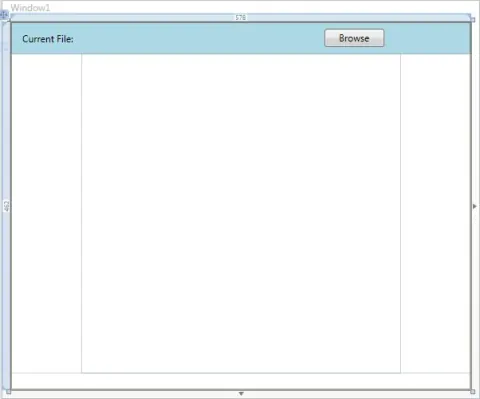
The <Grid> element in XAML represents a grid panel that provides a grid layout. The code example in this article shows how to use a Grid panel at design time using XAML in a WPF app.
Working with WPF Frame using C# and XAML
The Frame class in C# and the <Frame> element in XAML represent a Frame windows control at run-time and design-time respectively. The code examples in this article demonstrate how to use a Frame control in a WPF app using XAML and C#.
Working with WPF Expander Control using C# and XAML
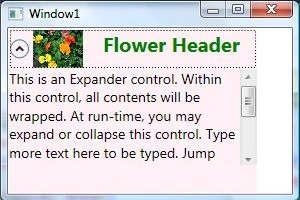
The Expander class in C# represents a WPF Expander control. At design time, the <Expander> element of XAML is used to create an Expander control. The code examples in this tutorial demonstrate how to use an expander control in a WPF app.
XAML DatePicker
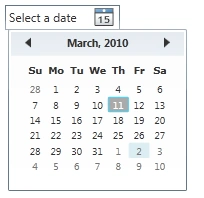
The XAML <DatePicker> element represents a DatePicker control in UI app. This article demonstrates how to use a DatePicker control in WPF app.
Future of WPF
What is the future of WPF? Watch the following video in which two Visual Studio program managers at Microsoft, Unni and Hari, talk about the future of WPF, XAML, Blend and much more.
XAML ComboBox
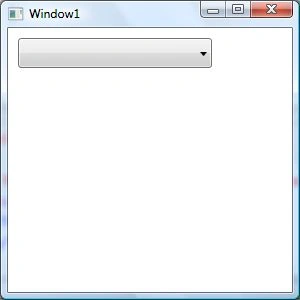
The <ComboBox> element in XAML represents a ComboBox. This article demonstrates how to create and use a ComboBox using XAML.
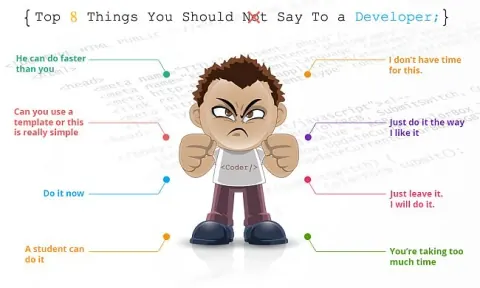
Top 8 Things You Should Not Say To a Developer
List of 8 things you probably should not say to a developer.
XAML CheckBox
The XAML <CheckBox> element represents a CheckBox control. Code example to create and use a CheckBox using XAML in a WPF app.
XAML Calendar
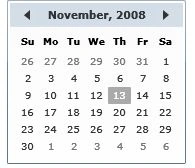
The XAML <Calendar> element represents a WPF calendar. XAML Calendar provides a calendar control to select a date or a date range from a month view. This tutorial with code examples details how to use a calendar control in WPF.
XAML Button
The Button class represents a button control of WPF in C#. Button control is created using the <Button> element in XAML at design-time. The code examples in this Button tutorials show how to create a button, add a click event handler to a button, and format a WPF button in C# and XAML.
XAML Border
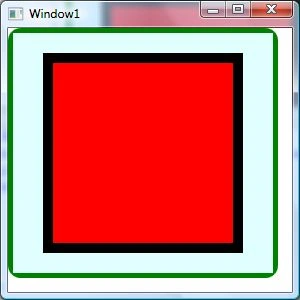
The XAML <Border> element represents a border in Windows app. Code example in this tutorial shows how to apply a border to WPF controls using XAML and C#.
Programming XAML
This book discusses the Extensible Application Markup Language (XAML) programming language used to create user interfaces for Windows.