Loading
Mahesh Chand's contributions

Dictionary in VB.NET
A Dictionary class represents a dictionary in C# that is used to represent a collection of keys and values pair of data. This article demonstrates how to use a dictionary in VB.NET.

LinkLabel In C#
A LinkLabel control is a label control that can display a hyperlink. A LinkLabel control is inherited from the Label class so it has all the functionality provided by the Windows Forms Label control. LinkLabel control does not participate in user input or capture mouse or keyboard events.
LinkLabel in VB.NET
A LinkLabel control is a label control that can display a hyperlink. A LinkLabel control is inherited from the Label class so it has all the functionality provided by the Windows Forms Label control. LinkLabel control does not participate in user input or capture mouse or keyboard events.
Label in VB.NET
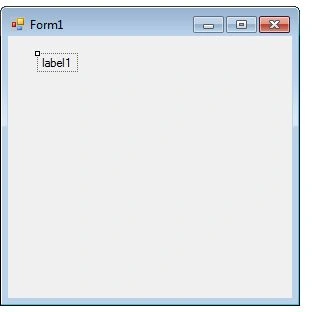
A Label control is used as a display medium for text on Forms. Label control does not participate in user input or capture mouse or keyboard events.
Label in C#
A Label control is used as a display medium for text on Forms. Label control does not participate in user input or capture mouse or keyboard events.
Horizontal ScrollBar in VB.NET
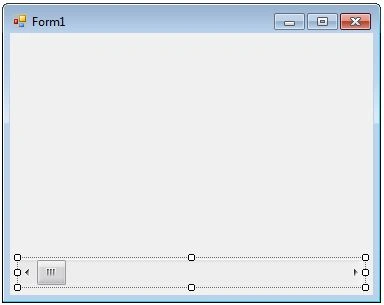
An HScrollBar control is a supporting control that is used to add horizontal scrolling capability to a control that does not have built-in scrolling such as a container control. You do not need this control for the controls that already have built-in scrolling.
Vertical ScrollBar in VB.NET
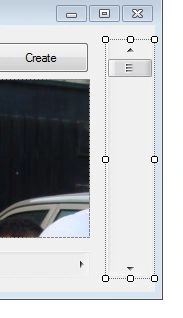
A VScrollBar control is a supporting control that is used to add vertical scrolling capability to a control that does not have built-in scrolling such as a container control. You do not need this control for the controls that already have built-in scrolling.
Horizontal ScrollBar In C#
An HScrollBar control is a supporting control that is used to add horizontal scrolling capability to a control that does not have built-in scrolling such as a container control. You do not need this control for the controls that already have built-in scrolling.
Vertical ScrollBar In C#
Learn how to create and configure a Windows Forms VScrollBar control, set its properties, and use its Scroll event to add vertical scrolling to other controls.

Visual Studio 2010 Ultimate added to PRIZES
I got 3 copies of Visual Studio 2010 Ultimate which we would like to give away to our top authors for next couple of months.
SaveFileDialog in VB.NET
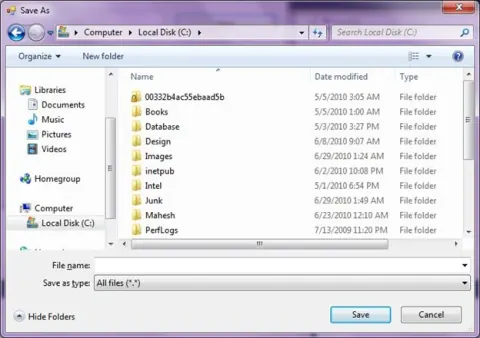
A SaveFileDialog control is used to save a file using Windows Save File Dialog.
SaveFileDialog In C#
Windows SaveFileDialog allows users to save a file. C# SaveFileDialog class represents a Save FileDialog control. In this code sample, you will learn how to use a SaveFileDialog in C# and Windows Forms.
GroupBox in VB.NET
A GroupBox control is a container control that is used to place Windows Forms child controls in a group. The purpose of a GroupBox is to define user interfaces where we can categories related controls in a group.
GroupBox In C#
A GroupBox control is a container control that is used to place Windows Forms child controls in a group. The purpose of a GroupBox is to define user interfaces where we can categories related controls in a group.
FontDialog In C#
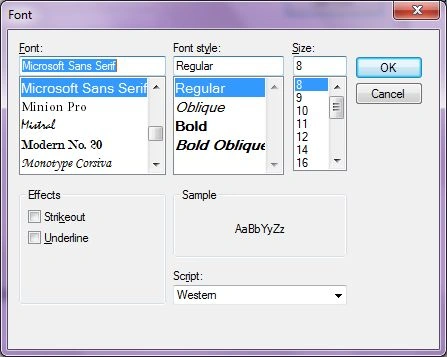
Learn how to use a C# FontDialog control to select and use a font in a Windows Forms app.
Font Dialog in VB.NET
A FontDialog control is used to select a font from available fonts installed on a system. This article demonstrates how to use a font dialog in a Windows Forms application.
FolderBrowserDialog in VB.NET
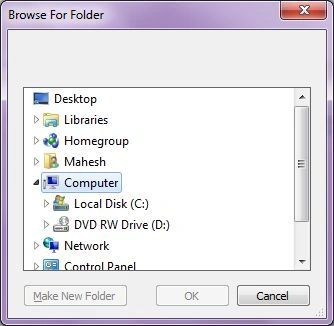
A FolderBrowserDialog control is used to browse and select a folder on a computer.
FlowLayoutPanel in VB.NET
The FlowLayoutPanel control is a container control that provides dynamically layout for the child controls that can be arranged horizontally or vertically. The flow direction of the control sets the direction of arrangements of controls.
FolderBrowserDialog In C#
Learn how to create and configure a FolderBrowserDialog in C# Windows Forms applications, including displaying the dialog, selecting folders, and using its key properties.
Working With Windows Forms FlowLayoutPanel
The FlowLayoutPanel control is a container control that provides dynamically layout for the child controls that can be arranged horizontally or vertically. The flow direction of the control sets the direction of arrangements of controls.

User Input Validations in Windows Forms using ErrorProvider in VB.NET
This article and attached project demonstrates how to use the ErrorProvider component in Windows Forms and VB.NET to implement user input validations.
NumericUpDown In C#
A NumericUpDown control allows users to provide a spin (up/down) interface to move through pre-defined numbers using up and down arrows. In this tutorial, we will see how to create a NumericUpDown control at design-time as well as at run-time.
DomainUpDown In C#
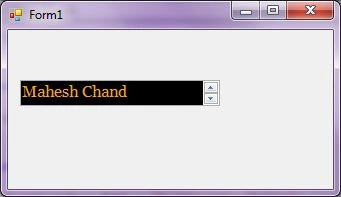
A DomainUpDown control allows users to provide a spin (up/down) interface to move through pre-defined strings using up and down arrows. In this tutorial, we will see how to create a DomainUpDown control and use it in a Windows Forms application.
DomainUpDown in VB.NET
A DomainUpDown control allows users to provide a spin (up/down) interface to move through pre-defined strings using up and down arrows. In this tutorial, we will see how to create a DomainUpDown control and use it in a Windows Forms application.