Loading
Mahesh Chand's contributions

C# String Formatting Explained With Practical Examples
Learn how to format strings in C# using String.Format and string interpolation. This guide covers format specifiers, alignment, numbers, dates, best practices, and real world examples.
Copy And Concatenate String In C#
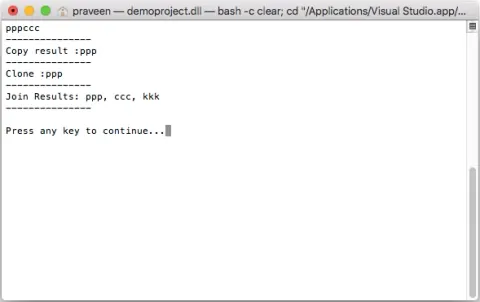
This code snippet shows how to copy and concatenate strings in C# and .net core. The Concat method adds strings (or objects) and returns a new string. Using Concat method, you can add two strings, two objects and one string and one object or more combination of these two.
Add, Remove, Replace String In C#
Code examples to add strings in C#, remove string in C#, and replace string in C#.
Uppercase and Lowercase Strings in C#
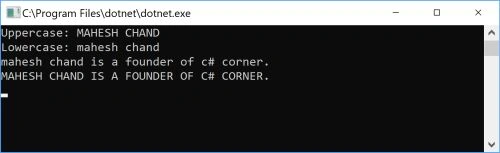
C# String has ToUpper() and ToLower() methods to convert a string to uppercase and lowercase. This sample code demonstrates how to convert a string into lowercase string or uppercase string in C#.
Good Programmers Should Focus on Design
To become a good programmer, you need to be more thank just a coder and design is one addition to your skills.
BackgroundWorker in VB.NET
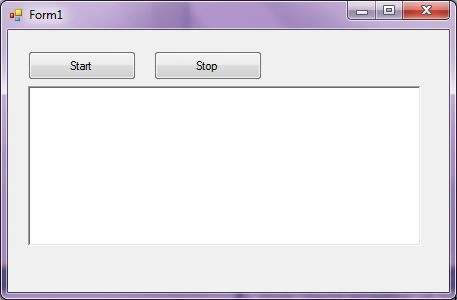
A BackgroundWorker component executes code in a separate dedicated secondary thread. In this article, I will demonstrate how to use the BackgroundWorker component to execute a time consuming process while main thread is still available to the user interface.

BackgroundWorker In C#
C# BackgroundWorker component executes code in a separate dedicated secondary thread. In this article, I will demonstrate how to use the BackgroundWorker component to execute a time consuming process while main thread is still available to the user interface.
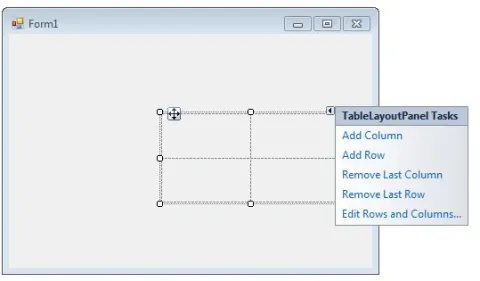
TableLayoutPanel In C#
In this article, we will demonstrate how to create and use a TableLayoutPanel control in a Windows Forms application.
TableLayoutPanel in VB.NET
In this article, I will demonstrate how to create and use a TableLayoutPanel control in a Windows Forms application.
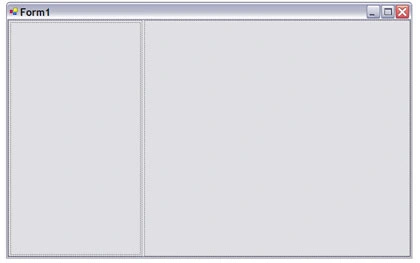
SplitContainer in VB.NET
SplitContainer control provides functionality of a splitter to divide and resize two controls. In this article, we will discuss how to create and use a SplitContainer control in a Windows Forms application.
SplitContainer In C#
The SplitContainer control provides the functionality of a splitter to divide and resize two controls. In this article, we will discuss how to create and use a SplitContainer control in a Windows Forms application.
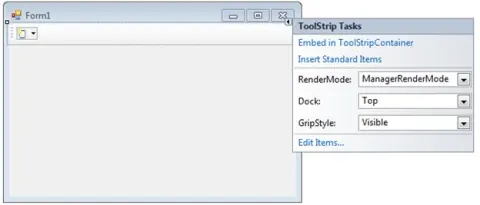
ToolStrip in VB.NET
In this article, I will discuss how to create and use a ToolStrip control and use its properties and methods using VB.NET.
Build ToolBars Using ToolStrip Control In C#
Learn how to create, style, and populate a Windows Forms ToolStrip in C#, including adding buttons, labels, separators, images, and click event handlers.
ProgressBar in VB.NET
A ProgressBar control is used to represent the progress of a lengthy operation that takes time where a user has to wait for the operation to be finished. In this article, we will see how to create a ProgressBar control in a Windows Forms application using Visual Studio 2010. We will also discuss properties and methods defined in the ProgressBar class.

Web Application Projects versus Web Site Projects in Visual Studio 2010
This is a quite confusing topic and here is a good post on this.
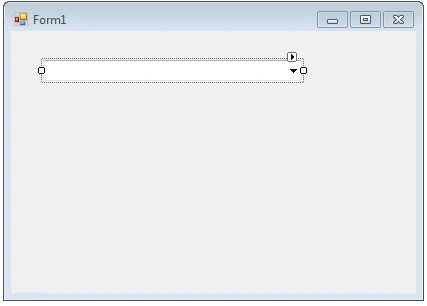
ComboBox in VB.NET
A ComboBox control is a combination of a TextBox and a ListBox control. Only one list item is displayed at one time in a ComboBox and other available items are loaded in a drop down list.
ComboBox In C#
C# ComboBox is a combination of a TextBox and a ListBox control. Only one list item is displayed at one time in a ComboBox and other available items are loaded in a drop down list. In this article, you'll learn how to implement and use a ComboBox in C# and Windows Forms.
40 billionaires pledge to give away half of wealth
This is just amazing and no other country can do that,

How to start or stop a Windows Service using C#
How to start, stop, pause or restart a windows service dynamically using C#.
How to find difference between two dates in VB.NET
To find the difference between two dates, we can use DateTime.Subtract method

Get Current Time Zone in VB.NET
This code snippet demonstrates how to get time difference between GMT and local time zone using TimeZone class in .NET.