Loading
Articles by Vijai Anand Ramalingam
- Silverlight
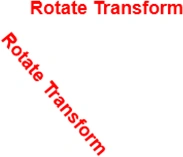
Silverlight Rotate Transform Example
In this article we will be seeing how to create Silverlight Rotate Transform using Visual studio 2010.
- Silverlight
Silverlight- Translate Transform Example
In this article we will be seeing how to create Silverlight Translate Transform using Visual studio 2010.
- Silverlight
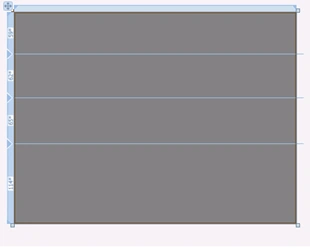
Silverlight Grid Layout Control Example
In this article we will be seeing how to create Silverlight Grid Layout using Visual studio 2010.
- Silverlight
Silverlight -StackPanel Layout Control Example
In this article we will be seeing how to create Silverlight StackPanel Layout using Visual studio 2010.
- Silverlight
Silverlight - Canvas Layout Example
In this article we will be seeing how to create Silverlight Canvas Layout using Visual studio 2010.
- Silverlight
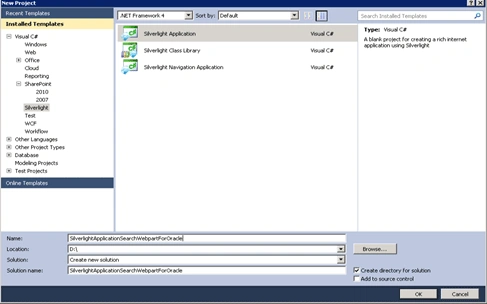
How to connect to Oracle database using WCF in Silverlight
In this article we will be seeing how to connect to the Oracle database using WCF in Silverlight and will perform a search to retrieve the data from the database, display them in the Silverlight data grid using Visual Studio 2010.
- Silverlight
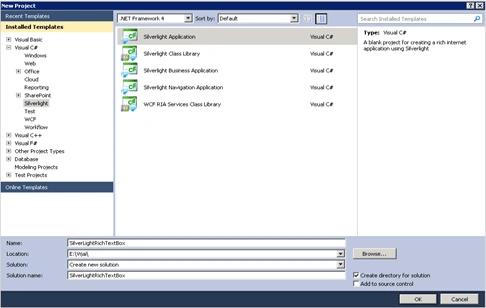
How to create Silverlight Rich Text Box using Visual Studio 2010
In this article we will be seeing how to create Silverlight Rich Text Box using Visual studio 2010.
- SharePoint
How to Publish a Content Type in SharePoint
In this article, we will learn how to effectively publish content types in SharePoint 2010 for streamlined content management. Explore step-by-step guides and best practices for maximizing your SharePoint publishing capabilities.
- SharePoint
How to connect to a Service Application on a remote form in SharePoint 2010
In this article we will be seeing how to connect to a Service Application on a remote form in SharePoint 2010.
- SharePoint
How to publish a Service Application in SharePoint 2010
In this article we will be seeing how to publish a Service Application in SharePoint 2010.
- Visual Studio
How to enable "Create GUID" option in Visual Studio 2010
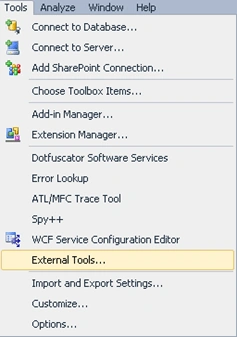
In this article we will be seeing how to enable the external tool Create GUID in Visual Studio 2010.
- SharePoint
How to create Managed Metadata column in SharePoint 2010
In this article we are going to see how to create Managed Metadata column in a SharePoint 2010 list.
- SharePoint
How to Create/Update/Delete SharePoint 2010 list items using Client Object Model
This tutorial covers essential concepts, including setting up the ClientContext, performing CRUD operations with JavaScript, and handling permissions and errors. Enhance your SharePoint development skills with practical examples and best practices.
- SharePoint
How to Exchange trust certificates between farms in SharePoint 2010
Learn how to export, copy, and import root and STS trust certificates to establish trust between SharePoint 2010 publishing and consuming farms.
- SharePoint
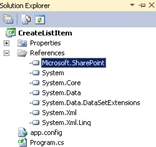
How to resolve "The type or namespace name 'SharePoint' does not exist in the namespace 'Microsoft'
In this article we are going to see how to resolve The type or namespace name 'SharePoint' does not exist in the namespace 'Microsoft' (are you missing an assembly reference?) For console application in Visual Studio 2010.
- SharePoint
How to create External Data Column in SharePoint 2010
In this article we will be seeing how to create external data column in SharePoint 2010.
- SharePoint
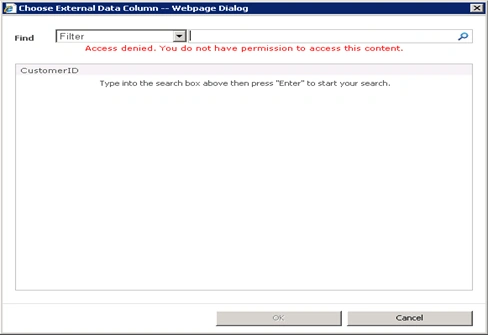
How to resolve "Access denied. You do not have permission to access this content” in SharePoint 2010
In this article we will be seeing how to resolve Access denied. You do not have permission to access this content” in SharePoint 2010 external data picker when you are trying to access the external data.
- SharePoint
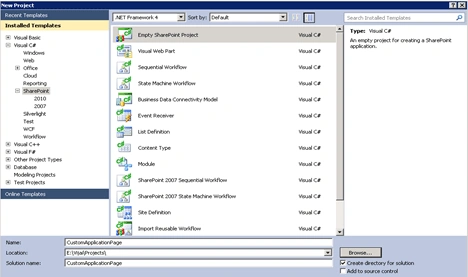
How to create custom SharePoint 2010 Application Page using Visual Studio 2010
In this article we are going to create a custom Application Page using visual studio 2010.
- SharePoint
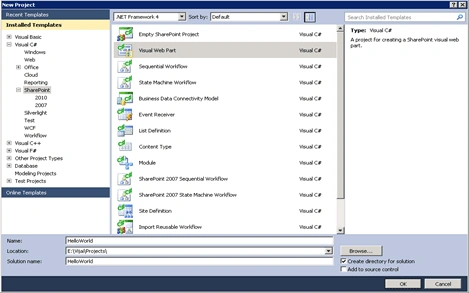
How to create SharePoint 2010 Visual web part using Visual Studio 2010
In this article we are going to create SharePoint 2010 Visual web part using visual studio 2010.
- SharePoint
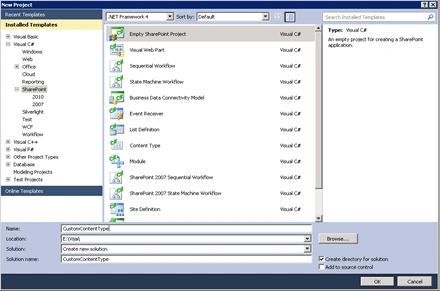
How to Create Custom SharePoint Content Type using Visual Studio
Create custom SharePoint 2010 Content Types in Visual Studio 2010. Utilize Features and Elements.xml for customization. Define ContentType attributes like ID, Name, Group, Description, and Version. Leverage FieldRefs for field associations.
- SharePoint
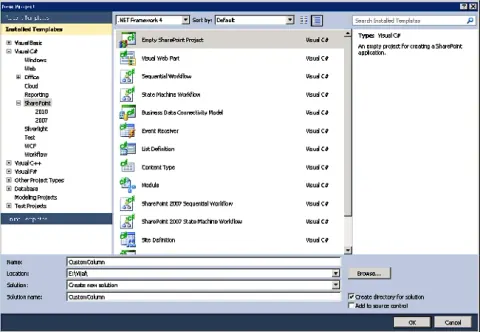
How to create Custom SharePoint 2010 List Column using Visual Studio 2010
In this article we are going to create custom column using visual studio 2010.
- SharePoint
How to connect to the Oracle database using Business Connectivity Services (BCS) in SharePoint 2010
Business Connectivity Services (BCS) is a new service introduced with SharePoint 2010 to allow SharePoint sites to connect to and manipulate external data.
- SharePoint
How to activate the Taxonomy feature in SharePoint 2010
In this article we will be seeing how to resolve “The Taxonomy feature (Feature ID 73EF14B1-13A9-416b-A9B5-ECECA2B0604C) has not been activated” error.
- SharePoint
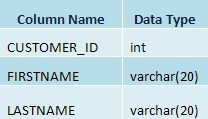
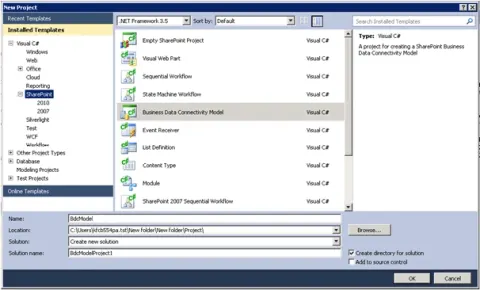
Creating External content type with CRUD operations using Business Data Connectivity Model in SharePoint 2010
In this article, we are going to create a model for the BDC service that returns information from a SQL database.
- SharePoint
How to redirect to a Custom Page for Event Receiver in SharePoint 2010
This article shows how to redirect to a Custom Page for Event Receiver in SharePoint 2010