Loading
Articles by Vijai Anand Ramalingam
- SharePoint
PnP Combo Box List Item Picker In SharePoint Framework
Explore PnP React Controls for SharePoint Framework, including the Combo Box List Item Picker. Learn how to set up, implement, and deploy this control to select items from a list, enabling efficient development of web parts and extensions in SharePoint.
- SharePoint
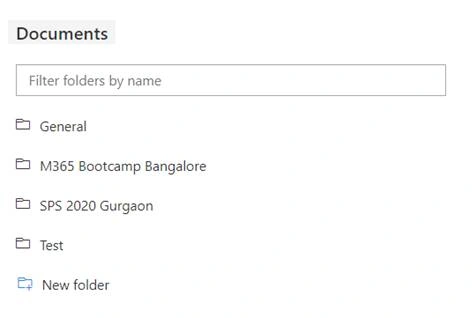
PnP Folder Explorer Control In SharePoint Framework
In this article, you will see how to use PnP Folder Explorer control in SharePoint Framework.
- Microsoft Teams
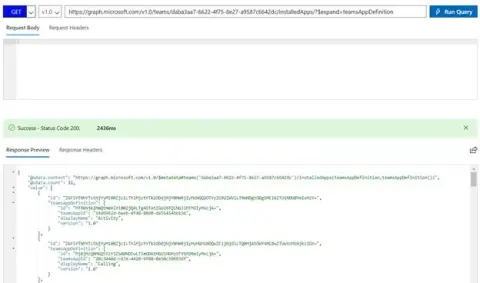
Retrieve The List Of Apps Installed In The Specified Team Using Microsoft Teams Graph API In PowerShell
In this article, you will see how to retrieve the list of apps installed in the specified team using Microsoft Teams Graph API in PowerShell.
- Microsoft Teams
How To Access Microsoft Teams Graph API In PowerShell
In this article, you will see how to access Microsoft Teams Graph API in PowerShell.
- Microsoft Teams
How To Access Microsoft Teams Graph API In Power Automate
Learn how to automate Microsoft Teams lifecycle with Graph API, including creating teams, channels, and adding members. This guide covers registering an application in Azure, setting permissions, and creating a flow in Power Automate to access and retrieve all teams using Graph API.
- Azure
How to Start a PowerShell Runbook by Webhook in Azure Automation Using Power Automate
In this article, you will see how to start a PowerShell runbook using a webhook in Azure Automation using Power Automate.
- Azure
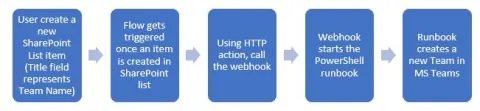
How to Create a Team in Microsoft Teams Using Powershell in Azure Automation
In this article, you will see how to create a team in Microsoft Teams using PowerShell in Azure Automation.
- Bot Framework
How To Add Action To A Bot Using Microsoft Power Automate
In this article, you will see how to add action to a bot (created using Power Virtual Agents) using Power Automate.
- SharePoint
How To Create A Site Design And Site Script For SharePoint Online Modern Team Site
In this article, you will learn how to create a site design and site script for SharePoint Online Modern Team site.
- SharePoint
How To Create An App Page Using SharePoint Framework In SharePoint Online Modern Site
This article guides you through creating an app page using SPFx in SharePoint Online Modern Site. An app page allows pre-configured application content without user authoring. You'll learn to set up your development environment, build and bundle your solution, upload it to the SharePoint app catalog, and create the app page.
- SharePoint
How To Create List From Excel In SharePoint Online Modern Site
In this article, you will learn how to create a list from Excel in SharePoint Online modern site.
- Power Automate
Generate A Description Of An Image Using Cognitive Service And Microsoft Flow
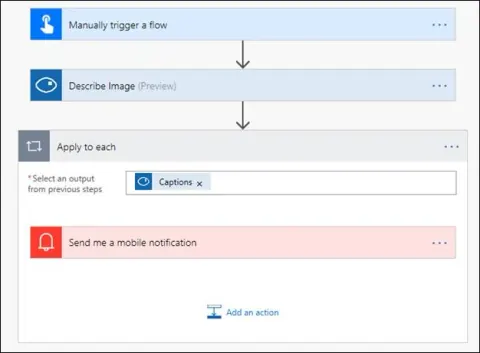
In this article, you will see how to generate a description of an image using Cognitive Service and Microsoft Flow.
- Power Automate
Download Knowledgebase Details Using Cognitive Service And Microsoft Flow
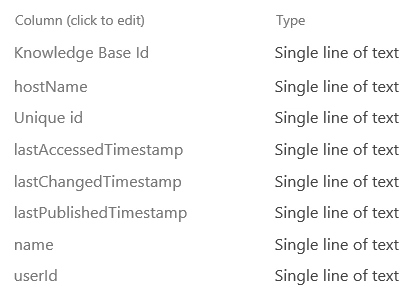
In this article, you will see how to download knowledgebase details using Cognitive Service and Microsoft Flow.
- Power Automate
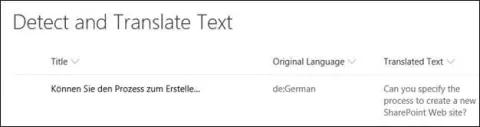
Detect Language And Translate Text Using Microsoft Translator And Microsoft Flow
In this article, you will see how to detect language and translate text using Microsoft Translator Service and Microsoft Flow. I have created a simple SharePoint list, which contains Title, Original Language and Translated Text fields as shown below.
- Power Automate
Record Microsoft Form Respons In SharePoint Using Microsoft Flow
This article explains how to record responses from Microsoft Forms in SharePoint using Microsoft Flow. It covers creating a flow, connecting Microsoft Forms and SharePoint, capturing form responses, and storing them in a SharePoint list. A step-by-step guide helps you automate and streamline data collection.
- Microsoft 365
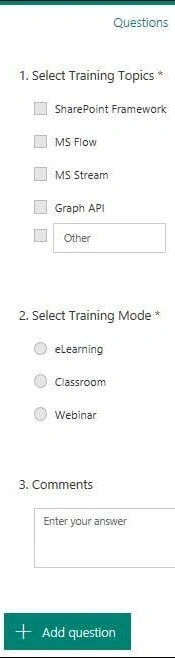
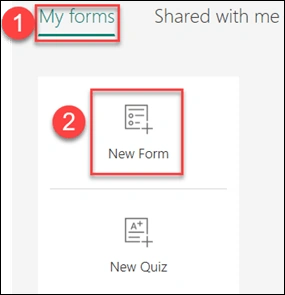
How To Create A Form Using Microsoft Forms
Create custom forms effortlessly with Microsoft Forms. Gather data, conduct surveys, and streamline feedback collection. Customize questions, share forms easily, and analyze responses seamlessly within Microsoft 365.
- Power Automate
How To Extract Text From Image Using Cognitive Service And Microsoft Flow
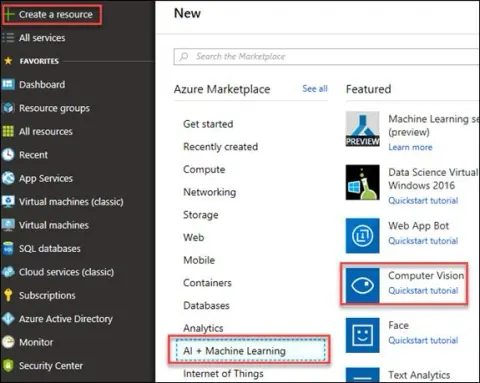
In this article, you will see how to extract text from image using Cognitive Service and Microsoft Flow. An image will be uploaded to SharePoint picture library that triggers the flow and using Computer Vision API (Uses the OCR operation to recognize and extract printed text from an image) connector text will be extracted from the image.
- Power Automate
Copy Files From SharePoint To An Azure Blob Storage Using Microsoft Flow
In this article, you will see how to copy files from SharePoint to an Azure blob storage using Microsoft Flow. Whenever a file added to a SharePoint document library folder, flow copies the file to an Azure blob storage.
- Azure
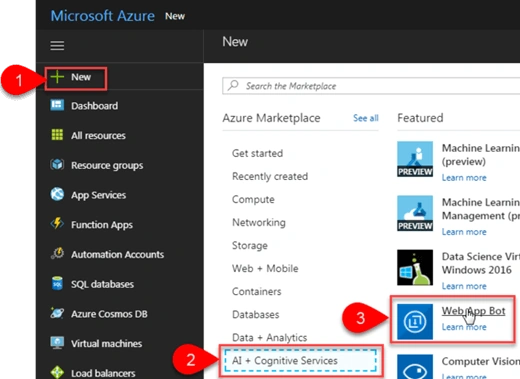
How To Create A Basic Bot Using Bot Service In Azure Portal
Bot Service allows you to create, connect, test, deploy and manage bots from your browser. It also provides the Bot Builder SDK for developing bots and the Bot Framework for connecting bots to channels. You can use five default available bot templates to get started with building bots.
- SharePoint
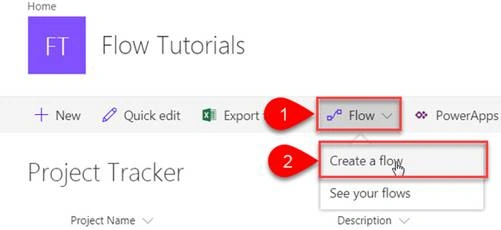
How To Create A Simple Approval Flow For SharePoint List From Built-In Template
Microsoft Flow is a service that helps you create automated workflows between your favorite apps and services to synchronize files, get notifications, collect data, and more.
- Azure
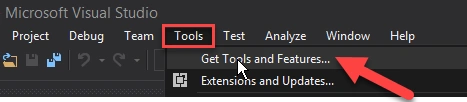
How To Create An Azure Function App Using Visual Studio 2017
In this article, we will learn how to create an Azure Functions App using Visual Studio 2017.
- Azure
How To Call Azure Function In Logic Apps
Azure Functions is used for executing a small piece of code or “function” in the cloud and you pay only for the time your code executes.
- Azure
How To Create Azure Function App To Delete SharePoint Online List Using CSOM
Azure Functions are used for executing a small piece of code or “functions” in a cloud and you will pay only for the time your code executes. You can use development language of choice such as C#, F#, PHP, Java etc. Some of the key features of Functions are Choice of language, Pay-per-use pricing model, bring your own dependencies, integrated security, simplified integration, flexible development, and open-source. Please refer Azure Functions for more details.
- Azure
How To Create A Simple Azure Function App Using C#
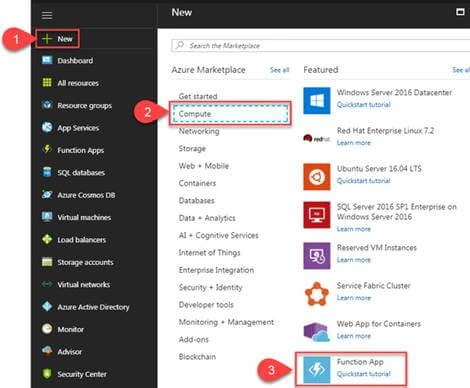
Azure Functions are used for executing a small piece of code or “functions” in a cloud and you will pay only for the time your code executes. You can use development language of your choice such as C#, F#, PHP, Java etc. Some of the key features of Functions are Choice of language, Pay-per-use pricing model, bring your own dependencies, integrated security, simplified integration, flexible development, and open-source. Please refer to Azure Functions for more details. In this article you will see how to create a simple Azure Function using C# that will run whenever an HTTP request is received.
- Azure
How To Create Logic App From Template In Azure
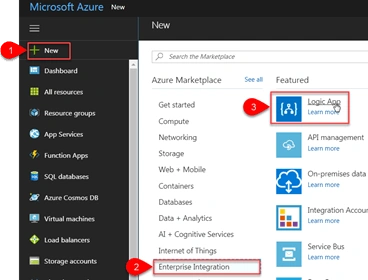
Create an Azure Logic App from the Save tweets to a SharePoint list template, then configure Twitter and SharePoint Online connections to add matching tweets to a list.