Loading
Articles by Vijai Anand Ramalingam
- Azure
How To Create A Blank Logic App In Azure
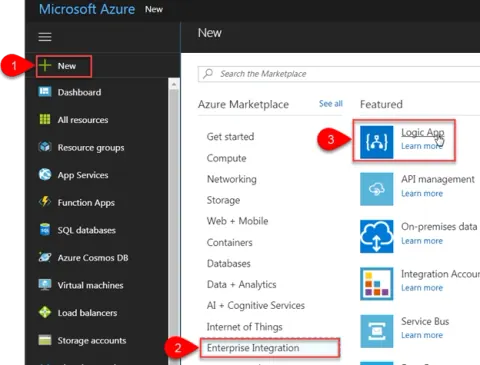
Azure Logic Apps is a fully managed integration platform as a service which provides a way to automate the workflows and business processes. You could easily integrate across different services in the cloud and on-premise through connectors. In this article you will see how to create a blank logic app which will send an email to a Gmail account when a new tweet is posted with the text “SharePoint” or #SharePoint.
- Azure
How To Create A SQL Database In Azure
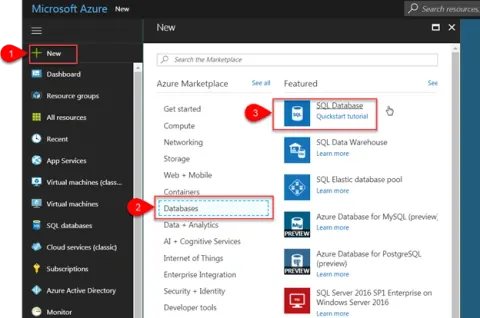
In this article you will see how to create an Azure SQL Database in the Azure portal. Azure SQL Database is a relational database-as-a-service which provides high performance, reliable and secure database used to build data-driven applications and websites.
- Power Apps
How To Use Timer Control In PowerApps
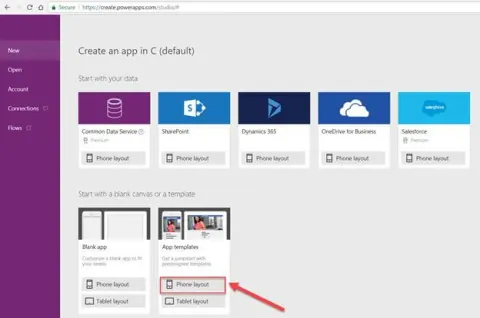
In this article, you will see how to create an app from a template and use Timer Control in PowerApps. Refer to getting started with PowerApps and Flow for more details. I am going to create an app using ”Employee Engagement Survey” template and set 30 second durations using timer control for each question.
- Power Apps
How To Create Multi-Screen Request Form App For SharePoint Online List Using PowerApps
In this article you will see how to create multi-screen request form app for SharePoint Online list using PowerApps. Refer to getting started with PowerApps and Flow for more details. Refer to my previous article to create a simple approval app using PowerApps and Flow in SharePoint Online.
- Power Apps
How To Create A Simple Approval App Using PowerApps And Flow In SharePoint Online
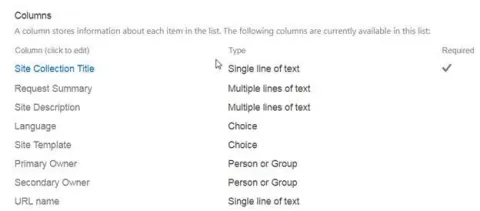
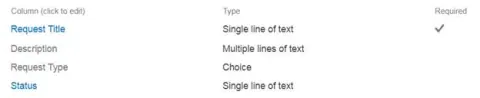
In this article, you will see how to create a simple approval app using PowerApps and Flow in SharePoint Online. Refer getting started with PowerApps and Flow for more details. I have created a custom list in SharePoint online named Change Request which contains the following columns.
- SharePoint
How To Change A List Or Library Experience In SharePoint 2013 Online
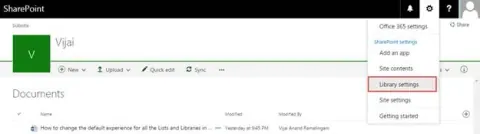
In this article, you will learn how to change a list or library experience in SharePoint 2013 Online.
- SharePoint
How To Change The Default Experience For All The Lists And Libraries In SharePoint 2013 Online
In this article, you will learn how to change the default experience of all the lists and libraries in SharePoint 2013 Online.
- Azure
How To Configure The Scheduled WebJob In The Azure Scheduler Page
In this article, you will learn how to configure the scheduled WebJob in the Azure Scheduler page.
- SharePoint
How To Create A Scheduled Webjob For SharePoint 2013 Online Using Classic Azure Portal
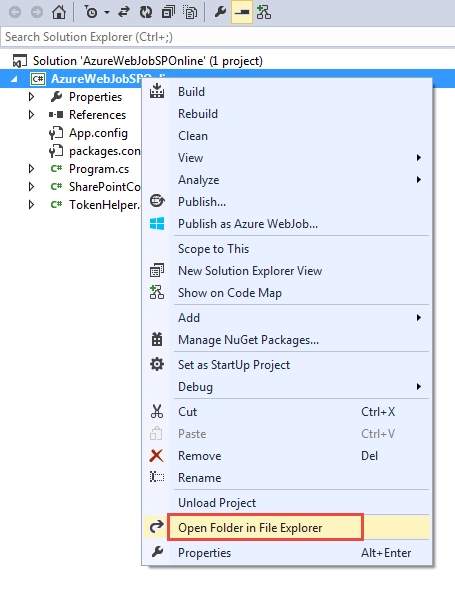
Learn to set up scheduled WebJobs for SharePoint 2013 Online using the Azure Classic Portal. Utilize Azure WebJobs SDK, .NET, and TimerTrigger for automated tasks. Deploy via Visual Studio, manage with PowerShell, and integrate with Azure Storage effortlessly.
- Azure
How to Create Azure WebJob For SharePoint Online
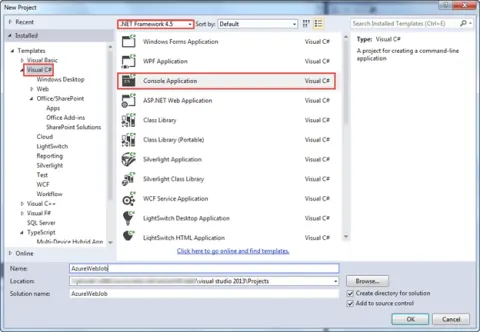
In this article, you will learn how to automate tasks in SharePoint 2013 Online using Azure WebJobs. Integrate Azure cloud computing for scheduled tasks and streamline processes with SharePoint development.
- SharePoint
How To Create A List Using HTTP Web Service In SharePoint Designer 2013 Workflow
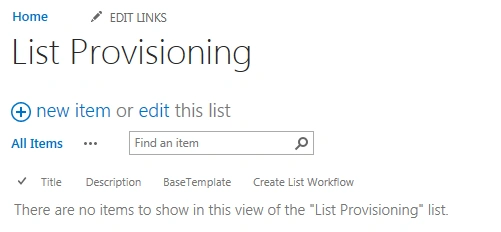
In this article, you will learn how to create a list, using HTTP Web Service in SharePoint Designer 2013 Workflow.
- SharePoint
How To Get All The Lists Using HTTP Web Service In SharePoint Designer 2013 Workflow
In this article, you will learn how to get all the lists using HTTP Web Service in SharePoint Designer 2013 Workflow.
- SharePoint
Connect To SharePoint 2013 Online Using CSOM With Console Application
In this article you will learn how to connect to SharePoint 2013 Online using CSOM with Console Application.
- SharePoint
Color-Coding Calendar Events Based On Category In SharePoint 2013
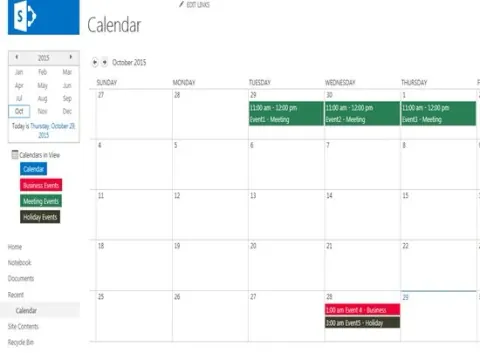
In this article you will see color-coding calendar events based on Category in SharePoint 2013.
- SharePoint
Navigate To Different URL On View Or Form Button Click Using K2 Designer in SharePoint 2013 Online
In this article you will see how to navigate to different URL on View or form button click using K2 Designer in SharePoint 2013 Online.
- SharePoint
Create ListView Using K2 Designer In SharePoint 2013 Online
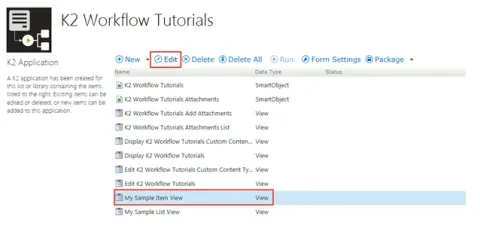
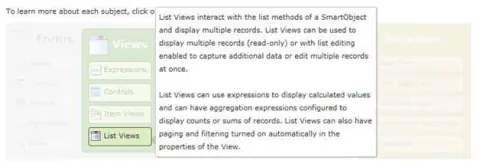
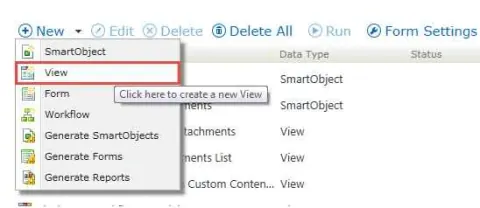
In this article you will see how to create list view using K2 Designer in SharePoint 2013 online.
- SharePoint
Create Custom Validation Patterns For Controls In Item View Using K2 Designer In SharePoint 2013 Online
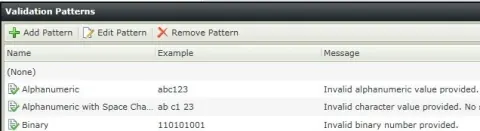
In this article you will see how to create custom validation patterns for controls in Item View using K2 Designer.
- SharePoint
Apply Validation Patterns For Controls In Item View Using K2 Designer In SharePoint 2013 Online
In this article you will learn how to apply Validation Patterns for Controls in Item View using K2 Designer in SharePoint 2013 Online.
- SharePoint
Create Item View Using K2 Designer In SharePoint Online
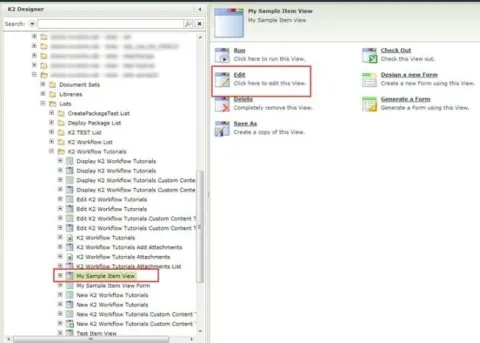
Learn to craft dynamic item views in SharePoint 2013 Online using K2 Designer. Enhance data presentation, customize forms, and integrate workflows for efficient business processes. Unlock the power of SharePoint with seamless UI design and workflow automation.
- SharePoint
Move List Item using K2 Workflow in SharePoint 2013 Online
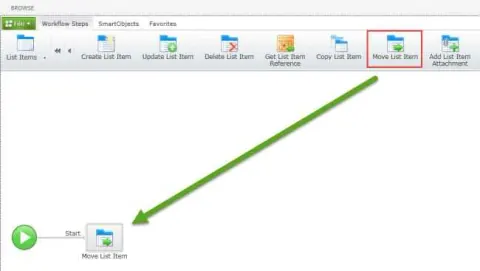
Learn how to configure and deploy a K2 workflow in SharePoint 2013 Online to move an item from one custom list to another.
- SharePoint
Create List Item Using K2 Workflow in SharePoint 2013 Online
In this article you will see how to create a list item using K2 Workflow in SharePoint 2013 Online.
- SharePoint
Copy List Item Using K2 Workflow in SharePoint 2013 Online
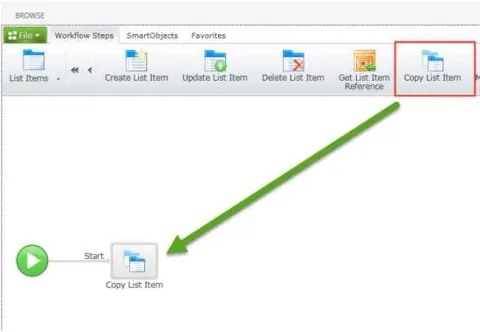
In this article you will see how to copy list items using K2 Workflow in SharePoint 2013 Online.
- SharePoint
Create a K2 Workflow in SharePoint 2013 Online
In this article you will see how to create a K2 workflow in SharePoint 2013 Online.
- SharePoint
Date Validation using Nintex Forms 2013 Validation Rules in SharePoint 2013 Online
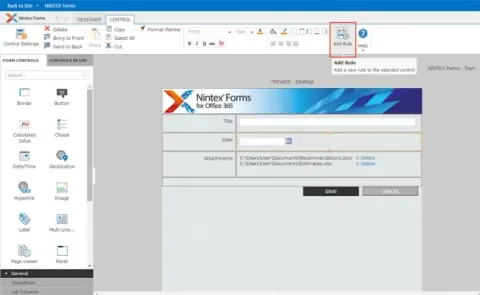
In this article you will see how to add date validation using NINTEX Forms 2013 validation rules.
- SharePoint
Publish a Content Type in SharePoint 2013 Online
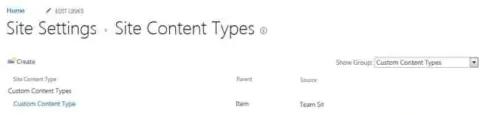
In this article you will see how to publish a content type in SharePoint 2013 Online.