Loading
Blogs by Vijai Anand Ramalingam

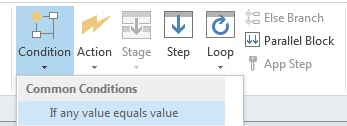
SharePoint Designer 2013: If any Value Equals Value Condition
In this blog you will see how to use “If any value equals value“ condition in SharePoint Designer 2013.
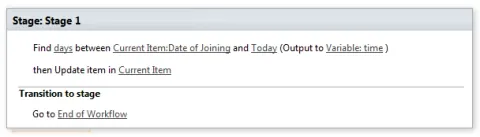
SharePoint Designer 2013: Find Interval Between Dates Action
In this blog you will see how to use “Find Interval Between Dates" action in SharePoint Designer 2013.
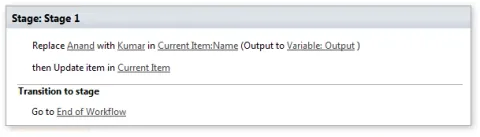
SharePoint Designer 2013: Replace Substring in String Action
In this blog you will see how to use “Replace Substring in String" action in SharePoint Designer 2013.
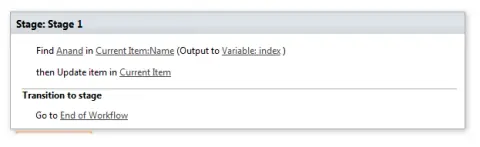
SharePoint Designer 2013: Find Substring in String Action
In this blog you will see how to use “Find Substring in String" action in SharePoint Designer 2013.
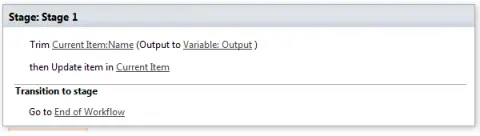
SharePoint Designer 2013: Trim String Action
In this blog you will learn how to Trim String Action in SharePoint Designer.
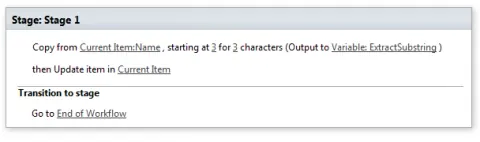
SharePoint Designer 2013: Extract Substring of String from Index with Length Action
In this blog you will see how to use “Extract Substring of String from Index with Length" action in SharePoint Designer 2013.
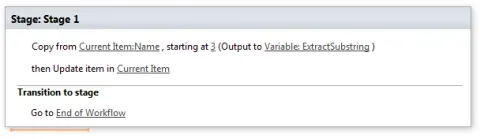
SharePoint Designer 2013: Extract Substring from Index of String Action
In this blog you will see how to use “Extract Substring from Index of String" action in SharePoint Designer 2013.
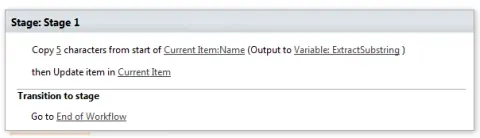
SharePoint Designer 2013: Extract Substring from Start of String Action
In this blog you will see how to use “Extract Substring from Start of String" action in SharePoint Designer 2013.
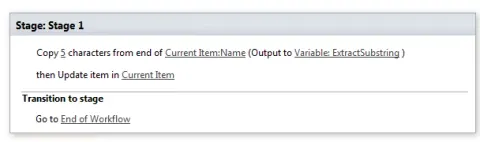
SharePoint Designer 2013: Extract Substring from End of String Action
In this blog you will see how to use “Extract Substring from End of String" action in SharePoint Designer 2013.
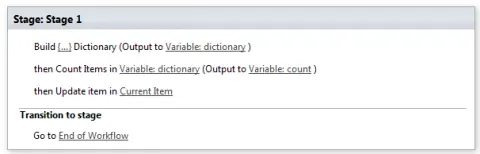
SharePoint Designer 2013: Count Items in a Dictionary Action
In this blog you will see how to use "Count Items in a Dictionary" action in SharePoint Designer 2013.
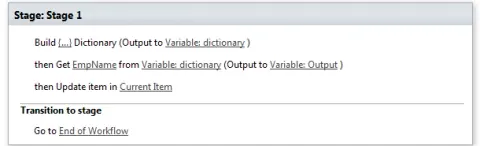
SharePoint Designer 2013: Get an Item from a Dictionary Action
In this blog you will see how to use get an item from a Dictionary" action in SharePoint Designer 2013.
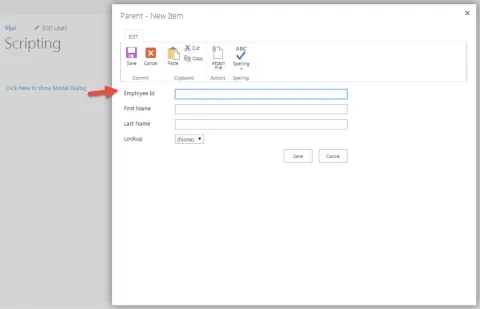
Show Modal Dialog in SharePoint 2013 Online
In this blog you will see how to open the page or list forms as modal dialog in SharePoint 2013 Online.
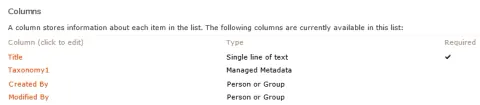
How to add a taxonomy field control in a custom page
In this blog you will see how to add a taxonomy field control in a custom SharePoint page.

Office 365: How to get the recipients in a read form in Outlook Web App
In this blog you will see how to get the recipients in a read form in Outlook Web App.
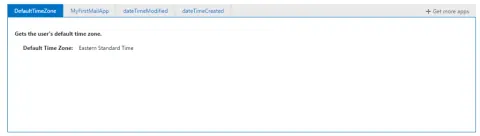
Office 365: How to get the user’s default time zone in Outlook Web App
In this blog you will see how to get the user’s default time zone in Outlook Web App.
Office 365: How to get the user’s display name and email address in Outlook Web App
In this blog you will see how to get the user’s display name and email address in Outlook Web App.
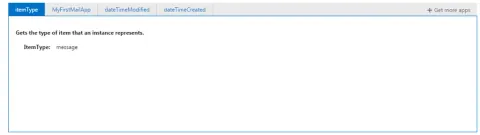
Office 365: How to get the item type in Outlook Web App
In this blog you will see how to get the item type in Outlook Web App.
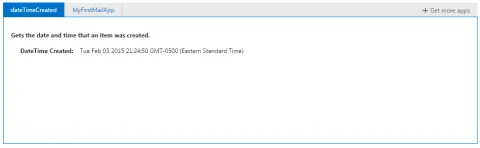
Office 365: How to get the created date and time of an item in Outlook Web App
In this blog you will see how to get the created date and time of an item in Outlook Web App.
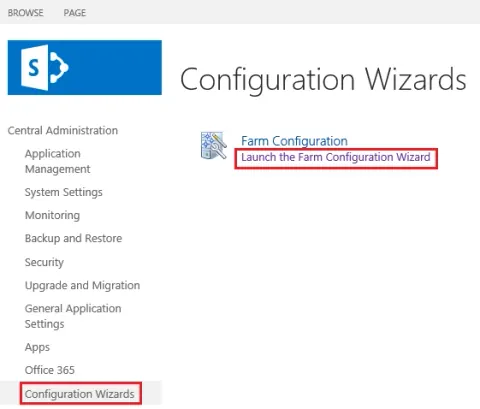
Configure SharePoint 2013 Services using Configuration Wizard
In this blog you will see how to configure SharePoint 2013 services using Configuration Wizard in the Central Administration.
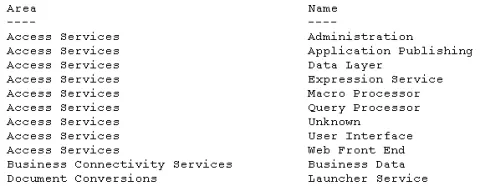
How to Get the SharePoint Log Levels using Powershell
In this blog you will see how to get the SharePoint diagnostic log levels using PowerShell.
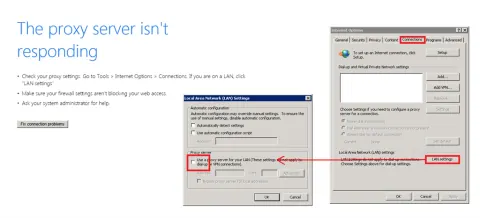
The Proxy Server is not Responding: while accessing SharePoint Central Administration
In this blog you will see how to resolve “The proxy server isn't responding” while accessing SharePoint Central Administration.
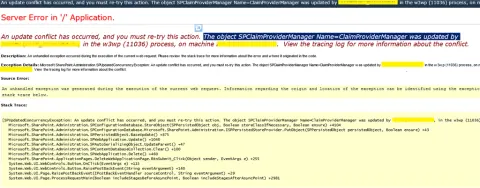
"An update conflict has occurred, and you must re-try this action." error in SharePoint 2010
In this blog you will see how to resolve “An update conflict has occurred, and you must re-try this action. The object SPClaimProviderManager Name=ClaimProviderManager was updated by , in the w3wp (11036) process, on machine . View the tracing log for more information about the conflict.” error in SharePoint 2010.
“Cannot connect to the configuration database” in SharePoint 2010
In this blog you will see how to resolve “Cannot connect to the configuration database” error in SharePoint 2010.
Enable Minimal Download Strategy using PowerShell Script in SharePoint 2013
In this blog you will see how to enable Minimal Download Strategy for a site using PowerShell Script.
Upgrade Managed Metadata Service Application to SharePoint 2013
In this blog you will see how to upgrade Managed Metadata Service Application to SharePoint 2013 using PowerShell.