Loading
Vijai Anand Ramalingam's contributions
- Blog · Azure
How To Manage Firewall Rules For Azure SQL Server Using PowerShell
In this blog, you will see how to manage firewall rules for SQL server using PowerShell.
- Blog · Azure
How To Query The SQL Database In The Azure Portal
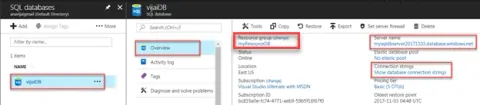
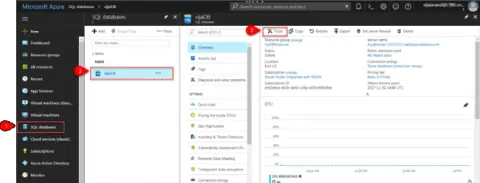
In this blog, you will see how to query the SQL Database in the Azure portal.
- Article · Azure
How To Create Logic App From Template In Azure
Create an Azure Logic App from the Save tweets to a SharePoint list template, then configure Twitter and SharePoint Online connections to add matching tweets to a list.
- Article · Azure
How To Create A Blank Logic App In Azure
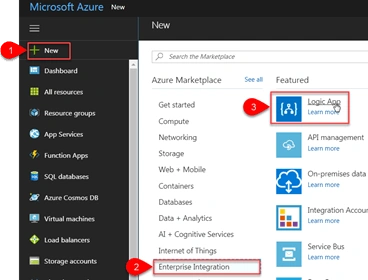
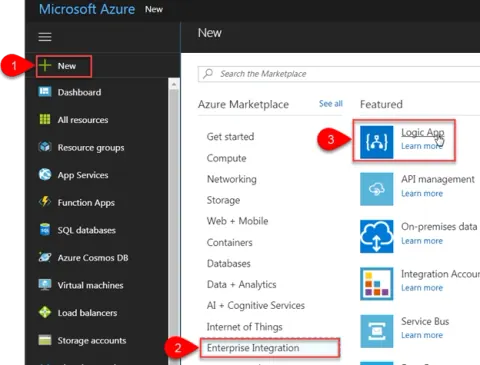
Azure Logic Apps is a fully managed integration platform as a service which provides a way to automate the workflows and business processes. You could easily integrate across different services in the cloud and on-premise through connectors. In this article you will see how to create a blank logic app which will send an email to a Gmail account when a new tweet is posted with the text “SharePoint” or #SharePoint.
- Article · Azure
How To Create A SQL Database In Azure
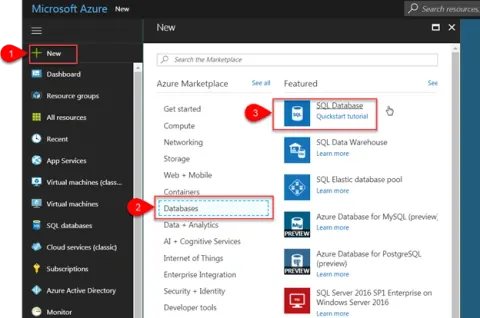
In this article you will see how to create an Azure SQL Database in the Azure portal. Azure SQL Database is a relational database-as-a-service which provides high performance, reliable and secure database used to build data-driven applications and websites.
- Blog · Power Apps
PowerApps - How To Create A Weather App
In this blog, you will see how to create a Weather App using PowerApps.
- Blog · Power Apps
PowerApps - How To Post To Facebook Timeline
In this blog, you will see how to post to the Facebook timeline using PowerApps.
- Blog · Power Apps
PowerApps - How To Check Whether The Current Form Is EditForm Or NewForm
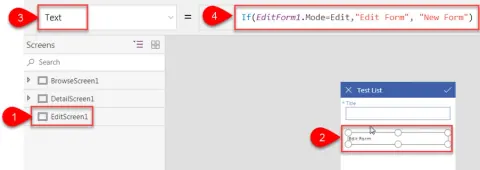
In this blog, you will see how to check whether the current form is EditForm or NewForm.
- Article · Power Apps
How To Use Timer Control In PowerApps
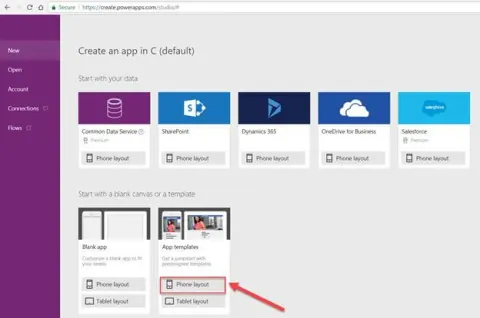
In this article, you will see how to create an app from a template and use Timer Control in PowerApps. Refer to getting started with PowerApps and Flow for more details. I am going to create an app using ”Employee Engagement Survey” template and set 30 second durations using timer control for each question.
- Article · Power Apps
How To Create Multi-Screen Request Form App For SharePoint Online List Using PowerApps
In this article you will see how to create multi-screen request form app for SharePoint Online list using PowerApps. Refer to getting started with PowerApps and Flow for more details. Refer to my previous article to create a simple approval app using PowerApps and Flow in SharePoint Online.
- Article · Power Apps
How To Create A Simple Approval App Using PowerApps And Flow In SharePoint Online
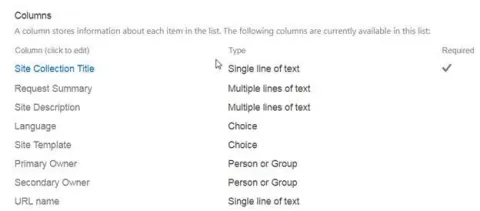
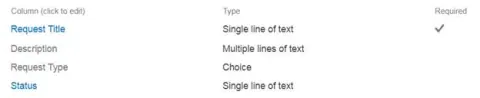
In this article, you will see how to create a simple approval app using PowerApps and Flow in SharePoint Online. Refer getting started with PowerApps and Flow for more details. I have created a custom list in SharePoint online named Change Request which contains the following columns.
- Blog · Power Apps
PowerApps - How To Save And Publish An App In SharePoint Online List
In this blog you will see how to save and publish an app in SharePoint Online list.
- Blog · Power Apps
PowerApps - How To Navigate Between Screens In An App
In this blog, you will learn how to navigate between screens in an app.
- Blog · Power Apps
PowerApps - How To Get Current Logged In User Details In An App
In this blog, you will see how to get current logged in user details in an app.
- Blog · Power Apps
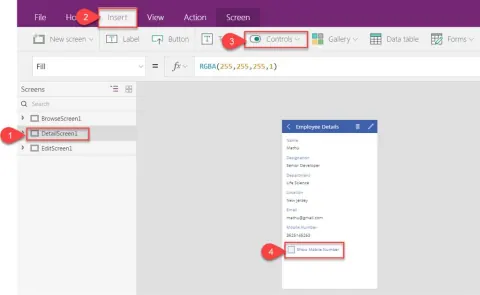
PowerApps - How To Hide And Show A Card Based On A Certain Condition In The App
In this blog, you will see how to hide and show a card based on a certain condition in the app.
- Blog · Power Apps
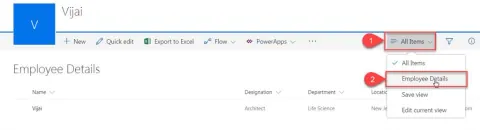
PowerApps - How To Manage An App In SharePoint Online List
In this blog, you will see how to manage an app in SharePoint Online list.
- Blog · SharePoint
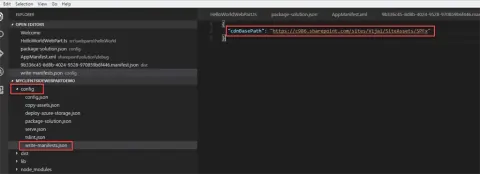
How To Package And Deploy Client-Side Web Part To A SharePoint Document Library
In this blog you will see how to package and deploy client-side web part to a SharePoint document library.
- Blog · SharePoint
How To Enable Office 365 Public CDN In Your Tenant
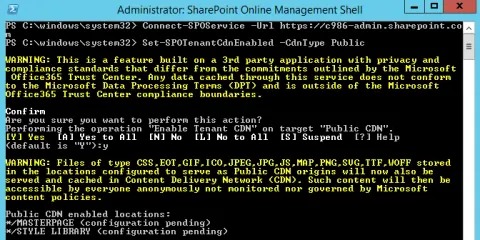
In this blog, you will see how to enable Office 365 Public CDN in your Tenant.
- Blog · SharePoint
How To Create Your First SharePoint Client-Side Webpart
In this blog you will see how to create your first SharePoint client-side webpart.
- Blog · SharePoint
How To Set Up Development Environment For SharePoint Framework
In this blog, you will see how to set up a development environment for SharePoint Framework.
- Blog · SharePoint
How To Connect Your Client-side Web Part To Access SharePoint Page Context
In this blog, you will see how to connect your client-side Web part to access SharePoint page context.
- Blog · SharePoint
SharePoint PnP PowerShell - How To Add And Set Master Page In SharePoint Online Using Powershell
In this blog, you will see how to create, add, and set master page in SharePoint Online, using PowerShell.
- Blog · SharePoint
SharePoint PnP PowerShell - How To Upload Files In SharePoint Online Using PowerShell
In this blog, you will see how to upload files in SharePoint Online, using PowerShell.
- Blog · SharePoint
SharePoint PnP PowerShell - How To Create List In SharePoint Online Using PowerShell
In this blog, you will see how to create a list in SharePoint Online, using PowerShell.
- Blog · SharePoint
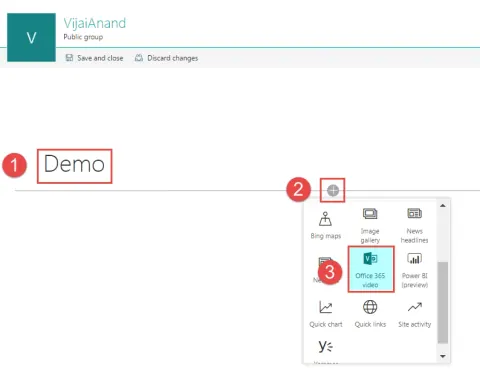
SharePoint Online Modern UI - Office 365 Video WebPart
In this blog, you will see about Office 365 video Webpart in SharePoint Online team site.