Loading
Vijai Anand Ramalingam's contributions
- Blog · SharePoint
How To Restore A Subsite From SharePoint Online Using PnP PowerShell
In this blog, you will see how to restore a subsite from SharePoint Online using PnP PowerShell.
- Blog · SharePoint
How To Get All The External Lists From SharePoint Online Site Using PnP PowerShell
In this blog, you will see how to get all the external lists from SharePoint Online site using PnP PowerShell.
- Blog · SharePoint
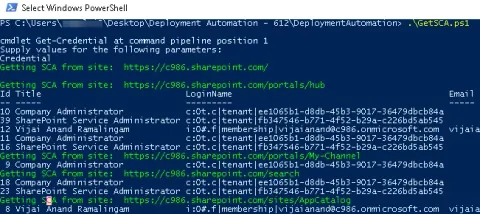
How To Get All Site Collection Administrators From SharePoint Online Site Collections Using PnP PowerShell
In this blog, you will see how to get all site collection administrators from SharePoint Online Site Collections using PnP PowerShell.
- Blog · SharePoint
How to set the list view scope in SharePoint Online using PnP PowerShell
In this blog, you will see how to set the list view scope in SharePoint Online using PnP PowerShell.
- Blog · SharePoint
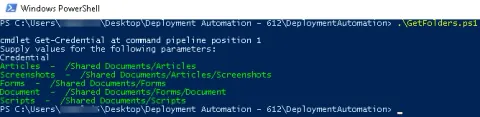
How To Get All The Folders And Subfolders From SharePoint Online Document Library Using PnP PowerShell
In this blog, you will see how to get all the folders and subfolders from SharePoint Online Document Library using PnP PowerShell.
- Blog · SharePoint
How To Add List View Webpart To SharePoint Online Webpart Page Using PnP PowerShell
In this blog, you will see how to add list view webpart to SharePoint Online webpart page using PnP PowerShell.
- Blog · SharePoint
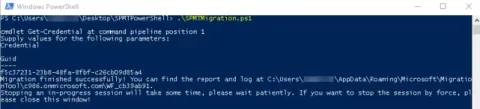
How To Migrate Files From Folder Share To SharePoint Online Using PowerShell
In this blog, you will see how to migrate files from Folder Share to SharePoint Online using PowerShell based on the SharePoint Migration Tool (SPMT) migration engine.
- Article · Azure
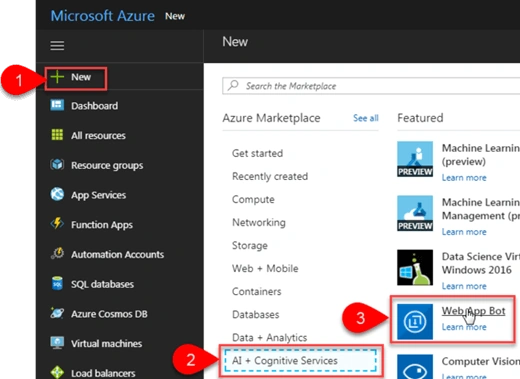
How To Create A Basic Bot Using Bot Service In Azure Portal
Bot Service allows you to create, connect, test, deploy and manage bots from your browser. It also provides the Bot Builder SDK for developing bots and the Bot Framework for connecting bots to channels. You can use five default available bot templates to get started with building bots.
- Article · SharePoint
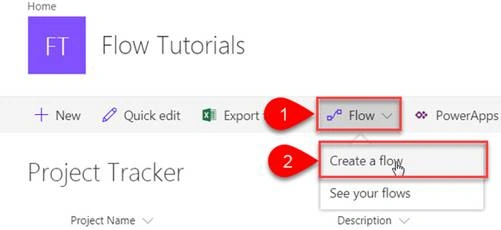
How To Create A Simple Approval Flow For SharePoint List From Built-In Template
Microsoft Flow is a service that helps you create automated workflows between your favorite apps and services to synchronize files, get notifications, collect data, and more.
- Blog · Azure
How To Create SharePoint Online Site Group Using Azure Function
In this blog, you will see how to create SharePoint Online site group using Azure Functions.
- Blog · Azure
How To Create A Custom SharePoint Online List Using Azure Function
In this blog, you will see how to create a custom SharePoint Online list using Azure Functions.
- Article · Azure
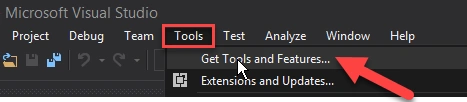
How To Create An Azure Function App Using Visual Studio 2017
In this article, we will learn how to create an Azure Functions App using Visual Studio 2017.
- Blog · Azure
How To Schedule An Azure Function
In this blog you will see how to schedule an Azure function.
- Article · Azure
How To Call Azure Function In Logic Apps
Azure Functions is used for executing a small piece of code or “function” in the cloud and you pay only for the time your code executes.
- Article · Azure
How To Create Azure Function App To Delete SharePoint Online List Using CSOM
Azure Functions are used for executing a small piece of code or “functions” in a cloud and you will pay only for the time your code executes. You can use development language of choice such as C#, F#, PHP, Java etc. Some of the key features of Functions are Choice of language, Pay-per-use pricing model, bring your own dependencies, integrated security, simplified integration, flexible development, and open-source. Please refer Azure Functions for more details.
- Article · Azure
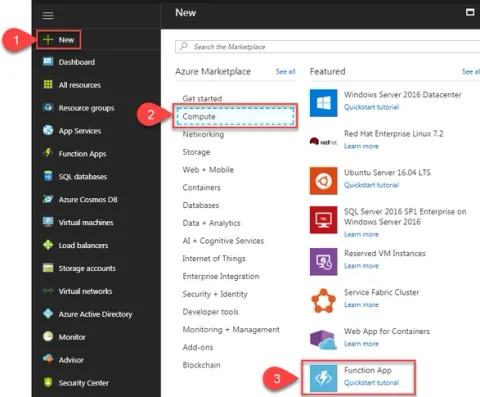
How To Create A Simple Azure Function App Using C#
Azure Functions are used for executing a small piece of code or “functions” in a cloud and you will pay only for the time your code executes. You can use development language of your choice such as C#, F#, PHP, Java etc. Some of the key features of Functions are Choice of language, Pay-per-use pricing model, bring your own dependencies, integrated security, simplified integration, flexible development, and open-source. Please refer to Azure Functions for more details. In this article you will see how to create a simple Azure Function using C# that will run whenever an HTTP request is received.
- Blog · Azure
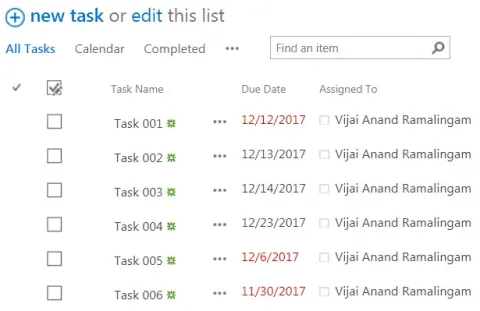
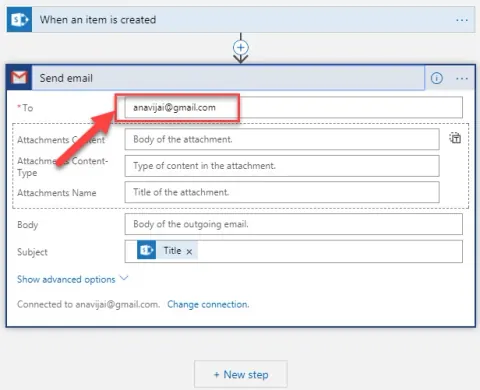
How To Send Reminder Emails For Overdue Tasks In SharePoint Using Azure Logic App
In this blog you will see how to send reminder emails for overdue tasks in SharePoint using Azure Logic App and schedule it on a daily basis.
- Blog · Azure
How To Add Parameters In Azure Logic App
In this blog, you will see how to add parameters in Azure Logic App.
- Blog · Azure
How To Add A Condition In Azure Logic App
In this blog you will see how to add a condition in Azure Logic App
- Blog · Azure
How To Create A Console Application To Connect To An Azure SQL Database Using Visual Studio
In this blog, you will see how to create a console application to connect to an Azure SQL Database using Visual Studio.
- Blog · Azure
How To Query Azure SQL Database From Microsoft SQL Server Management Studio
In this blog, you will see how to query Azure SQL Database from Microsoft SQL Server Management Studio.
- Blog · Azure
How To Connect And Query Azure SQL Database From Visual Studio Code
In this blog, you will see how to connect and query Azure SQL Database from Visual Studio Code.
- Blog · Azure
How To Query Azure SQL Database From Visual Studio
In this blog, you will see how to query Azure SQL database from Visual Studio.
- Blog · Azure
How To Configure Firewall Settings To Access Azure SQL Database From Your Machine
In this blog, you will see how to configure firewall settings to access Azure SQL Database from your machine
- Blog · Azure
How To Manage Azure SQL Database Using PowerShell
In this blog, you will see how to perform some basic tasks for the specific resource group and server using PowerShell. Get SQL Databases Create a new database Set properties for a database Remove an SQL database