Build modern Windows desktop apps with WPF and MVVM. Learn XAML, binding, commands, templating, dependency properties, navigation, and async UI. Improve performance, accessibility, and testing for robust, maintainable projects.
1,319 posts332 contributors
This article Illustrates how you can hook a WPF borderless Window into the the WIndows7/8+ snap mechanism.

This contact book is developed in WPF. By using this we can save our Contact Number and Email Address of any person.
This article demonstrates how to draw line charts using WPF and C#. wpf line chart control, wpf chart control.

This article descripbes how to rearrage listbox items up and down.
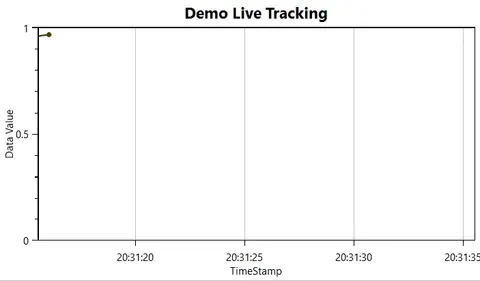
This article demonstrates how to update the chart with newly streamed data using Oxyplot.
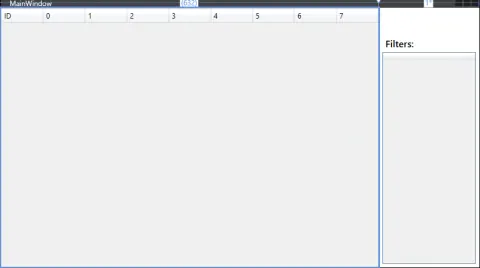
There are different ways to filter data in the XAML grid, but I'm just showing you how you can easily filter your data in the XAML grid by clicking the checkbox.
In this article, you will learn about CRUD Web API Service Call Function In WPF Application.
In this article, you will learn about Visibility=Collapsed Vs. Visibility=Hidden In WPF.
To manage the content of the graphical region in WPF, there is some tools (like PRIM) that allows to have a main region which doesn't change during the navigation, and a dynamic one that will hold the content of the controls. In some simple cases, we want to perform it in a simple way without using any tool. Fortunately, the Wpf Material design Toolkit http://materialdesigninxaml.net/ is providing great items that can be used as navigation menus. In this article I'm going to show you how to create an application and navigate between views using The tab control of the Material design toolkit in WPF
This article explains Styles and Templates in WPF. Styles are a way to group similar properties in a single Style object and apply to multiple objects.
This article lists the most asked WPF Interview questions and answers. What is WPF? How to learn WPF? WPF tutorials.
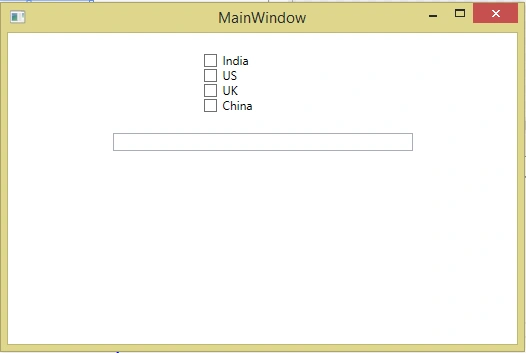
In this article, you will learn about CheckBox binding in MVVM WPF.
In this article, you will learn about multi binding in MVVM - WPF.
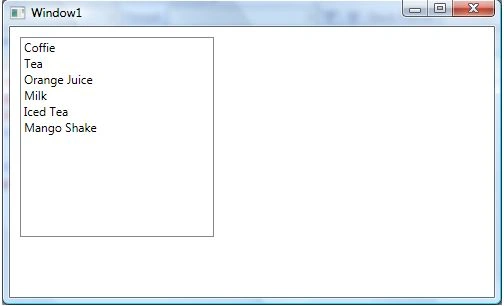
WPF ListBox class represents a ListBox control that is a collection of ListBoxItems. The <ListBox> XAML represents the UI of a ListBox. This tutorial and code examples are the various use cases of ListBox control in WPF and C#, such as ListBox Formatting, ListBox Style, Images in ListBox, CheckBox in ListBox, and Data Binding in ListBox.
In this article, you will learn about rounded scrollbar in ListView/ComboBox - WPF.
There are 3 ways to bind the View with ViewModel. One way is to bind DataContext Property within a XAML, Second is to assign DataContext within Code-Behind and last using ViewModelLocator.
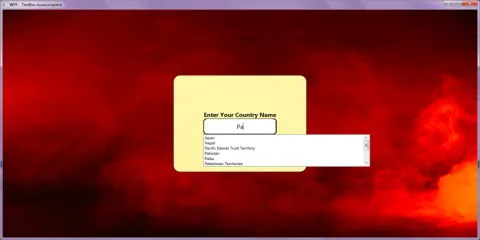
This article is about the creation of text box with auto complete/suggestion feature along with its integration within your code in WPF platform.
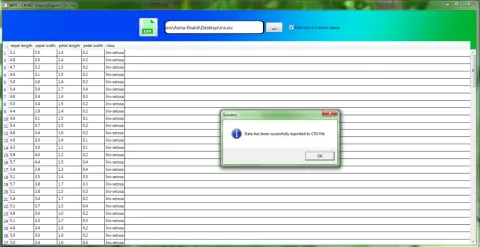
This article is about integration of CSVLibraryAK C#.NET library with WPF platform.
In this tutorial I will discuss on how to bind Data with WPF windows application.
In this article, you will learn how to customize WPF Application using Template and Styles.
In this article, you will learn about Controls and Layout in WPF.