Build modern Windows desktop apps with WPF and MVVM. Learn XAML, binding, commands, templating, dependency properties, navigation, and async UI. Improve performance, accessibility, and testing for robust, maintainable projects.
1,319 posts332 contributors
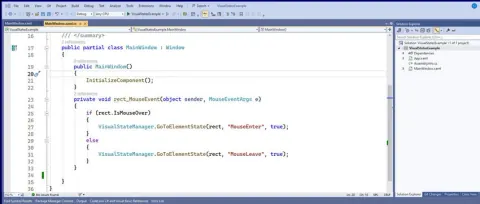
VisualStates in Windows Presentation Foundation (WPF) are utilized to define various visual states that a control can exist in, and to specify the visual modifications that should take place during the transition between these states. This feature enables developers to craft interactive and dynamic user interfaces that adapt to user interactions, alterations in application state, or other occurrences.
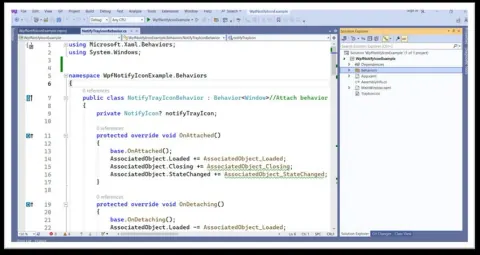
A system tray icon, also referred to as a notification tray icon or taskbar notification icon, is a compact visual representation that appears in the notification area of a desktop's taskbar or system tray.
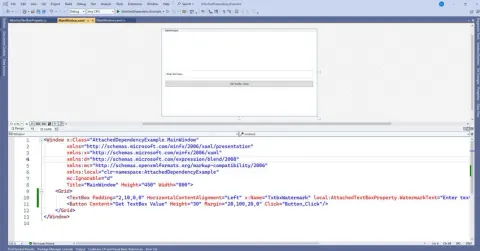
Within WPF (Windows Presentation Foundation) using C#, attached dependency properties serve as a robust concept enabling the attachment of custom properties to current WPF controls or elements.
A splash screen is a graphical element that enhances the user experience during the initial loading process of software applications.
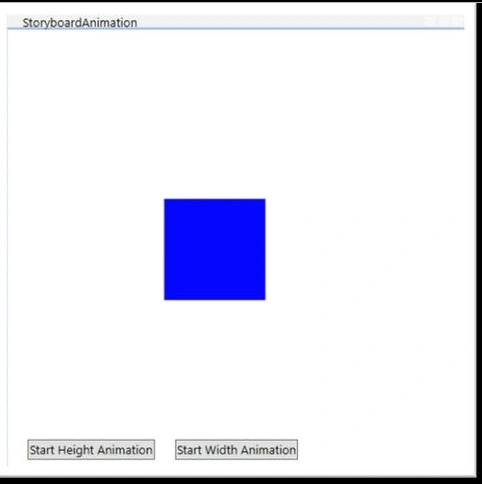
In WPF (Windows Presentation Foundation), storyboards serve as a robust tool for creating animations and visual effects. They enable developers to define intricate animations and transitions for various UI elements in a declarative manner using XAML markup or programmatically through code.
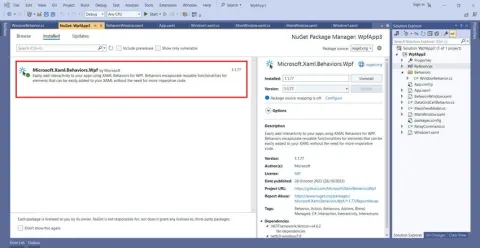
Establishing connections between UIElements and Commands using Interaction in WPF requires utilizing the Interaction.Triggers attached property to link specific events of UI elements with commands defined in a ViewModel.
In WPF (Windows Presentation Foundation) using C#, behavior pertains to the functionality or actions associated with user interaction or events in a graphical user interface (GUI).
WPF provides us with Validation Rules to handle User input Validations. The inclusion of INotifyDataErrorInfo in WPF 4.5 enabled us to include multiple Validation Errors for each property. This post outlines a way to use the interface to include additional meta info like Priority along with the Validation messages.
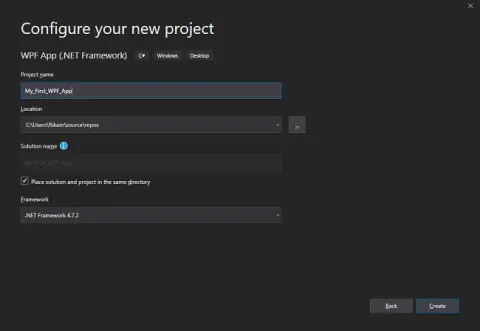
This blog will help us in working with the basic window creation under WPF using Visual Studio.
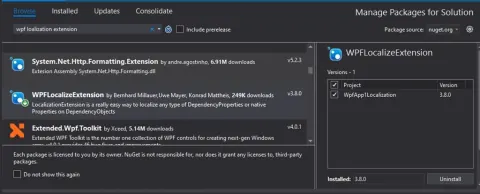
WPF Localization is the translation of application resources into localized versions for the specific cultures that support the application. You have to translate the data into your suitable language for getting proper information.
In this blog, we have learned how WPF ComboBox styles work, what are its essential properties and its uses.
This is a helpful solution if you want to dive deeper into multithreading windows using WPF. I hope it helped you understand how to develop Windows in a different thread and sort of situation which you need to figure out. You can use it for your own purposes and even bind more complex logic to your window which runs in different threads.
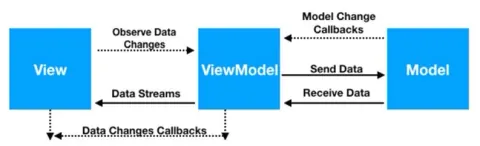
This blog explains how to develop a WPF application using a Prism library and an MVVM architectural pattern.
This post shows how to create a selection change event for any WPF UI element using behavior in MVVM.
This post shows how to create an editable combobox in WPF using behavior.
In here, we will see how a self-hosted service is developed using WCF platform and consumed by front end client developed in WPF.
The post is basically to show how coders can update PDF or other files from MySQL Database using WPF.
WPF (Windows Presentation Foundation) introduced as a part of .NET Framework 3.0 is a sub framework of .NET that is used to build Windows client apps for Windows operating system. WPF uses XAML as its front end language and C# as its code behind language. The current version of WPF is 4.5.
WPF binding or WPF data binding can be one directional or bidirectional. In this article, you'll learn what WPF databinding is and how to implement Data Binding in WPF using C#.
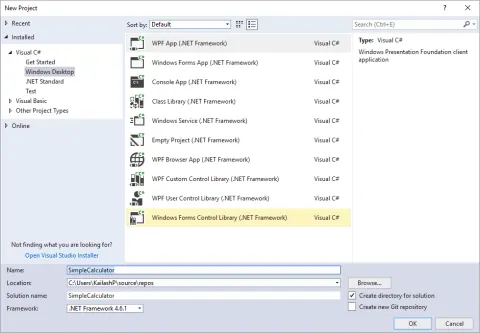
In this blog you will learn how to create a simple calculator with round styled buttons in WPF.
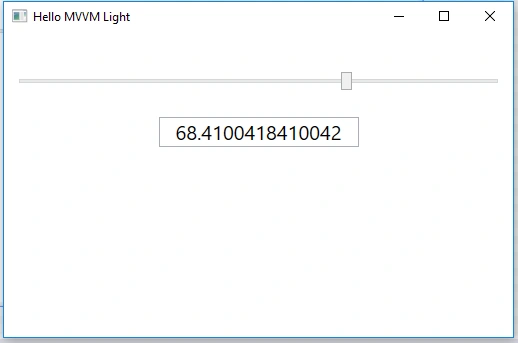
You wouldn't want to raise an event or send update notifications for every little change, you just want to update this only after a delay or timespan. Then there should use the Delay keyword in Binding markup extension (XAML).
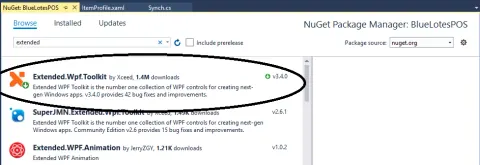
By using WPF Extended Toolkit, store color to database and retrieve from database to C# Application
This post is about how to make a File Browser in C# using ListView to contain the file name with icons.