Build modern Windows desktop apps with WPF and MVVM. Learn XAML, binding, commands, templating, dependency properties, navigation, and async UI. Improve performance, accessibility, and testing for robust, maintainable projects.
1,319 posts332 contributors
This guide explores data binding, templates, and customization techniques for crafting sophisticated layouts. Enhance your WPF skills and unlock the full potential of ItemsControl for efficient UI development.
In WPF, the ValidationRule class enables custom validation for user input in controls like TextBox. By extending the ValidationRule and overriding the Validate method, specific input criteria can be enforced.
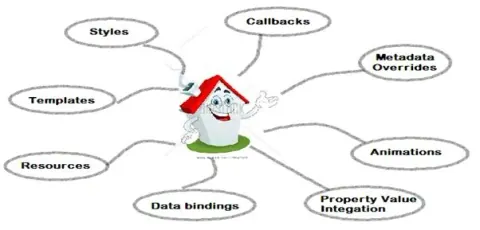
A Dependency Property in WPF is a specialized property supported by the WPF property system. It enables data binding, styling, animation, and value inheritance. This system improves memory efficiency and provides automatic change notifications, making it essential for dynamic, data-driven applications.
The ViewModel Locator in WPF (Windows Presentation Foundation) is a design pattern used in the MVVM (Model-View-ViewModel) architecture. It helps manage and provide instances of ViewModels to Views, facilitating data binding and separation of concerns.
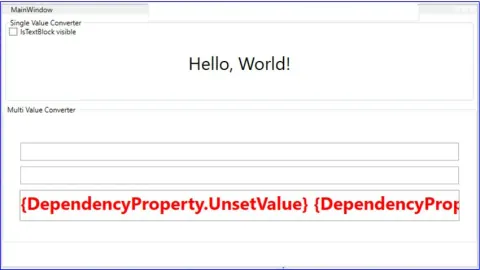
In WPF, IValueConverter and IMultiValueConverter are used to transform data for UI binding. IValueConverter converts single values (e.g., boolean to visibility), while IMultiValueConverter handles multiple values (e.g., combining first and last names).
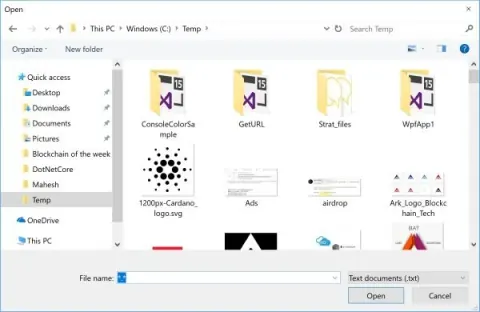
OpenFileDialog in WPF is a powerful tool for enabling file selection within your C# applications. It provides a user-friendly interface for navigating the file system, allowing users to select one or multiple files.
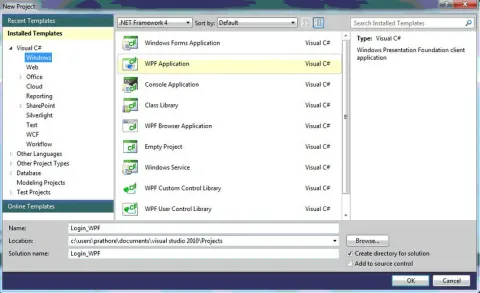
This WPF application in Visual Studio 2010 features a simple login and registration system with two forms: Registration and Login. Users register on the Registration form, and upon successful registration, they can log in using the Login form.
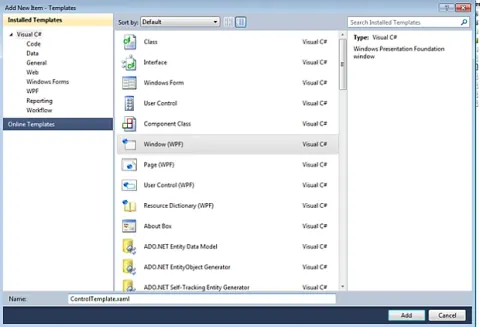
Learn how to use ControlTemplate, DataTemplate, ItemsPanelTemplate, and HierarchicalDataTemplate to customize WPF controls, data displays, item layouts, and TreeView hierarchies.
Learn how to enhance your WPF application by adding text with an image button in a ComboBox. This tutorial guides you through customizing ComboBox items using XAML and C#.
In modern application development using technologies like WPF, Silverlight, and MVVM, several key concepts and components play critical roles. WPF, or Windows Presentation Foundation, revolutionizes Windows application development by utilizing XAML for creating rich user interfaces that integrate media, documents, and advanced graphics.
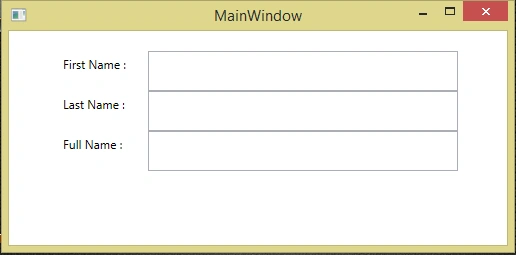
INotifyPropertyChanged in ASP.NET MVC facilitates automatic updating of UI elements when data changes. By implementing this interface, changes in properties like FirstName and LastName dynamically update FullName, ensuring synchronized data presentation in applications.
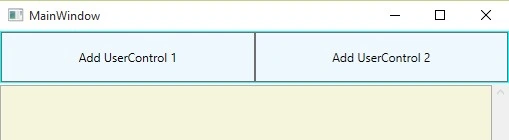
In WPF (Windows Presentation Foundation), integrating User Controls into the main window involves leveraging XAML and code-behind to enhance UI flexibility and functionality.
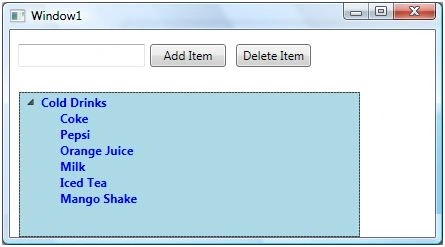
Explore the WPF TreeView control in this tutorial, designed to display hierarchical data with expandable nodes. Learn to add, delete, and style TreeView items dynamically using XAML and C#. Enhance your applications by incorporating CheckBoxes and images within TreeView items for interactive user experiences.
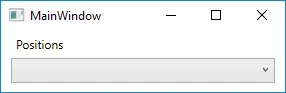
Learn how to bind enums directly to a combo box in WPF MVVM using ObjectDataProvider. No more programmatic binding; use XAML with ObjectDataProvider for efficient enum binding.
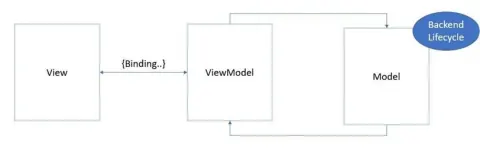
Commands provide a mechanism for the view to update the model in the MVVM architecture. Commands provide a way to search the element tree for a command handler.
An image brush paints an area with an image. The ImageSource property represents the image to be used during the painting by an image brush. The ImageBrush object represents an image brush.
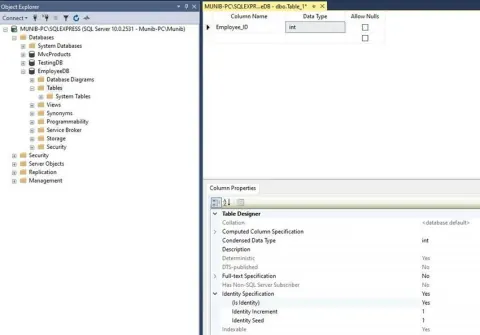
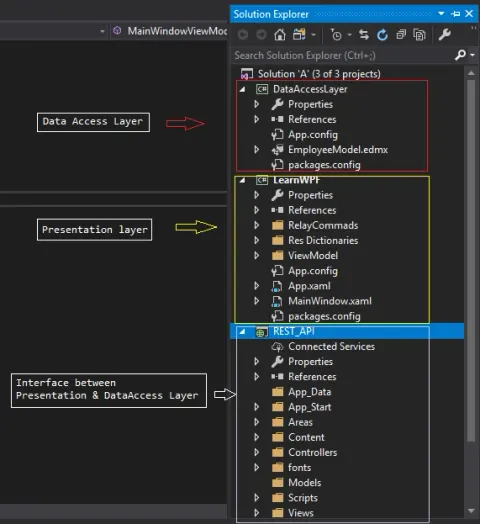
Learn to develop a .NET desktop application with SQL Server data storage, employing a structured approach involving data access, business logic, and presentation layers. Utilize Visual Studio 2019, SQL Server, and MVVM design pattern for scalable and maintainable application architecture.
Learn about WPF's data binding modes: One-Way, Two-Way, OneWayToSource, OneTime, and Default. Understand how they control data flow between UI elements and data sources, enabling dynamic updates in the UI based on changes in data sources.
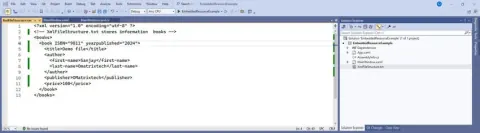
When working with embedded resources in a WPF application, it is important to follow specific steps to guarantee that your resources are properly included in the assembly and can be accessed during runtime.
Learn to integrate REST APIs into your WPF (Windows Presentation Foundation) application using Entity Framework. Utilize Entity Framework for seamless data management and interact with external services using RESTful endpoints, enhancing your application's functionality and connectivity.
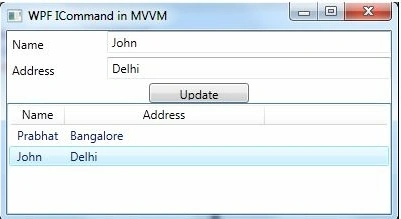
Learn the MVVM pattern and build a basic WPF implementation using data binding, ICommand, INotifyPropertyChanged, and a RelayCommand.
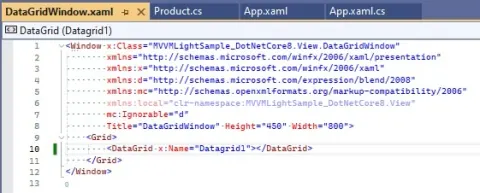
The WPF DataGrid often displays an extra column due to default behavior. This issue arises when the source data contains fewer columns than displayed. By adjusting the XAML code and setting the ColumnWidth attribute to "*", the extra column can be removed, ensuring proper alignment of data in the DataGrid.
Explore advanced drag and drop techniques in WPF using Telerik controls. Utilize ViewModel and ObservableCollection for dynamic data handling. Master MVVM architecture for cleaner code. Step-by-step guide with detailed code explanations. Ideal for WPF developers seeking efficient drag and drop solutions.