Build modern Windows desktop apps with WPF and MVVM. Learn XAML, binding, commands, templating, dependency properties, navigation, and async UI. Improve performance, accessibility, and testing for robust, maintainable projects.
1,319 posts332 contributors
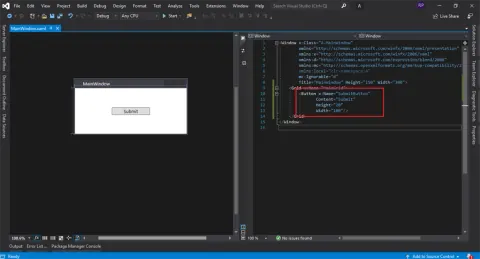
WPF helps to customize the existing API's to develop rich user interface desktop applications easily. By the end of this article, you will be able to learn the basic information about Environment setup to start with your first WPF Application. (Getting started with WPF)
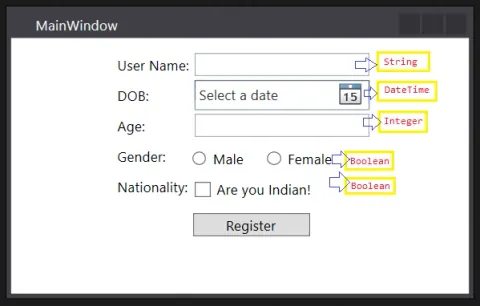
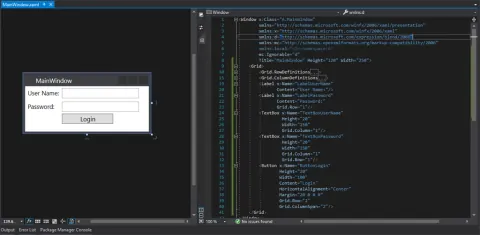
In this article, you will learn how to manage error-prone code with 2 simple properties in WPF.
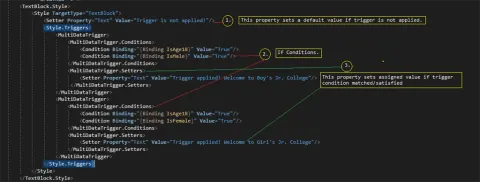
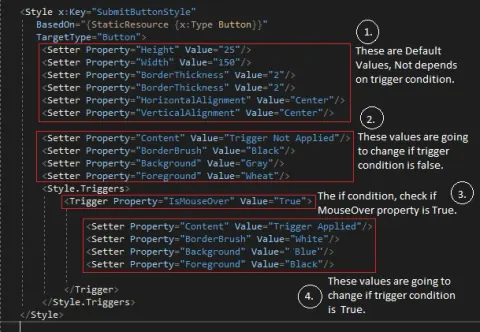
In this article, you will learn about advanced versions of triggers used in WPF.
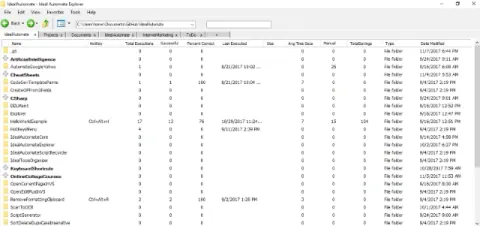
Learn how IdealAutomateExplorer uses C# and WPF to organize, search, and launch automated tasks from a knowledge base.
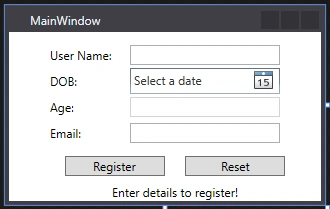
This interface is responsible for updating the UI.
RelayCommand is a widely used concept in WPF-MVVM, One must understand it's behavior. In this article, we will learn it's implementation & behavior.
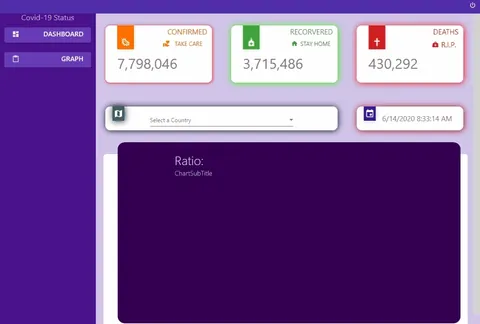
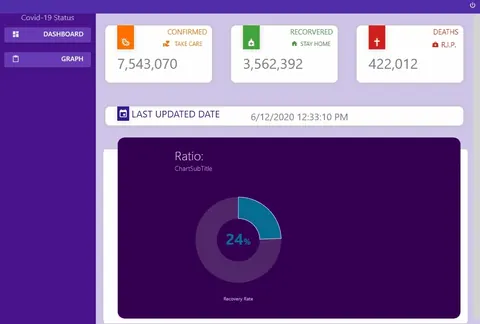
Build a COVID-19 tracker in WPF using Material Design, XAML styles, MVVM data binding, and Web API calls with HttpClient.
Canvas control gives full flexibility to the developer, It doesn't have any default values for its children.
WPF provides 2D graphics shape to enhance look & feel of an application.
A wrap panel is used when you have to wrap contents horizontally or vertically.
This article will help you to understand how to create an 3D graphics in WPF, what are the things you should know.
Stack panel is the simplest yet widely use the panel in WPF, It is used when one wants to arrange item in a single line.
IsSharedSizeScope is used to align the elements on UI.
In this article, we will learn how you can use the Grid panel in WPF and its properties.
You can play video and audio with the same element in WPF. You can also add rich controls to control the behavior of the media.
WPF supports a variety of animation styles. you can apply animations on controls, panels or properties.
What are the triggers in WPF? What is its use & how to implement them in your project.
In order to reuse UI screens in multiple windows, we can declare a UserControl.
Dispatcher is used to manage multithreaded application. It manages Message queues.
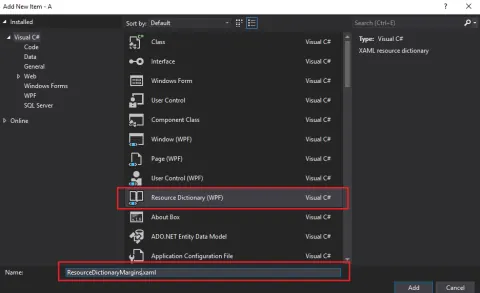
In this article, you will learn how to define static & dynamic resources, how to utilize them in an application or single-screen wide, and how to load multiple resource files together.
This article explains about how templates are defined in WPF for both visualizations and data presentation.
This article explains how bubbling events are different from tunneling events in WPF.
In this article, you will learn about the Attached Property in WPF.