Loading
Articles by Abiola David
- Microsoft Fabric
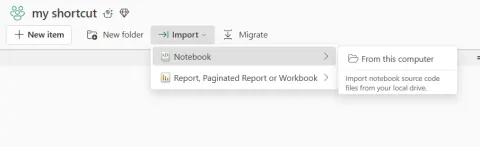
Directly Import a Notebook Into a Microsoft Fabric Workspace
Easily import your existing .ipynb notebooks into Microsoft Fabric! This guide provides a step-by-step process for seamless migration and collaboration within Fabric's unified analytics platform.
- Microsoft Fabric
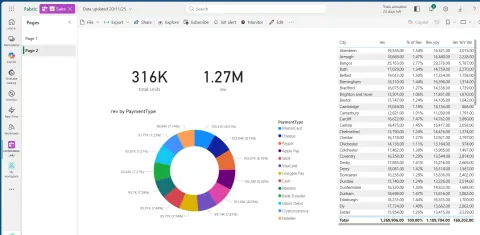
Export Power BI Report to PowerPoint in Fabric Workspace – A Step-by-Step Guide and Key Benefits
Learn how to export Power BI reports to PowerPoint from the Fabric workspace. Quickly share data insights with stakeholders using static snapshots. Download now!
- Databricks
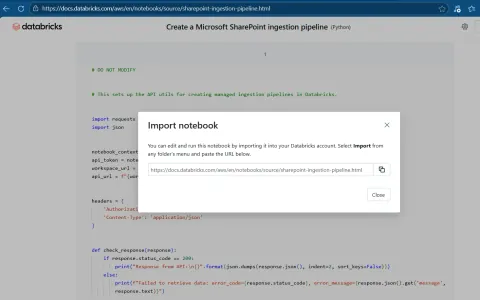
How to Import a Notebook into Your Databricks Workspace (Step-by-Step Guide)
Learn how to import notebooks into your Databricks workspace with this step-by-step guide. Master drag-and-drop, URL imports, and more. Start building data workflows quickly!
- Microsoft Fabric
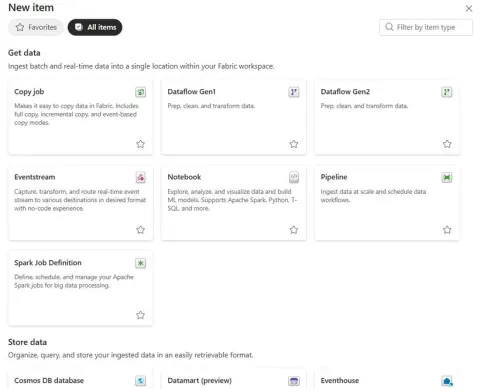
Empowering Everyone: How Users Can Create Fabric Items in Microsoft Fabric
Learn how Microsoft Fabric users can create items such as Lakehouses, pipelines, notebooks, warehouses, semantic models, and reports in governed workspaces.
- Microsoft Fabric
Unlocking the Power of Org Apps in Microsoft Fabric: A New Era of Unified Analytics
Discover Org Apps in Microsoft Fabric! Streamline analytics, enhance governance, and promote data product thinking across your organization. Scale confidently!
- Power BI
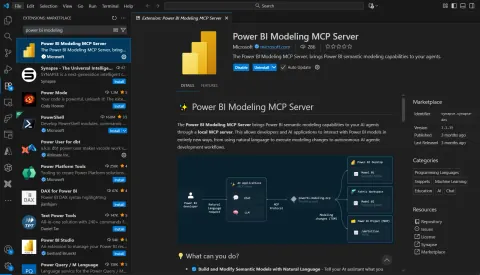
Power BI Modeling MCP Server in VS Code
Learn how the Power BI Modeling MCP Server for VS Code lets AI agents access and modify semantic models, supporting source control and CI/CD workflows.
- Microsoft Fabric
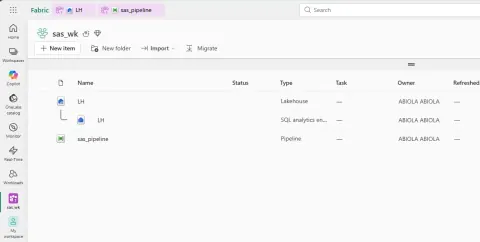
Understanding OneLake shared access signature (SAS)
Securely share OneLake data with Shared Access Signatures (SAS)! Grant limited, time-bound access to specific resources without compromising overall security. Learn how!
- Microsoft Fabric
Seamless Data Orchestration in Microsoft Fabric Using Shared Access Signature (SAS)
Securely orchestrate data in Microsoft Fabric using Shared Access Signatures (SAS). This article guides you through setting up and using SAS tokens within Fabric Data Pipelines to access Azure Data Lake Storage (ADLS) Gen2. Learn how to automate data movement, transformation, and integration while maintaining strict governance and avoiding exposure of primary account keys.
- Microsoft Fabric
Sharing Reports in Microsoft Fabric: Empowering Collaboration Through Data
Learn how to effectively share reports in Microsoft Fabric and empower data-driven collaboration. This guide explores various sharing methods within the Power BI experience in Fabric, covering permission models and best practices. Discover how to securely and efficiently distribute insights to the right audience, leveraging Fabric's unified platform for centralized governance and seamless access to data across your organization.
- Power BI
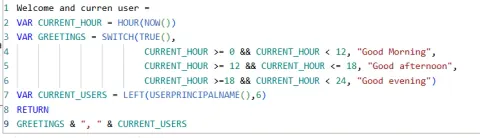
Creating a Personalized Welcome Message in Power BI Using DAX
Elevate your Power BI dashboards with personalized welcome messages! This guide demonstrates how to use DAX to create a dynamic greeting that adapts to the time of day and identifies the current user. Learn to use NOW(), HOUR(), and USERPRINCIPALNAME() functions to build a more engaging and user-friendly experience. Discover how personalization can improve user adoption and create a modern, professional feel for your reports. Make your dashboards feel alive and context-aware with this simple yet powerful technique.
- Power BI
Publishing Report from Power BI Desktop to Power BI Service
This article simplifies publishing reports from Power BI Desktop to the Power BI Service. Learn how to share insights, schedule refreshes, and embed reports for wider accessibility. Discover best practices for data connections, model optimization, and workspace management to transform your reports into actionable assets, driving smarter decisions across your organization.
- Microsoft Fabric
Implementing Schedule Refresh on Semantic Model in Microsoft Fabric
Learn how to configure scheduled refresh for Microsoft Fabric semantic models, including frequency, time zones, failure notifications, gateways, and incremental refresh.
- Microsoft Fabric
How to Split Columns Easily in Fabric Dataflow Gen2
Learn how to easily split columns in Microsoft Fabric Dataflow Gen2 to transform unstructured data into a structured format for better analysis. This guide covers splitting columns by delimiters like commas and semicolons, enabling you to parse skills, locations, or product codes. Streamline your data preparation workflows and unlock valuable insights in Power BI and Fabric Lakehouse with this powerful transformation technique. Master Dataflow Gen2 for efficient data reshaping!
- Power BI
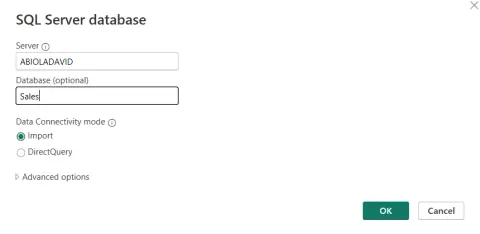
How to Ingest Data into Power BI from SQL Server Using Import Mode
Learn how to seamlessly ingest data from SQL Server into Power BI using Import Mode for lightning-fast performance and rich modeling capabilities. This step-by-step guide covers everything from connecting to your SQL Server database to selecting tables or writing custom queries. Unlock the power of Power BI's in-memory engine and create insightful dashboards with ease.
- Power BI
Introduction to Power BI: Turning Data Into Insights
This introduction explores Microsoft's powerful business intelligence platform, covering key components like Power BI Desktop, Service, and Mobile. Learn how to connect to various data sources, transform raw data, and create interactive dashboards for data-driven decisions. Discover its ease of use, connectivity, and advanced analytics capabilities for sales, finance, operations, and HR.
- Power BI
Import vs DirectQuery in Power BI: Choosing the Right Mode for Your Data
Unlock the power of Power BI by understanding Import vs. DirectQuery modes. This guide breaks down the pros, cons, and best use cases for each, helping you choose the optimal connection method for your data. Learn when to prioritize speed and flexibility with Import, or real-time insights with DirectQuery. Discover the hybrid approach with Composite Models for the best of both worlds. Make informed decisions for fast, reliable reports.
- Microsoft Fabric
Smart Capacity Allocation Strategies for Decentralized Analytics in Microsoft Fabric
Learn strategies to balance consolidation and isolation, ensuring optimal performance and cost efficiency. Explore dedicated, shared, and hybrid models, plus chargeback strategies for transparent resource management. Discover how to align capacity with business needs, SLAs, and workload patterns for a successful self-service environment.
- Microsoft Fabric
From Proof of Concept to Production: Microsoft Fabric Capacity Planning Best Practices
Learn Microsoft Fabric capacity planning best practices to ensure a smooth transition from Proof of Concept (POC) to a production-ready environment. This article covers starting small, estimating capacity, scaling for full load, and establishing ongoing governance. Optimize resource utilization, prevent throttling, and control costs while scaling your analytics effectively.
- Microsoft Fabric
Strategic Tiered Capacity Planning in Microsoft Fabric for Mission-Critical Workloads
Optimize Microsoft Fabric capacity planning for mission-critical workloads with a tiered approach. This article outlines best practices for tenant admins and CoE leads, focusing on segregating content, classifying workloads by criticality, and continuous monitoring. Learn how to align capacity with SLAs, ensure governance, and empower innovation while protecting vital analytics.
- Power BI
Best Practices for using KEEPFILTERS DAX Function
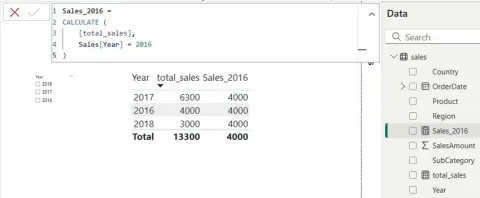
IEfficiently calculate total sales for the United States and Canada in Power BI using CALCULATE with KEEPFILTERS and IN operator, ensuring accurate results while preserving filter context.
- Python
Pandas and Polars: Which Python Data Library Should You Choose?
Explore the key differences between Pandas and Polars—two powerful Python libraries for data processing. Learn when to use each for speed, scale, and efficiency in modern data workflows.
- Power BI
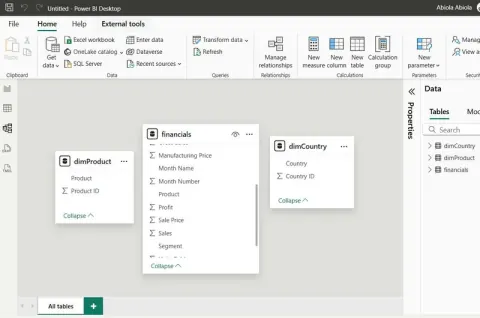
Creating and Using Relationships in Power BI: A Practical Guide
This article explains how Power BI relationships connect tables for cleaner data models, enabling accurate, interactive reports. Learn types, benefits, and how to create relationships for smarter data analysis.
- Microsoft Fabric
Cost Implications of Mirroring Azure Databricks Unity Catalog Data into Microsoft Fabric
This article explains the cost implications of mirroring Unity Catalog data from Azure Databricks to Microsoft Fabric, helping you plan and optimize data architecture with minimal surprises.
- Microsoft Fabric
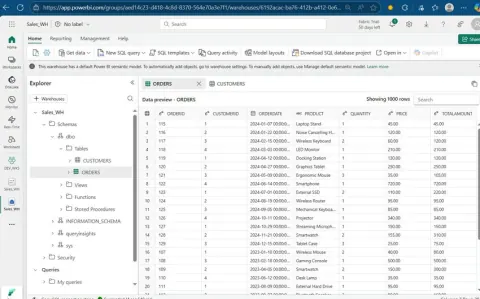
Creating a Semantic Model in Microsoft Fabric Warehouse
Transform raw warehouse tables into business-friendly insights using semantic models in Microsoft Fabric Warehouse. Enable self-service analytics, Power BI integration, and centralized data modeling with ease.
- Microsoft Fabric
Creating Fabric F64 Capacity: A Guide for Data Engineers
Learn how to create and manage F64 capacity in Microsoft Fabric. This step-by-step guide helps data engineers scale workloads, optimize performance, and unlock enterprise-level analytics.