Loading
Articles by Mahesh Chand

Spin Button in WPF
The WPF SpinnerButton control allows us to add a spinning feature to any element. This article demonstrates how to use the ButtonSpinner control in a WPF application using C# and XAML.
WPF BusyIndicator
A BusyIndicator control provides an alternative to a Windows wait cursor to show user an indication that an application is busy doing some processing. It is a combination of the wait cursor and the ProgressBar control.

SharePoint 2010 Developer Tools
Microsoft Visual Studio 2010 contains a new set of tools for developing with Microsoft SharePoint.
SharePoint 2010 Developer Overview
This session takes a lap around SharePoint 2010 for developers, providing an overview and code-based demos of the major new features in building user interfaces, building on the data platform, and in general programmability.
Add X-Power to Your XML Development with Liquid XML Studio 2011
Today, more and more applications are migrating to the Web and the Cloud services are taking over the world; XML has become one of the key and vital parts of the data exchange mechanism. Whether you are developing client centric applications or building a consumer product, you will end up working with XML.

VB.NET StatusStrip Control
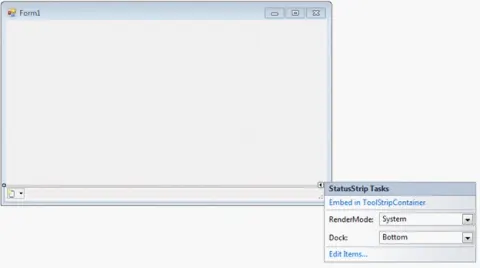
In this article, we will learn how to build status bar enabled Windows applications using Visual Studio 2010 and VB.NET.
Context Menus in VB.NET
Learn how to add ContextMenuStrip-based context menus to VB.NET Windows Forms applications in Visual Studio 2010.

C# TabControl
The TabControl manages tab pages where each page may host different child controls. In this article, I will demonstrate how to create and use a TabControl in Windows Forms using C#.
Context Menu in C#
The ContextMenuStrip control provides functionality of context menus in Visual Studio 2010 and .NET 4.0. A context menu is also known as a popup menu. A context menu appears when you right click on a Form or on a control.
VB.NET Tab Control
The TabControl manages tab pages where each page may host different child controls. In this article, I will demonstrate how to create and use a TabControl in Windows Forms using VB.NET.
StatusStrip In C#
In this article, we will learn how to build status bar enabled Windows applications using Visual Studio 2010 and C#.
WebBrowser Control in VB.NET
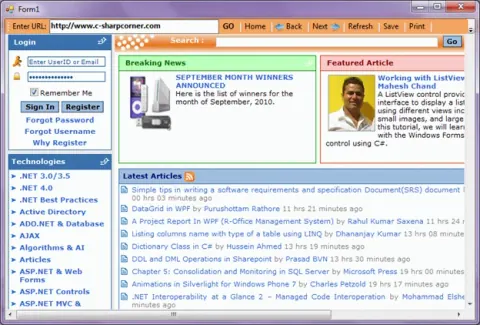
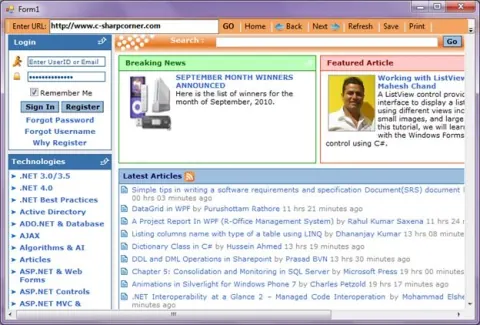
WebBrowser control allows developers to build Web browsing capability within Windows Forms applications. In this article, we will demonstrate how to use a WebBrowser control in a Windows Forms application using Visual Basic .NET.
WebBrowser Control in C# and Windows Forms
WebBrowser control allows developers to build Web browsing capability within Windows Forms applications. In this article, I will demonstrate how to use the WebBrowser control in a Windows Forms application using C# and Visual Studio 2010.
Building Android Applications using C#
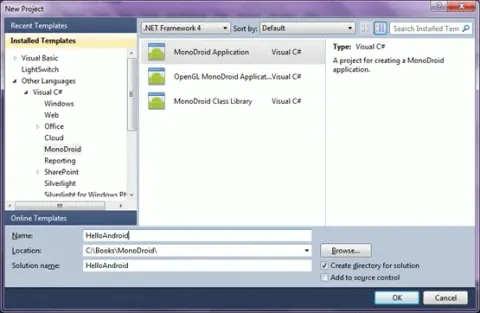
MonoDroid is a software product developed by Novell to build Android based mobile applications using C# and .NET. In this tutorial, we will learn how to build our very first Android based application using MonoDroid and Visual Studio 2010.

Working With C# DateTime
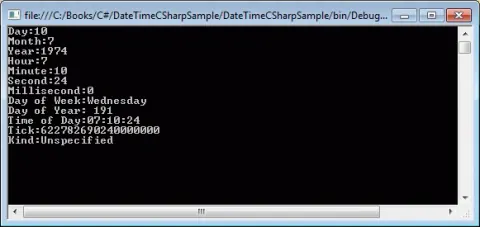
The C# DateTime structure represents dates and time in C# and .NET. This tutorial explains C# DateTime class, its members, properties and how to use them to perform DateTime tasks such as format dates in C# and compare two dates in C#.
Adding Child Controls to a Silverlight ListBox
This article demonstrates how to host various child controls within a ListBox control in Silverlight using C#.
Adding Child Controls to a Silverlight ListBox using VB.NET
This article demonstrates how to host various child controls within a ListBox control in Silverlight.
Adding Child Controls to a ComboBox Items in Silverlight using C#
This article demonstrates how to host various child controls within a ComboBox control in Silverlight.
Adding Child Controls to a ComboBox Items in Silverlight using VB.NET
This article demonstrates how to host various child controls within a ComboBox control in Silverlight using Visual Basic .NET.
How to Load all Colors in a ComboBox Using C#
This tip loads all colors an ComboBox control. We can use System.Reflection to read all colors of a Color structure and load its properties.
Building Web Browser Application using Visual Studio 2010
WebBrowser control allows developers to build Web browsing capability within Windows Forms applications. In this article, we will demonstrate how to use a WebBrowser control in a Windows Forms application. This article is written using Visual Studio 2010. If you do not have Visual Studio 2010, you may use Visual C# 2010 Express which is free to download from MSDN website.