Loading
Articles by Mahesh Chand
Working with TabControl Control in VB.NET
The TabControl manages tab pages where each page may host different child controls. In this article, I will demonstrate how to create and use a TabControl in Windows Forms using VB.NET.
ListView in VB.NET
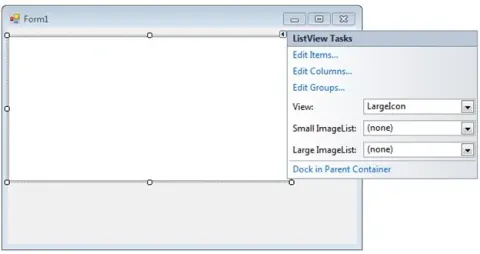
A ListView control provides an interface to display a list of items using different views including text, small images, and large images. In this tutorial, we will learn how to create and use a ListView control in VB.NET.

ListView in C#
The ListView in C# provides an interface to display a list of items using different views including text, small images, and large images. In this tutorial, we will learn how to work with the Windows Forms ListView control using C#.

Reading XML Attributes using LINQ to XML in Silverlight
This code snippet demonstrates how to load an XML file and reads its nodes and their attributes in a Silverlight application using LINQ to XML.
RotateTransform in WPF
This article demonstrates how to rotate elements and controls in WPF using XAML and C#.
ScaleTransform in WPF
Scaling is a process of stretching or shrinking an element. The ScaleTransform scales an element by a given factor.
SkewTransform in WPF
SkewTransform is used to skew or shear an element. Shear can be used to add depth to elements to give them a 3-D look.
What is new in HTML 5
HTML 5 is the latest version of HTML that introduces several new features to keep with the Web 2.0 standards such as audio and video capabilities.
TranslateTransform in WPF
TranslateTransform is used to move an element from one position to other. The X and Y properties are used to move an element towards the x and y axes.
Getting Audio and Video Devices Information in Silverlight
Silverlight provides audio and video supports such as Webcam or microphones. This article and code snippet demonstrates how to get all available audio and video devices on a machine.
WPF Image Brush
An image brush paints an area with an image. The ImageSource property represents the image to be used during the painting by an image brush. The ImageBrush object represents an image brush.
Creating Instance of a Type Dynamically in VB.NET
This code snippet demonstrates how to create an instance of a type dynamically in VB.NET.
WPF Drawing Brush
The Drawing object in WPF represents a 2-D drawing that include shapes, text, video, image and other drawings. A Drawing Brush represented by the DrawingBrush object paints a surface with a drawing.
Visual Brush in WPF
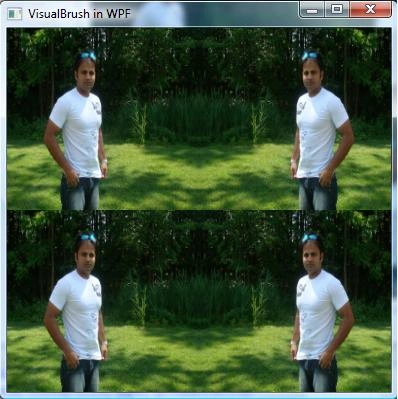
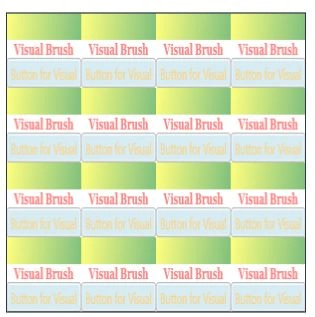
The Visual object in WPF represents a visual control. This article demonstrates how to create and use a visual brush in WPF using XAML and C#.
Video Brush in WPF
This article demonstrates how to implement video brushes in WPF using MediaElement XAML element.

Transparent Brushes in WPF
All elements in XAML including all brushes have an Opacity attribute that defines the transparency of an element. This article demonstrates how to use Opacity to implement transparent brushes in WPF using XAML.
Working with Pen in WPF
Pen was a major player to draw layouts and borders in GDI+. However, WPF graphics sub-system is redesigned and pens are merely used. But if you know the usage of pens, you may need it. This article demonstrates how to use pens in WPF using XAML and C#.
Silverlight MediaElement
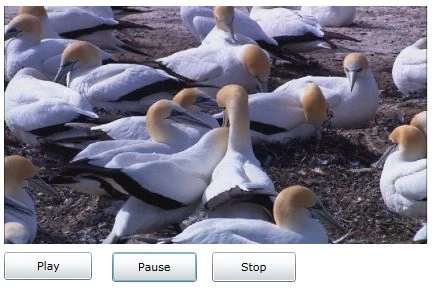
The MediaElement control is used to display and play videos in Silverlight. This article demonstrates how to use a MediaElement control in Silverlight to play videos with the help of XAML and C#.

Play Video in Silverlight using VB.NET
The MediaElement control is used to display and play videos in Silverlight. This article demonstrates how to use a MediaElement control in Silverlight to play videos with the help of XAML, C# and VB.NET.
Play Video in Silverlight
The MediaElement control is used to display and play videos in Silverlight. This article demonstrates how to use a MediaElement control in Silverlight to play videos with the help of XAML and C#.

How to fix a missing Vertical Scrollbar on a Silverlight Page
This tip shows how to add scrollbars to a Silverlight page.

WPF Brushes in VB.NET
This article discusses types of brushes found in WPF and how to use them in your applications.
WPF Printing in XAML
Printing has changed in WPF if you compare with GDI and GDI+. This article discusses the process of printing in WPF and how to create a FlowDocument dynamically and print it in WPF using a PrintDialog control.
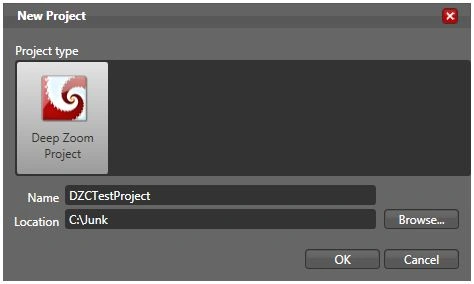
Building Zoom and Pan Enabled Silverlight Applications with Deep Zoom Composer
This tutorial is an introduction to the Deep Zoom Composer and how to use it to build zoom and pan enabled Silverlight applications with the help of Expression Blend and Visual Studio 2008.