Loading
Articles by Mahesh Chand
Getting Started with Microsoft Expression
Recently, Microsoft launched a new product called Microsoft Expression, which allows developers to create interactive graphics and much more. This article gives you a head start on Expression tools.
PrintPreviewControl in VB.NET
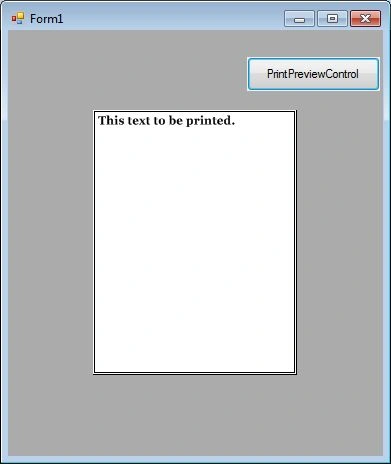
PrintPreviewControl control represents the raw part of print preview of a document that is ready go to the printer. In this article, I will discuss how to use a PrintPreviewControl control to display print previews of documents in Windows Forms applications.

PrintPreviewControl In C#
The PrintPreviewControl control represents the raw part of the print preview of a document that is ready go to the printer. In this article, I will discuss how to use a PrintPreviewControl control to display print previews of documents in Windows Forms applications.
ListBox in VB.NET
In this tutorial, we will learn how to create a ListBox control at design-time as well as at run-time. We will also see how to create multiple columns ListBox control with single and multiple selections. This article also covers most of the properties and methods of the ListBox control.
ListBox in C#
In this tutorial, we will learn how to create a C# ListBox control at design-time as well as at run-time. We will also see how to create a multiple-column ListBox control with single and multiple selections.
HelpProvider in VB.NET
HelpProvider control provides popup or online help for a control. In this article, we will discuss how to use a HelpProvider control to implement help for controls in a Windows Forms application.
HelpProvider in C#
HelpProvider control provides popup or online help for a control. In this article, we will discuss how to use a HelpProvider control to implement help for controls in a Windows Forms application.
RichTextBox in C#
A RichTextBox control is an advanced text box that provides text editing and advanced formatting features including loading rich text format (RTF) files. In this article, I will demonstrate how to create and use various features of Windows Forms RichTextBox control.
RichTextBox in VB.NET
A RichTextBox control is an advanced text box that provides text editing and advanced formatting features including loading rich text format (RTF) files. In this article, I will demonstrates how create and use various features of Windows Forms RichTextBox control.
ServiceController In C#
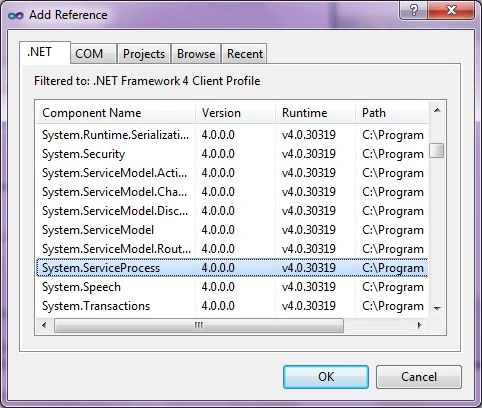
A ServiceController component allows us to access and manage Windows Services running on a machine. In this article, I will discuss how to a ServiceController class to load all services and get information about them in a Windows Forms application using Visual Studio 2010.
ServiceController in VB.NET
A ServiceController component allows us to access and manage Windows Services running on a machine. In this article, I will discuss how to a ServiceController class to load all services and get information about them in a Windows Forms application using Visual Studio 2010.
Notify Icon in VB.NET
In this article, I will discuss how to add a system tray icon for an application using the NotifyIcon in a Windows Forms application using Visual Studio 2010.
Notify Icon In C#
In this article, I will discuss how to add a system tray icon for an application using the NotifyIcon in a Windows Forms application using Visual Studio 2010.
Add, Remove and Replace Strings in VB.NET
This code snippet shows how to add, remove and replace strings in VB.NET.
Uppercase and Lowercase Strings in VB.NET
This code snippet shows how to make a string uppercase and lowercase using String class methods in VB.NET.
PictureBox In C#
PictureBox control is used to display images in Windows Forms. In this article, I will discuss how to use a PictureBox control to display images in Windows Forms applications.
PictureBox in VB.NET
PictureBox control is used to display images in Windows Forms. In this article, I will discuss how to use a PictureBox control to display images in Windows Forms applications.
VB.NET DateTimePicker
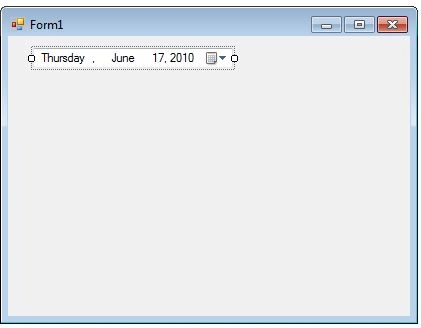
A DateTimePicker control allows users to select a date and time in Windows Forms applications. In this tutorial, we will see how to create a DateTimePicker control at design-time as well as at run-time, set its properties and call its methods.
C# DateTimePicker Control
A DateTimePicker control allows users to select a date and time in Windows Forms applications. In this tutorial, we will see how to create a DateTimePicker control at design-time as well as at run-time, set its properties and call its methods.

Split String In C#
Learn how to split a string in C#. A string can be splitted in C# separated by a character delimiter, string delimiter, and an array of characters.