Loading
Articles by Mahesh Chand
StatusBar Control in VB .NET
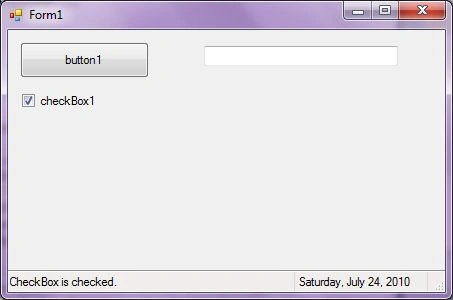
A StatusBar control is a combination of StatusBar panels where each panel can be used to display different information. In this article, I will discuss how to create and use a StatusBar using StatusBar class in a Windows Forms application.
How To Read A Text File In C#
Learn how to read a text file in C# using the File class and its methods.

StatusBar In C#
A StatusBar control is used to display status in a WinForms app. In this article, you will learn how to use a status bar control in a Windows Forms application.
How to Create a Balloon Tooltip in C# and Windows Forms
How to create a Balloon Tooltip in C# and Windows Forms
Tooltip in VB.NET
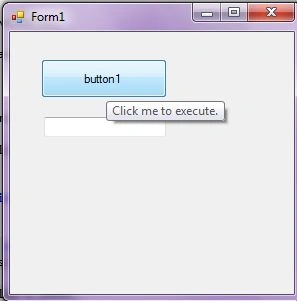
In this article, I will discuss how to create and use a Tooltip control in a Windows Forms application using Visual Studio 2010. After that, I will discuss various properties and methods available for the Tooltip control.

How to create a Balloon Tooltip in VB.NET
How to create a Balloon Tooltip in VB.NET and Windows Forms
Tooltip In C#
In this article, I will discuss how to create and use a Tooltip control in a Windows Forms application using Visual Studio 2010. After that, I will discuss various properties and methods available for the Tooltip control.
TrackBar in VB.NET
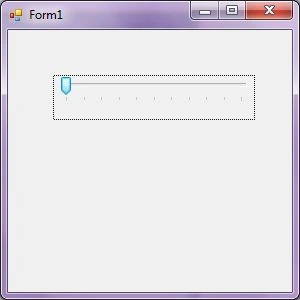
In this article, I will discuss how to create and use a TrackBar control in a Windows Forms application using Visual Studio 2010. After that, I will discuss various properties and methods available for the TrackBar control.
TrackBar In C#
In this article, I will discuss how to create and use a TrackBar control in a Windows Forms application using Visual Studio 2010. After that, I will discuss various properties and methods available for the TrackBar control.
Mastering RadioButton In C#
In this complete tutorial, learn everything about the RadioButton control in C#.
Radio Button Control in VB.NET
A RadioButton control provides a round interface to select one option from a number of options. Radio buttons are usually placed in a group on a container control such as a Panel or a GroupBox and one of them is selected.
Toolbar In C#
Build Toolbar In Visual Studio, C# Toolbar, C# ToolStrip, C# Toolbars. Toolbar Buttons,Toolbar Class,Toolbar Control, WinForms Toolbar Controls. ToolBar Windows Forms, Windows Toolbar control
Toolbar in VB.NET
Visual Studio 2010. But for backward compatibility support, Toolbar class is available in Windows Forms. In this article, I will discuss how to create and use a Toolbar using Toolbar class in a Windows Forms application.
ImageList Control in VB.NET
In this article, I will discuss how to create an ImageList control and how to use its properties and methods to use in a Windows Forms application.
ImageList in C#
Learn how to create and configure an ImageList in C# Windows Forms, add images to its collection, and draw images on a form.
MaskedTextBox in VB.NET
In this article, I will discuss how to create a MaskedTextBox control in Windows Forms at design-time as well as run-time using VB.NET.
MaskedTextBox In C#
Learn how to create and configure a MaskedTextBox in Windows Forms at design time and run time, including masks, properties, styling, and input validation.
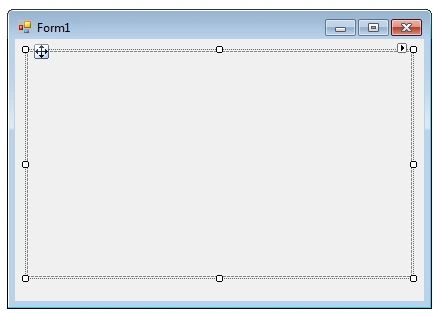
Panel in VB.NET
In this article, we will demonstrate how to create and use a Panel control in a Windows Forms application.
Panel In C#
Learn how to create and configure Windows Forms Panel controls at design time and runtime, add child controls dynamically, and show or hide grouped controls.
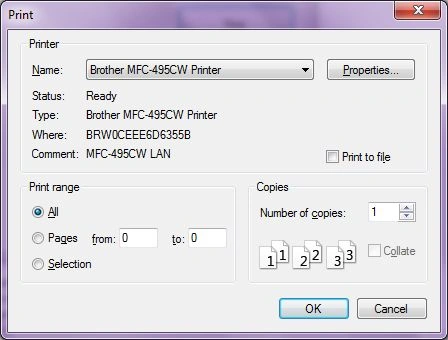
PrintDialog in VB.NET
A PrintDialog control is used to open the Windows Print Dialog and let user select the printer, set printer and paper properties and print a file.

PrintDialog In C#
A PrintDialog control is used to open the Windows Print Dialog and let user select the printer, set printer and paper properties and print a file.
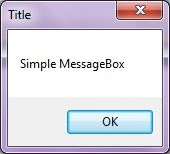
C# Message Box
A C# MessageBox displays a popup message dialog with action buttons. In this article, you'll learn how to implement a Message Box in C# and Windows Forms.
MessgeBox in VB.NET
MessageBox control displays a message with specified text. A message box may have some additional options including a caption, icon, and help buttons. In this article, I will discuss how to use the MessageBox class to display messages in Windows Forms and C#.