Loading
Articles by Mahesh Chand

Drawing Ellipses and Circles in GDI+
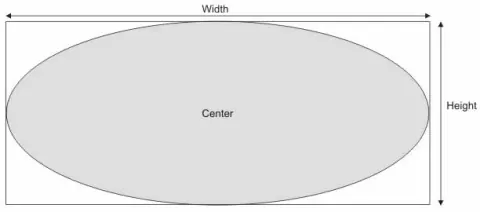
In this article I will explain you how to draw Ellipses and Circles in GDI+.

XML Namespaces
In this article I will explain you about XML namespace, DTD and schemas and Extensible Hyper Text Markup Language.
Working with XML
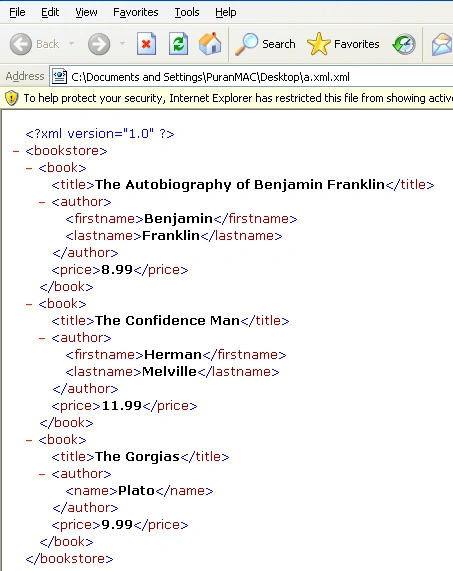
This article begins with basic definitions of Hypertext Markup Language (HTML), XML, and other Web-related technologies.
The Graphics Class
In this article I will explain you about the Graphic Class methods and properties.
Pie Chart In WPF
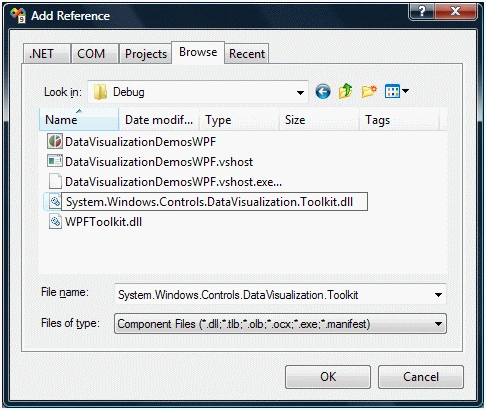
The WPF Toolkit released in June 2009 comes with a data visualization assembly called System.Windows.Controls.DataVisualization.Toolkit.dll that hosts the charting functionality in WPF. This article demonstrates how to draw pie charts using the WPF Toolkit.

Charting in Silverlight
This tutorial demonstrates how to use charting applications in Silverlight using Silverlight Toolkit. First you will learn how to get started with the Silverlight Toolkit and then create bar chart, line chart, pie chart, column chart, and scatter chart in a Silverlight application.
Basic GDI+ Objects
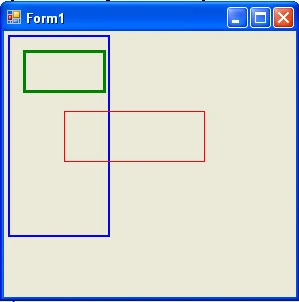
In this article we will discuss some basic GDI+ objects, such as the color-point-, and rectangle-related structures provided by the .NET Framework library. Understanding these structures is very important because they are used throughout.
Using DataSet, DataView, and DataViewManager
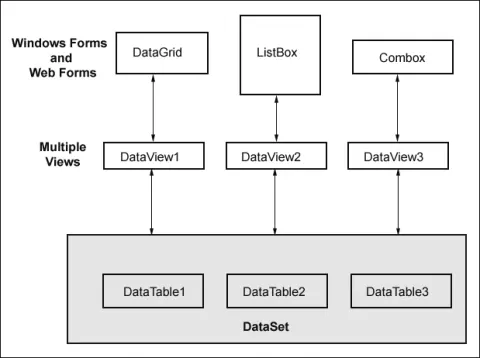
In this article I will explain about DataSet, DataView and DataViewManager, Typed and Untyped DataSets.
GridView In WPF
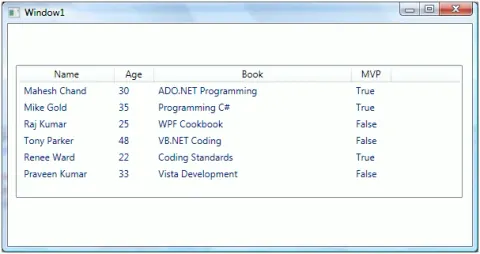
A GridView control provides interactive Grid functionality. WPF does not provide a GridView control. However, WPF ListView supports a GridView mode. The code sample in this tutorial demonstrates how to create a GridView in WPF using C#.
How to write a GDI+ Application
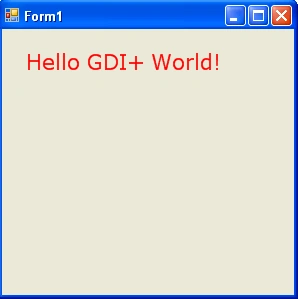
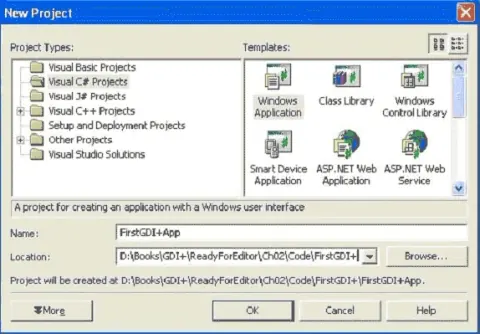
In this article you’ll learn how to write your first GDI+ application, step-by-step. You will create a Window application and draw a few simple objects.
DataTable In C#
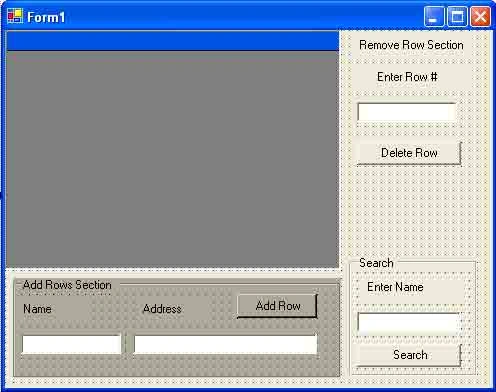
C# DataTable class represents a data table in C#. Code sample in this article demonstrates how to create a DataTable dynamically in C# code and DataTable rows and DataTable columns and display data in a DataGridView control using DataGridView.DataSource data binding.
GDI+ Application
In this article we move to the more practical aspects of writing graphics applications using GDI+ in the .NET Framework.
Shaped Windows In WPF
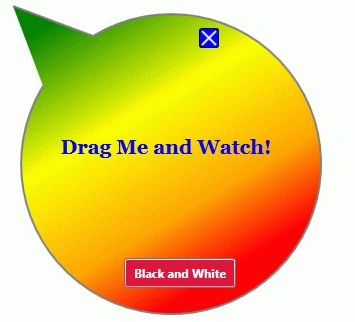
Every user interface in WPF is represented by a Window. In this article, you will learn how to create non-rectangular shaped Windows in WPF using C#.