Loading
Articles by Mahesh Chand
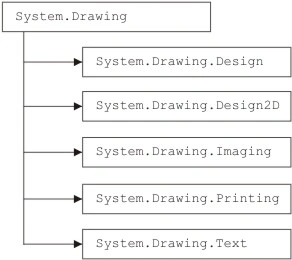
GDI+ Namespaces and Classes in .NET
In this article I will explain about GDI+ Namespaces and Classes in .NET
GDI+ from a GDI Perspective
This article is for GDI programmers. To build on your exiting knowledge, we will compare and contrast GDI and GDI+.

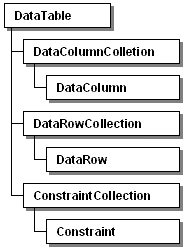
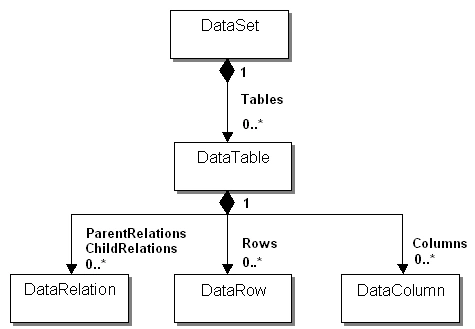
DataTable, DataColumn and DataRow classes
In this article I will explain about DataTable, DataColum and DataRow classes in ADO.NET.

Managing Cookies in a WPF Application
This article discusses how use cookies in WPF Applications using C#.
ADO .NET Class Hierarchy
In this article I will explain about the ADO.NET class hierarchy provided by the .NET Runtime class library. These classes represent ADO.NET components.
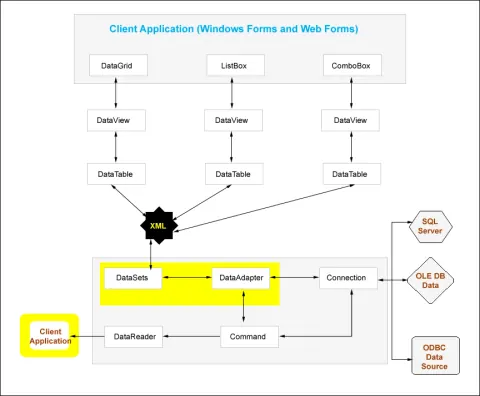
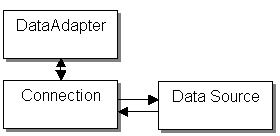
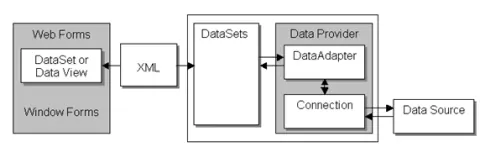
ADO .NET Data Providers and Disconnected classes
In this article, you’ll get a broad view of the ADO.NET architecture and the basic building blocks of ADO.NET and ADO.NET data providers.
Adding a Splash Screen to a WPF Application
This article demonstrates how to add a splash screen to a WPF application using Visual Studio.
Show multiple Windows at startup in WPF
There are often times when you need to show multiple Windows when a WPF application starts.
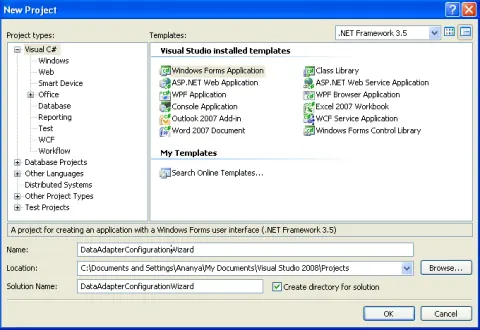
Creating Data Adapters with the Data Adapter Configuration Wizard
This article will help you in understanding Creating Data Adapters with the Data Adapter Configuration Wizard.
Data Components In Visual Studio .NET - Part Four
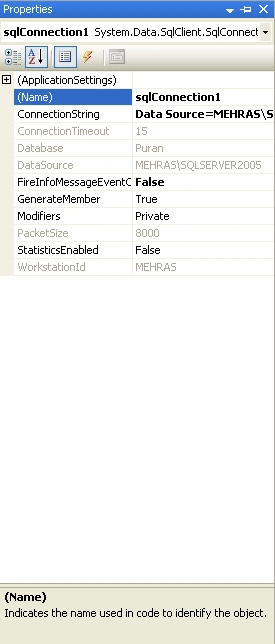
This article will help you in understanding Data Connections in Visual Studio .NET
Data Components in Visual Studio .NET Part3
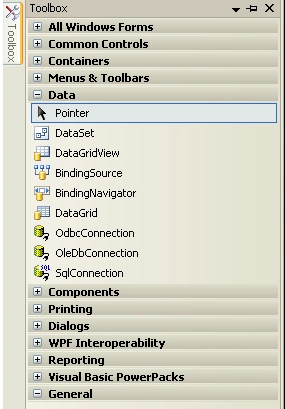
This article will help you in understanding Visual Data Components
Data Components In Visual Studio .NET - Part Two
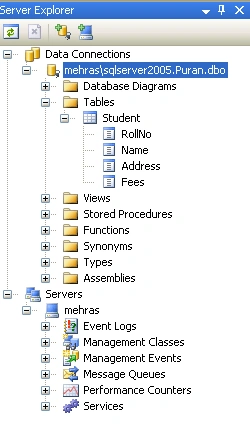
In this article I will explain about managing and viewing data through Server Explorer.
Data Components in Visual Studio .NET: Part I
In this article, I will help you in understanding using the Server Explorer for Adding a new Connection.
WPF ComboBox
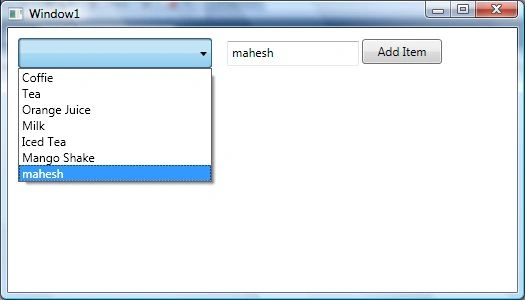
WPF ComboBox in C# represents a WPF combo box control. This tutorial demonstrates how to create and work with a ComboBox control in WPF using XAML and C#.
Simple ADO.NET program with Visual Studio .NET IDE
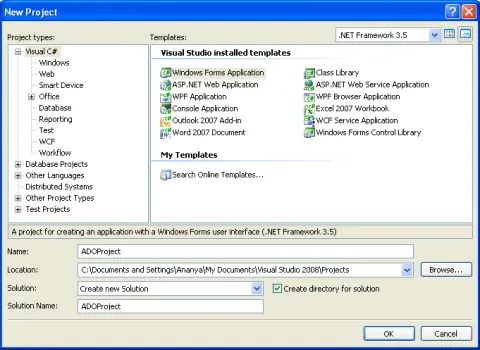
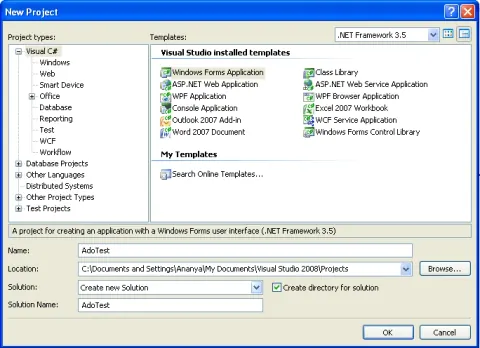
In this article I will explain about a simple ADO.NET program with VS using windows forms.
GDI+: The Next-Generation Graphics Interface
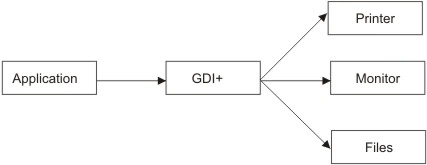
In this article I will give you introduction about GDI+.
Get Installed Speech Voices in WPF
This code snippet shows how to get all installed speech synthesis voices on a computer using Speech API in WPF and C#.
Writing ADO.NET Applications
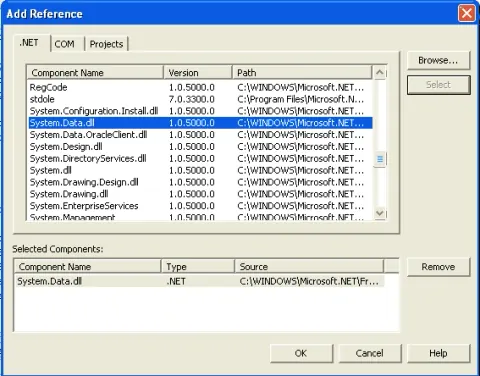
In this article I will explain you basic steps required to write an ADO.NET Application.
Data Set and Data View objects in ADO.NET
In this article I will explain you Data Set and Data View objects in ADO.NET.
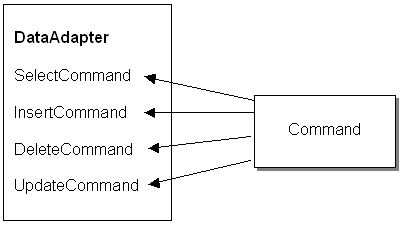
Command Object, Command Builder, Data Adapter object, ADO.NET.
In this article I will explain about Command object, Command Builder and Data Adapter object in ADO.NET.
How to Bind an Enum to a ComboBox in C#
The following code snippet shows how to bind an enumeration to a ComboBox in WPF or Windows Forms using C#.
Find Controls by Name in WPF
FindName method of FrameworkElement class is used to find elements or controls by their Name properties. This article shows how to find controls on a Window by name.