Loading
Articles by Mahesh Chand

Building Transparent Controls in WPF
This article demonstrates how to build transparent and semi-transparent controls in WPF.

Timer in WPF using VB.NET
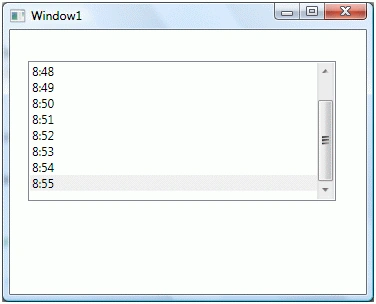
This article demonstrates how to implement timer in WPF using the DispatchTimer class using Visual Basic .NET.
Timer in WPF using VB.NET
This article demonstrates how to implement timer in WPF using the DispatchTimer class using VB.NET.
DataGrid in WPF
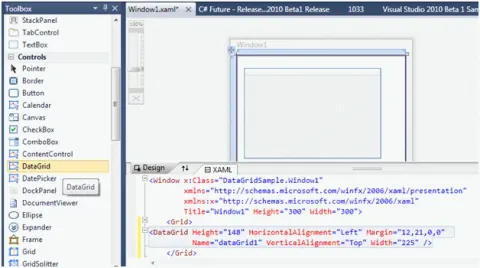
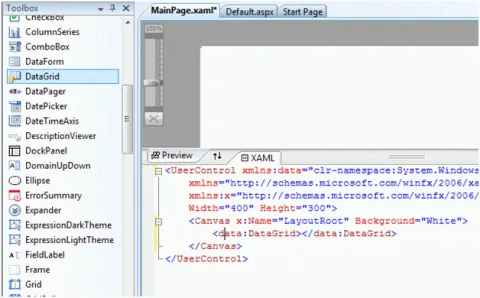
WPF DataGrid. WPF DataGrid control displays tabular data in a grid format. In this tutorial, you'll learn how to use a WPF DataGrid control, set its properties, and display data from a collection.
OpenFileDialog in WPF using VB.NET
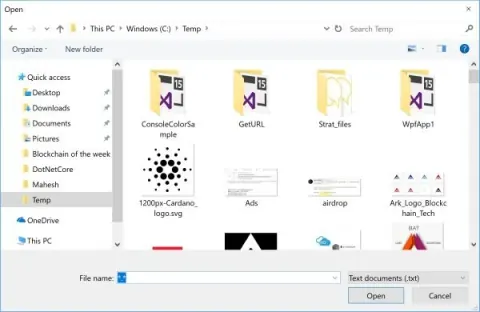
This article shows how to create and use a Open FileDialog in WPF using Visual Basic .NET.
Viewing Word Documents in WPF using VB.NET
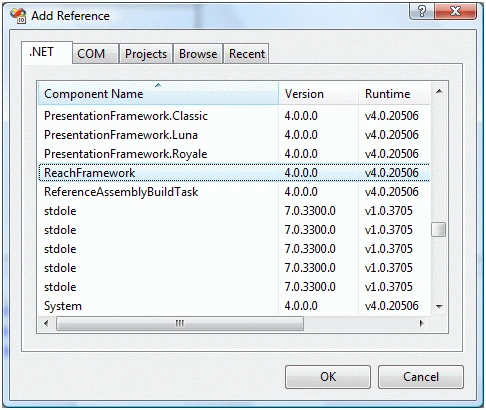
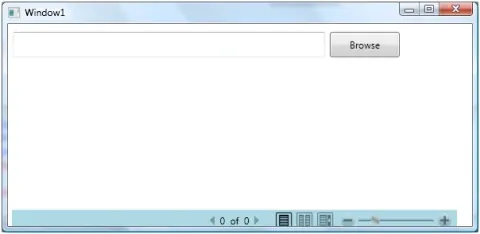
WPF does not support functionality to view Microsoft Word documents but there is a work around this problem. This article demonstrates how to view a word document in WPF using DocumentViewer control using VB.NET.
Viewing Word Documents in WPF
WPF does not support the functionality to view Microsoft Word documents but there is a work-around for this problem. This article demonstrates how to view a word document in WPF using the DocumentViewer control.
Loading a text file in a WPF FlowDocumentReader
In this article, I demonstrate how to load a text file in a FlowDocumentReader available in WPF using C#.
MessageBox In WPF
A WPF message box is a dialog box that displays an alert or a message or also lets the user have some options to choose from. In this article, we will see working with MessageBox In WPF.
OpenFileDialog In WPF
OpenFileDialog in WPF is a powerful tool for enabling file selection within your C# applications. It provides a user-friendly interface for navigating the file system, allowing users to select one or multiple files.
ScrollBar In WPF
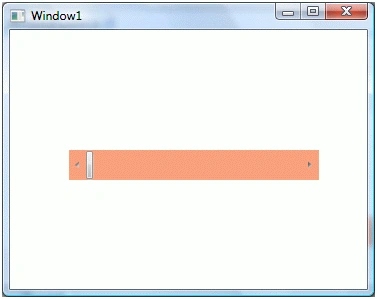
The WPF Scrollbar control adds scroll bars to a Windows or a control. The code examples in this tutorial shows use the ScrollBar class in C# and ScrollBar element in XAML to add scrolling functionality to a WPF window or WPF control. Vertical scrollbar to a Window in C#. Horizontal scroll bar to a Window in C# and WPF.
Working with a WPF RepeatButton using C# and XAML
The RepeatButton class in C# represents a WPF Repeat Button control. The code example in this article demonstrates how to create and use a RepeatButton control in WPF using XAML and C#.
Applying gray scale on an Image in WPF
Learn how to convert a BitmapImage to grayscale in WPF using FormatConvertedBitmap and the Gray32Float pixel format.
Working with DataGrid in Silverlight
This article shows you how to work with a DataGrid control available in Silverlight 2.0. Article also demonstrates some formatting and data binding techniques.
SolidColorBrush in Silverlight
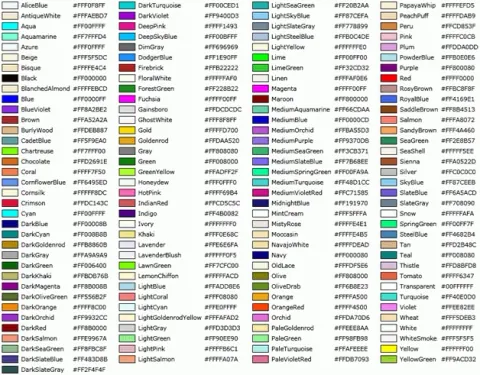
This article demonstrates how to use a solid brush in Silverlight using XAML and C#.
LinearGradientBrush in Silverlight
This article demonstrates how to use a linear gradient brush in Silverlight using XAML and C#.
RadialGradientBrush in Silverlight
This article demonstrates how to use a radial gradient brush in Silverlight using XAML and C#.
Silverlight DatePicker Control
A DatePicker control is used to create a visual DatePicker that let user to pick a date and fire an event on the selection of the date. This article demonstrates how to create and use a DatePicker control in Silverlight with the help of XAML and C#.

Graphics Path in Silverlight
A graphics path is a set of connected lines, curves, and other simple graphics objects. This article demonstrates how to use a Path control in Silverlight using XAML and C#.
Silverlight MultiScaleImage Control
The MultiScaleImage object represents an Image control that is used a multi-resolution image that is generated by the Deep Zoom Composer and can be zoomed and panned. This article demonstrates how to use a MultiScaleImage control in Silverlight using C#.
Display Image in Silverlight
Image element represents an image control in Silverlight. This article demonstrates how to use an Image control in Silverlight to display images.
ViewBox Control in Silverlight
A ViewBox control resizes itself based on the size of the contents. This article demonstrates how to use a ViewBox control in Silverlight using XAML and C#.
Image Brush in Silverlight
This article demonstrates how to use an ImageBrush in Silverlight and XAML to view images in C#.
Line Chart in Silverlight
This article shows how to create a line chart in Silverlight 2.0 using Silverlight Tooklit.