Loading
Articles by Mahesh Chand

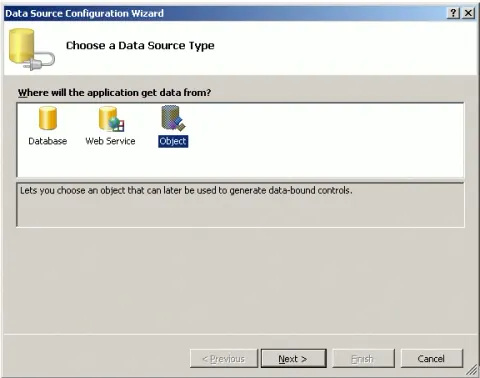
Building Reports from Object Collection using ReportViewer
Learn how to create an RDLC report in a Windows Forms application by binding a ReportViewer control to a collection of business objects using local processing.

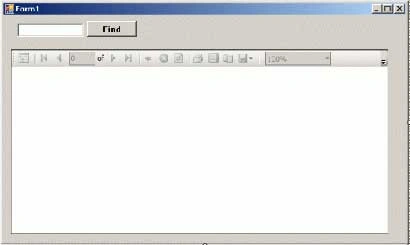
Implementing Search in Reports using ReportViewer
The ReportViewer control provides Find and FindNext methods to find a text in the report. This article explains how you can implement search functionality in reports programmatically.
Getting Started with ReportViewer Control
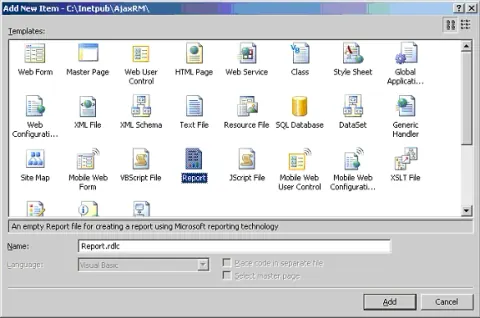
I could not be more happier when I saw the ReportViewer control as a part of Visual Studio 2005 controls. This article is an introduction to the ReportViewer control and how to write a simple report using the ReportViewer control in Visual Studio 2005.
Implementing Search in Reports using ReportViewer
The ReportViewer control provides Find and FindNext methods to find a text in the report. This article explains how you can implement search functionality in reports programmatically.
Building Reports from a DataSet using ReportViewer
Create an RDLC report in Visual Studio 2005 using a typed DataSet, bind it to the ReportViewer control, and load report data from an XML file.
Building Reports from XML Documents using ReportViewer
In this step-by-step tutorial, you will learn how to create reports from an XML document using the ReportViewer control and Visual Studio 2005.
Building Reports from Object Collection using ReportViewer
In this article, I discuss how to create reports from a business objects collection. I create a Windows Forms application with reporting being processed as local processing mode.
Selecting an item in an ASP.NET DropDownList Programmatically
This tip shows how to select an item in an ASP.NET DropDownList control programmatically.

Drawing Graphics Shapes in XAML
This article describes the drawing model in XAML and how to draw various objects such as line, rectangle, ellipse, and paths using XAML.

Programming XAML - A Quick Start
XAML is a new descriptive programming language that is used to define user interfaces in WPF, Silverlight and Windows 8 Metro Style Apps. This article is an introduction to XAML.
XAML TextBox
XAML <TextBox /> element represents the XAML TextBox control. This article discusses how to create a TextBox and set its various properties such as background and foreground colors, setting size and positions, fonts, wrapping, scrolling, and input validations.

Play Video in WPF
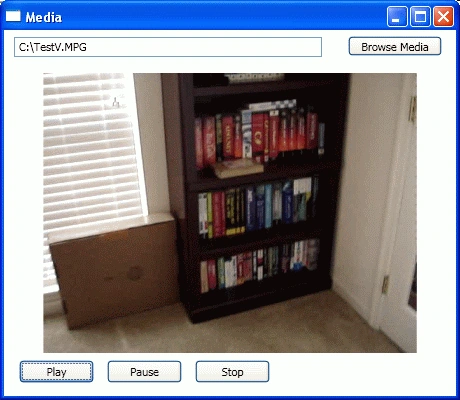
If you have built any video enabled application prior to WPF, you must be familiar with the Windows Media Player ActiveX control. The WPF library provides the MediaElement control that encapsulates Windows Media Player functionality.
Implementing Group By in a DataSet in VB.NET
We know a DataSet does not support GROUP BY and recently I needed GROUP BY in one of my applications. This attached class shows how to implement GROUP BY in a DataSet.
Getting Started with ReportViewer Control
I could not be more happier when I saw the ReportViewer control as a part of Visual Studio 2005 controls. This article is an introduction to the ReportViewer control and how to write a simple report using the ReportViewer control in Visual Studio 2005.
Web Access Failed Error
Encounter HTTP Error 404 when creating a web application in Visual Studio .NET on Windows Server 2003 with IIS 6.0 due to .tmp file blockage. Resolve by adding a .tmp MIME type in IIS: Control Panel > Administrative Tools > IIS > Default Web Site Properties > HTTP Headers > MIME Types > New.
How to Create a Scrollable DataGrid?
This quick tip shows how to create a scrollable ASP.NET DataGrid.
XAML AccessText
XAML AccessText tag specifies with an underscore the character that is used as the access key.
Concurrency violation: the UpdateCommand affected 0 records.
When you use a DataAdapter object to write changes back to a database by means of a stored procedure, you may receive the following error message: Additional information: Concurrency violation: the UpdateCommand affected 0 records.
Aspnet_wp.exe was recycled error
Occasionally, slow writes to a client cause Aspnet_wp to recycle on false deadlocks, which generates this error in event log.
XAML MediaElement
XAML MediaElement is used to play videos in XAML. This article shows how to use XAML MediaElement to display videos.
Cannot perform '>' operation on System.DateTime and System.Double
I get error Cannot perform '>' operation on System.DateTime and System.Double when applying a filter on DataView.
HTTP:/1.1 500 Internal Server Error
If you are running two versions of ASP.NET, you may get HTTP:/1.1 500 Internal Server Error when creating a new Web project or opening an existing Web project in Visual Studio.
Getting Started with AJAX 1.0
After fruition of this article, you will have a better understanding of AJAX 1.0 extensions and will learn how to build AJAX enabled Web applications using ASP.NET 2.0 and Visual Studio 2005.

Access Sharepoint Portal Server using Web Services in .NET
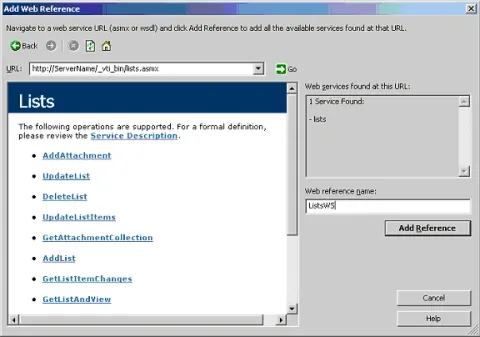
This article discusses how we can leverage Sharepoint Portal Web Services to work with WSS in Microsoft .NET. The sample code used in this article shows how to access Lists Web Service to get the available lists in WSS. The sample code also shows how to add and update list items.
Access Command Line Arguments in VB.NET
This article shows how to access command line arguments in VB.NET.