Loading
Mahesh Chand's contributions

RichTextBox in C#
A RichTextBox control is an advanced text box that provides text editing and advanced formatting features including loading rich text format (RTF) files. In this article, I will demonstrate how to create and use various features of Windows Forms RichTextBox control.
RichTextBox in VB.NET
A RichTextBox control is an advanced text box that provides text editing and advanced formatting features including loading rich text format (RTF) files. In this article, I will demonstrates how create and use various features of Windows Forms RichTextBox control.
ServiceController In C#
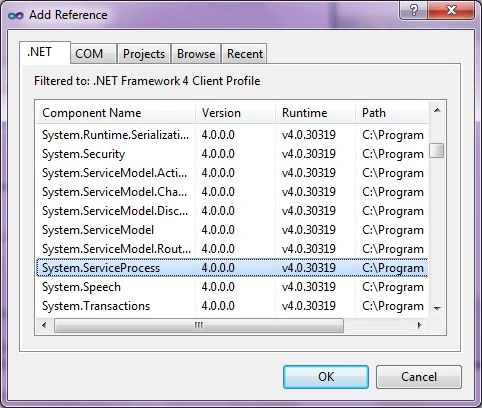
A ServiceController component allows us to access and manage Windows Services running on a machine. In this article, I will discuss how to a ServiceController class to load all services and get information about them in a Windows Forms application using Visual Studio 2010.
ServiceController in VB.NET
A ServiceController component allows us to access and manage Windows Services running on a machine. In this article, I will discuss how to a ServiceController class to load all services and get information about them in a Windows Forms application using Visual Studio 2010.

What is Sharepoint Workspace 2010
With integration with Visual Studio 2010 and Office 2010, Sharepoint 2010 is much more valuable and useful then ever.
Notify Icon in VB.NET
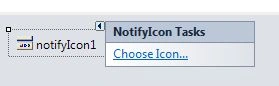
In this article, I will discuss how to add a system tray icon for an application using the NotifyIcon in a Windows Forms application using Visual Studio 2010.
Notify Icon In C#
In this article, I will discuss how to add a system tray icon for an application using the NotifyIcon in a Windows Forms application using Visual Studio 2010.
Working on SharePoint 2010 and loving it
Couple of weeks ago, I installed SharePoint Foundation 2010 on my Windows 7 development machine and started working on it.
Add, Remove and Replace Strings in VB.NET
This code snippet shows how to add, remove and replace strings in VB.NET.
Uppercase and Lowercase Strings in VB.NET
This code snippet shows how to make a string uppercase and lowercase using String class methods in VB.NET.
PictureBox In C#
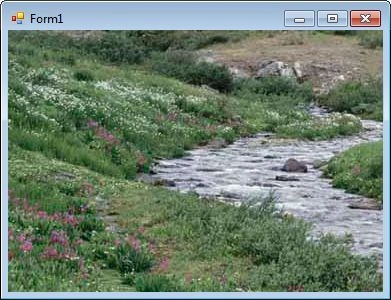
PictureBox control is used to display images in Windows Forms. In this article, I will discuss how to use a PictureBox control to display images in Windows Forms applications.
PictureBox in VB.NET
PictureBox control is used to display images in Windows Forms. In this article, I will discuss how to use a PictureBox control to display images in Windows Forms applications.
VB.NET DateTimePicker
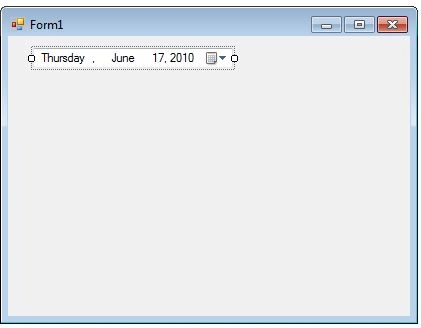
A DateTimePicker control allows users to select a date and time in Windows Forms applications. In this tutorial, we will see how to create a DateTimePicker control at design-time as well as at run-time, set its properties and call its methods.
C# DateTimePicker Control
A DateTimePicker control allows users to select a date and time in Windows Forms applications. In this tutorial, we will see how to create a DateTimePicker control at design-time as well as at run-time, set its properties and call its methods.

Split String In C#
Learn how to split a string in C#. A string can be splitted in C# separated by a character delimiter, string delimiter, and an array of characters.

What is LightSwitch
Visual Studio LightSwitch is a new addition to the Visual Studio 2010 family that allows you solve specific business needs by enabling you to quickly create professional-quality business applications, regardless of your development skills.
Padding Strings In C#
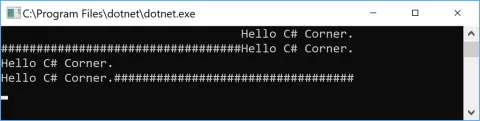
This code snippet shows how to pad strings in C# and .net core. Padding in the string is adding a space or other character at the beginning or end of a string. String class has String.PadLeft() and String.PadRight() methods to pad strings in left and right sides.
Trim String in C#
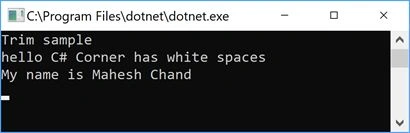
String.Trim(), String.TrimStart(), and String.TrimEnd() methods provide trim string functionality in C# and .NET. The Trim method removes white spaces from the beginning and endof a string. The TrimEnd method removes characters specified in an array of characters from the end of a string and TrimStart method removes characters specified in an array of characters from the beginning of a string.
How To Compare Strings In C#
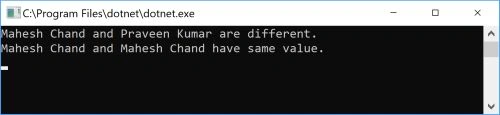
Code examples of compare strings in C# using String.Equals, String.Compare, String.CompareTo() method, and StringComparer.