Loading
Mahesh Chand's contributions
Blending in GDI+
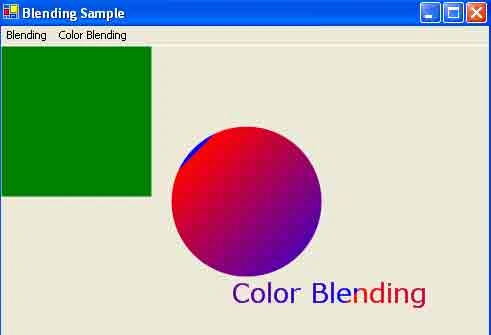
Learn how to create color, alpha, and mixed blending effects in GDI+ using gradient brushes, Blend, and ColorBlend objects.
Graphics Containers in GDI+
In this article I will explain about Working with Graphics Containers in GDI+.
Saving and Restoring Graphics States in GDI+
In this article I will explain about Saving and Restoring Graphics States in GDI+.

What is new in WPF 4 - Touch Inputs
WPF 4.0 supports touch inputs that enables developers to build touch screen applications.

Accessing Excel Databases using ADO.NET
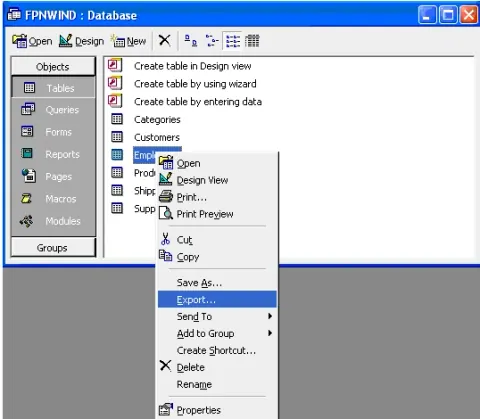
In this article I will explain about Accessing Excel Databases using ADO.NET.
Stroke Caps in GDI+
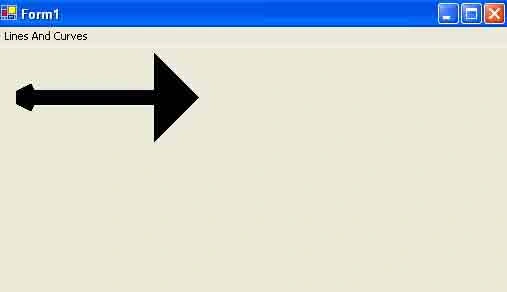
Learn how to create and configure GDI+ stroke caps, including custom line caps and start and end caps for Pen objects.
Understanding and Using Graphics Paths in GDI+
In this article I will explain understanding and using Graphics Paths in GDI+.
Working with Sybase Databases using ADO.NET
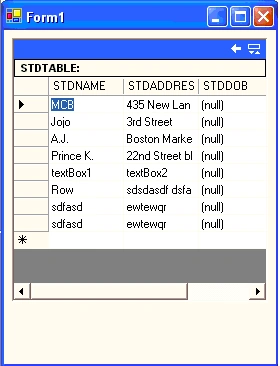
In this article I will explain about working with Sybase Databases using ADO.NET.
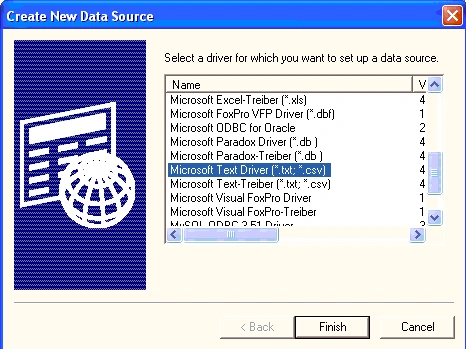
Accessing a Text File using ADO.NET
In this article I will explain about Accessing a Text File using ADO.NET.
Drawing Other Objects with Line Caps and Styles in GDI+
In this article I will explain about image class methods and properties in GDI+.
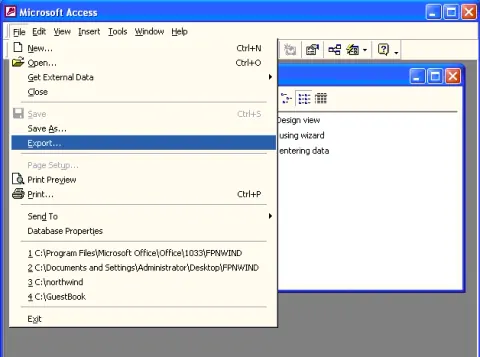
Accessing Text File Databases in ADO.NET
In this article I will explain about Accessing Text File Databases in ADO.NET.
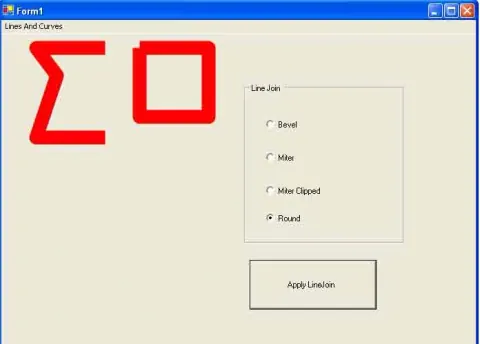
Customizing Line Caps and Line joins in GDI+
In this article I will explain about Customizing Line Caps and Line joins in GDI+.
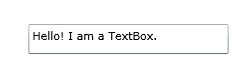
WPF TextBox
WPF TextBox control represent a control that can be used to display or edit unformatted text. The TextBox class in C# represents the control. The XAML <TextBox> element represents the TextBox control in UI. The code samples in this article show how to use XAML TextBox element to create a TextBox control in WPF and C#.
WPF TextBlock
Learn how to create and configure WPF TextBlock controls in XAML and C#, including fonts, alignment, wrapping, inline text, decorations, and backgrounds.
The ODBC.NET Data Provider in ADO.NET
In this article I will explain about the ODBC.NET Data Provider in ADO.NET.
Getting and Setting Line Caps and Styles in GDI+
In this article I will explain about Getting and Setting Line Caps and Styles in GDI+.
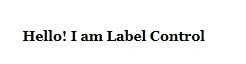
Working with WPF Label using XAML and C#
WPF Label class represents a Label control in C#. The <Label> element in XAML represents a Label control at design-time. The code examples in this article demonstrate how to use Label in WPF and XAML in C#. WPF Label, WPF Label control.
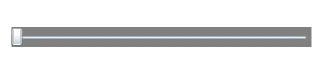
WPF Slider Control
The Slider class in WPF represents the slider control in C#. The code example in this article creates a complete slider control functionality using XAML and C#.
Working with the ODBC .NET Data Provider
In this article, I’ll show you how to work with different data sources (or database) using the ODBC .NET data provider. You’ll see how you can use the ODBC.NET data provider to work with MySQL, Oracle, Excel, and even text data files.
WPF CheckBox
The CheckBox class in C# represents a WPF Check Box control. The <CheckBox> element in XAML can be used to create a CheckBox at design time. The code examples in this tutorial demonstrate how to use a CheckBox control in WPF with the help of XAML and C#. Code also show how to check and uncheck a CheckBox dynamically.
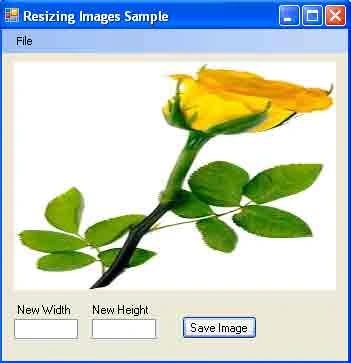
Saving Images with Different Sizes in GDI+
In this article I will explain about Saving Images with Different Sizes in GDI+.