Loading
Mahesh Chand's contributions

What is new in WPF 4 - WPF Controls
Updated links for AutoCompleteBox, Accordian Control, DatePicker and Calendar Controls.


Convert Long, Short, Single to Byte Array in C#
The BitConverter class in .NET Framework is provides functionality to convert base data types to an array of bytes, and an array of bytes to base data types.
Printing in WPF
This article discusses the process of printing in WPF and how to print a FlowDocument, Control, and Window in WPF.
Convert Char to Byte Array in C#
The BitConverter class in .NET Framework is provides functionality to convert base data types to an array of bytes, and an array of bytes to base data types.
Viewing Multiple Images in GDI+
In this article I will explain about viewing multiple images in GDI+.

Working with DataTable Events in ADO.NET
In this article I will explain working with DataTable Events in ADO.NET.
Convert Bool to Byte Array in C#
This article demonstrates how to convert a boolean value to a byte array in C#.
Is Operator in C#
The Is operator in C# is used to check if a type of an object is compatible with the other type. If type is not compatible, you will also see C# compiler will through an error in Visual Studio IDE.
As Operator In C#
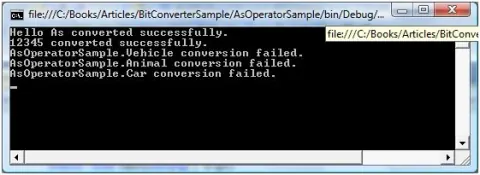
The As operator in C# is used to convert from one type to another. You can use casting to cast one type to another but if you apply casting on incompatible types, you will get an exception.

Visual Studio 2010 Versions - Features Breakdown
Visual Studio 2010 has three versions - Professional, Premium and Ultimate. This chart shows you the features available in each of these versions.
What is new in Graphics Sub-system .NET 4.0?
Here are some of the new features that have been fixed or implemented in the graphics sub-system of .NET 4.0.
Working With Pen In WPF
Learn how to use the WPF Pen class in XAML and C# to draw shape outlines, configure brushes and thickness, and apply line caps, joins, and dash styles.
Working with DataSet Events in ADO.NET
In this article I will explain working with DataSet Events in ADO.NET.
Drawing Transparent Graphics Objects in GDI+
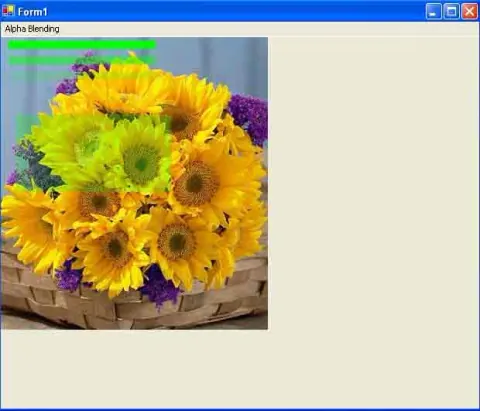
Learn how to draw transparent lines, rectangles, pens, and brushes in GDI+ using alpha values with Color.FromArgb.
Transparent Brushes in WPF
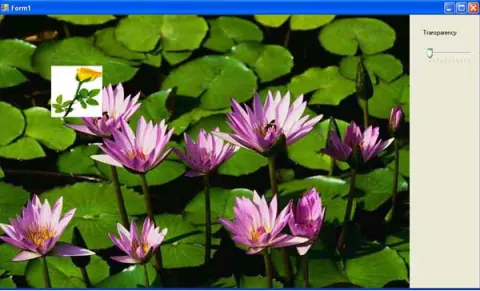
All elements in XAML including all brushes have an Opacity attribute that defines the transparency of an element. This article demonstrates how to use Opacity to implement transparent brushes in WPF using XAML.
MVP Summit 2010 Feedback
If you were given a chance to tell Microsoft what would you have changed at MVP Summit 2010, what would you have changed?
Video Brush in WPF
This article demonstrates how to implement video brushes in WPF using MediaElement XAML element.
Visual Brush in WPF with C#
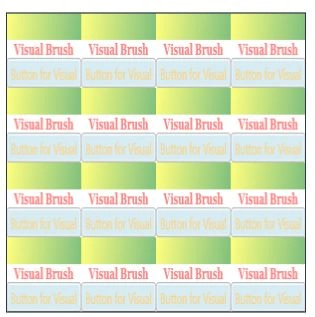
The Visual object in WPF represents a visual control. This article demonstrates how to create and use a visual brush in WPF using XAML and C#.
DataAadapter Events in ADO.NET
In this article I will explain working with DataAadapter Events in ADO.NET.
Handling ADO .NET Events & Connection Events
In this article I will explain handling ADO .NET Events & Connection Events.