Loading
Articles by Vijai Anand Ramalingam

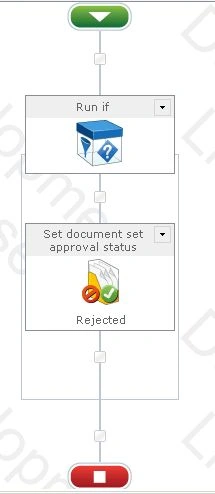
How to Set Document Set Approval Status Using NINTEX Workflow in SharePoint
This article shows how to set document set approval status using NINTEX workflow in SharePoint.
How to Capture Document Set Version Using NINTEX Workflow in SharePoint
In this article you will see how to capture a Document Set Version using a NINTEX workflow in SharePoint.
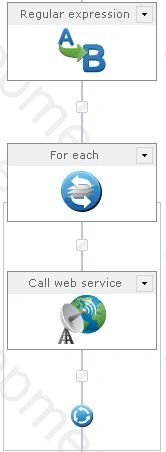
How to Use For Each Loop in NINTEX Workflow
In this article you will see how to use a For Each loop in a NINTEX workflow.
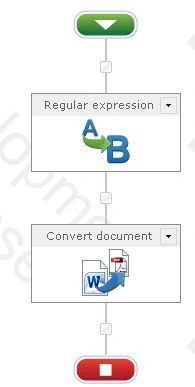
How to Convert Word Document to PDF Using NINTEX Workflow in SharePoint
In this article you will see how to convert a Word document to PDF using a NINTEX workflow in SharePoint.
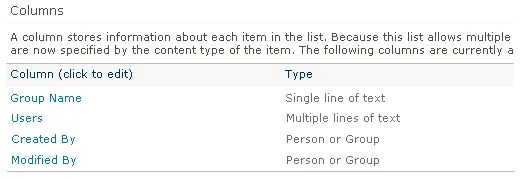
How to Get All the Users From a Specific SharePoint Group Using NINTEX Workflow
In this article you will see how to get all the users from a specific SharePoint group using a NINTEX workflow.
How to Create Item in Another Site Using NINTEX Workflow in SharePoint
In this article you will see how to create an item in another site using a NINTEX workflow in SharePoint.
How to Add a Group in SharePoint Site Using NINTEX Workflow
In this article you will see how to add a group in SharePoint site using NINTEX workflow.
How to Set Item Level Permission Using NINTEX Workflow in SharePoint
In this article you will see how to set item level permission using a NINTEX workflow in SharePoint.
How to Remove Group From SharePoint Site Using NINTEX Workflow
In this article you will see how to remove a group from a SharePoint site using a NINTEX workflow.
How to Create User Defined Action For NINTEX Workflows in SharePoint
In this article I will explain how to create a User Defined Action for NINTEX workflows in SharePoint using a very simple example.
How to Check if SharePoint Group Exists Using NINTEX Workflow
In this article you will see how to check if a SharePoint group exists using a NINTEX workflow.
How to Remove User From SharePoint Group Using NINTEX Workflow
In this article you will see how to remove a user from a SharePoint group using a NINTEX workflow.
How to Add User to SharePoint Group Using NINTEX Workflow
In this article you will see how to add a user to a SharePoint group using a NINTEX workflow.
How to Delete Site Using NINTEX Workflow in SharePoint
In this article you will see how to delete a site using NINTEX workflow in SharePoint.
How to Create Site Using NINTEX Workflow in SharePoint
In this article you will see how to create site using NINTEX workflow in SharePoint.
Workflow Actions Not Available in Nintex Workflow 2010
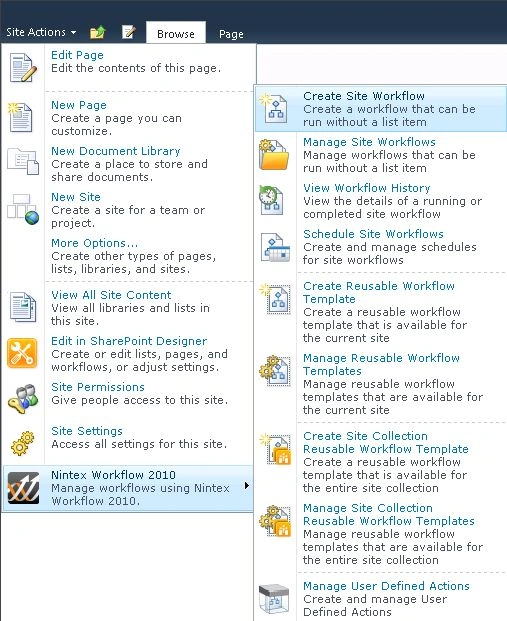
In this article you will see how to add the workflow actions in Nintex Workflow 2010.
How to Configure PowerPoint Automation Service Application in SharePoint 2013
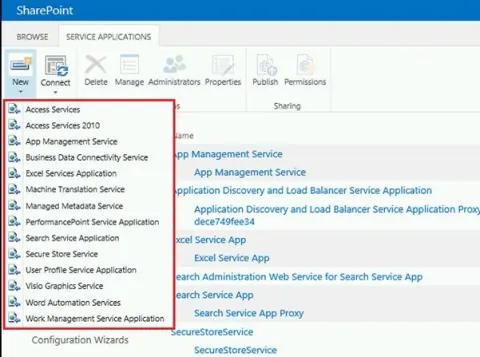
In this article you will see how to configure a PowerPoint Automation Service Application in SharePoint 2013.
How to Start a SharePoint 2010 Workflow Within a SharePoint 2013 Workflow Using SharePoint Designer 2013
In this article you will see how to start a SharePoint 2010 workflow within a SharePoint 2013 workflow using SharePoint Designer 2013.
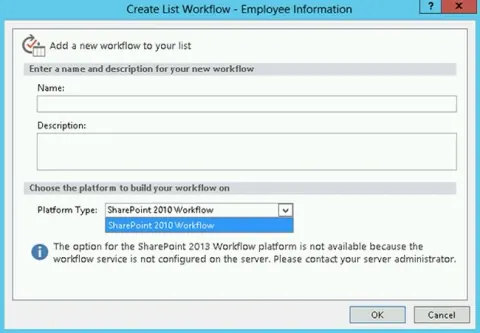
Error: The option for the SharePoint 2013 Workflow platform is not available
In this article you will see how to resolve the issue “The option for the SharePoint 2013 Workflow platform is not available because the workflow service is not configured on the server. Please contact your server administrator“ in SharePoint 2013.
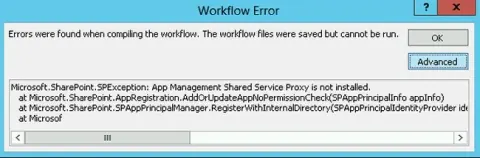
Error: App Management Shared Service Proxy is Not Installed
In this article you will see how to resolve the issue “Error: App Management Shared Service Proxy is not installed “in SharePoint 2013.
How to Configure Workflow Manager 1.0 For SharePoint 2013
In this article you will see how to configure Workflow Manager 1.0 for SharePoint 2013.
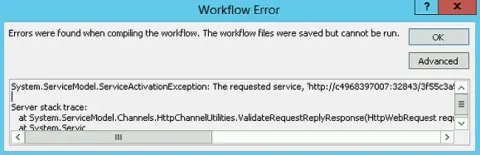
Error: The Requested Service, AppMng.svc Could Not be Activated
In this article you will see how to resolve “Error: The requested service, AppMng.svc could not be activated “in SharePoint 2013.
Error: The Form Cannot be Rendered. This May be Due to a Misconfiguration of the Microsoft SharePoint Server State Service
In this article you will see how to resolve “Error: The form cannot be rendered. This may be due to a misconfiguration of the Microsoft SharePoint Server State Service in SharePoint 2013.
How to Install Workflow Manager 1.0 For SharePoint 2013
In this article you will see how to install Workflow Manager 1.0 for SharePoint 2013.
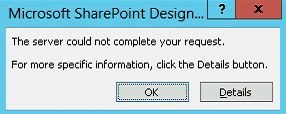
Error : The Server Could Not Complete Your Request When Trying to Open the Site in SharePoint Designer 2013
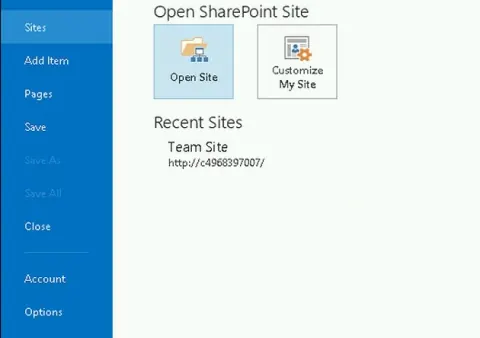
In this article you will see how to resolve the error The server could not complete your request when trying to open the site in SharePoint Designer 2013.