Loading
Articles by Vijai Anand Ramalingam

Programmatically configure Location based metadata defaults in SharePoint 2010
In this article we will be seeing how to get and set metadata default values using SharePoint object model.
Location based metadata defaults in SharePoint 2010
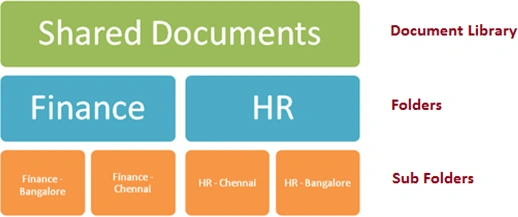
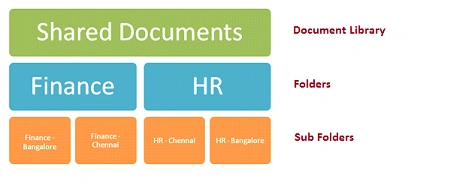
SharePoint 2010 allows setting the default metadata values to the document library, folders and sub folders, so that users do not have to enter the metadata values when they upload the documents in the document library.
Publish Enterprise Search Service Application across Farms
Here we are going to publish and consume Enterprise search Service application across farms.
Access is denied when starting Conversion job in SharePoint Word Automation Service
In this article we will be seeing how to resolve “Access is denied” error when Conversion job is started in SharePoint Word Automation Service.
How to add a Comparison Filter Descriptor to a Finder Method in Business Data Connectivity Model
In this article we will be seeing how to create Comparison Filter Descriptor to a Finder Method.
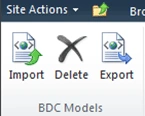
How to import BDC model to the BDC Metadata Store
In this article we will be seeing how to import the BDC model to the BDC Metadata Store.
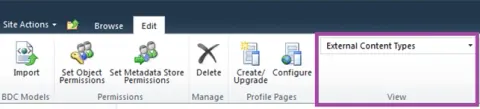
Programmatically get all the external content types in SharePoint 2010
In this article we will be seeing shows how to get all the External Content Types by using the Business Data Connectivity (BDC) service Runtime object model.
How to export a BDC model from Central Administration
In this article we will be seeing how to export the BDC model from Central Administration.
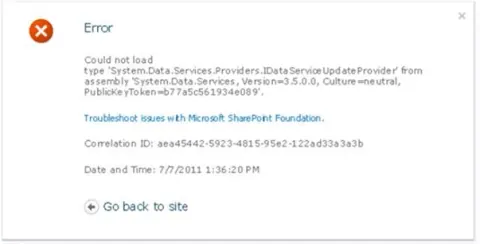
Could not load type 'System.Data.Services.Providers.IDataServiceUpdateProvider' from assembly
In this article we will be seeing how to resolve the error “Could not load type ‘System.Data.Services.Providers.IDataServiceUpdateProvider’ from assembly ‘System.Data.Services, Version=3.5.0.0, Culture=neutral, PublicKeyToken=b77a5c561934e089’”.
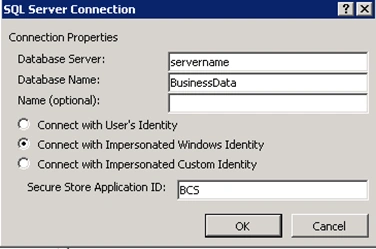
Username returned by the Secure Store Provider is not of the form ‘Domain\User’
In this article we will be seeing how to resolve the following error The username returned by the Secure Store Provider is not of the form ‘Domain\User’.
Create External Content Type based on SharePoint Lists
Business Connectivity Services (BCS) is a new service introduced with SharePoint 2010 to allow SharePoint sites to connect to and manipulate external data.
Export and Deploy BDC model as a feature in Sharepoint
Learn how to export a Business Data Connectivity model with SharePoint Designer 2010 and deploy it as a farm feature using Visual Studio 2010.
Business Data Actions Web Part in SharePoint 2010
An Action is a something that can be performed on a single row of data returned by BCS.
Business Data Item Web Part in SharePoint 2010
The Web Part is useful when you would like to show summary data in the Grid View, but detailed data in a vertical format upon selection.
Business Data List Web Part in SharePoint 2010
Business Data List Web Part in SharePoint 2010 is used to display the Line of Business data within a grid view format.
Business Data Catalog Filter
The Business Data Catalog filter web part allows you to connect Line of Business Data to other web parts such as a List View Web Part for filtering purposes.
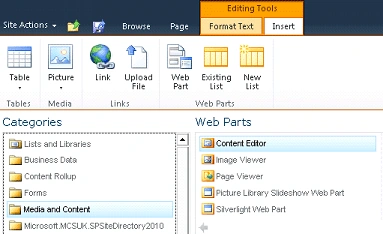
Picture Library Slideshow Web Part in SharePoint 2010
In this article we will be seeing how to create Picture Library Slideshow Web Part in SharePoint 2010.
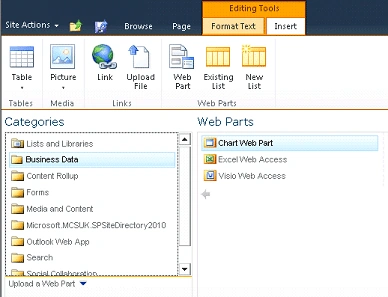
Chart Web Part in SharePoint 2010
Chart web part is a new feature in SharePoint 2010 which is used to create static and dynamic charts. In this article we will be seeing how to create an out-of-box chart web part in SharePoint 2010.
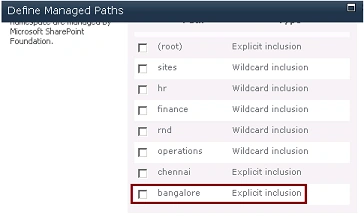
Programmatically create Managed Paths in SharePoint 2010
Managed Paths - We can specify which paths in the URL namespace of a Web application are used for site collections. We can also specify that one or more site collections exists at a specified path.
New Icon Indicator in SharePoint 2010
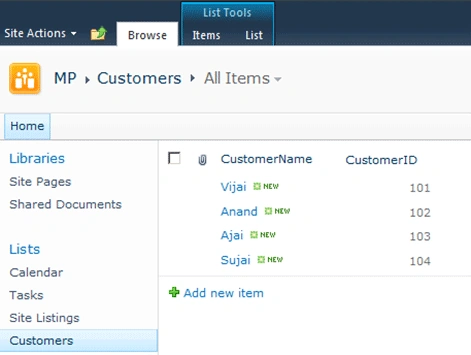
In SharePoint, when a new item is created in the list or library a new icon will appear. In this article we will be seeing how to change the duration of the new icon and how to delete the new icon for the list or library.
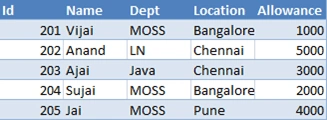
REST API in SharePoint 2010 for Excel Services: Part 3
In this article we will be seeing how to access the Tables and REST API Return Formats.
REST API in SharePoint 2010 for Excel Services: Part 2
In this article we will be seeing how to access the Charts and PivotTable using REST URL and how to add the chart to the SharePoint Wiki page.
REST API in SharePoint 2010 for Excel Services: Part 1
The REST API in Excel Services is new in Microsoft SharePoint Server 2010. REST API is used to access workbook parts or elements directly through a URL.
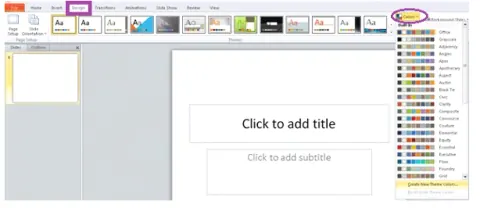
Create a custom theme using PowerPoint in SharePoint 2010
In this article we will be seeing how to create a custom theme using PowerPoint in SharePoint 2010.
REST API in SharePoint 2010 for listdata.svc: Part 2
In this article we will be seeing how to create, read, update and delete the list data using REST API.