Loading
Articles by Vijai Anand Ramalingam

Set Privacy Policies for User Profile Properties in SharePoint 2010 using PowerShell
Learn how to configure default privacy levels and privacy policies for SharePoint 2010 user profile properties using PowerShell and an XML input file.
Create Scopes in SharePoint 2010 using PowerShell
In this article we will be seeing how to create Scopes in a SharePoint 2010 Enterprise Search Service Application using PowerShell.
Create Content Sources in SharePoint 2010 using PowerShell
In this article we will be seeing how to create Content Sources for Enterprise Search Service Application in SharePoint 2010 using PowerShell.
Get the SPFieldUser value using Client Object Model in SharePoint 2010
In this article we will be seeing how to get the SPFieldUser value using a Client Object Model in SharePoint 2010.
Get the SPFieldUserValueCollection values using Client Object Model in SharePoint 2010
In this article we will be seeing how to get the SPFieldUserValueCollection values using a Client Object Model in SharePoint 2010.
Set Permissions to External Content Type using Powershell
In this article we will be seeing how to set permissions to External Content Type using Powershell.
Programmatically set value to the Taxonomy Field in SharePoint 2010
In this article we will be seeing how to set value to the Taxonomy Field in SharePoint 2010 using SharePoint Object Model.
InfoPath Web Part in SharePoint 2010
In this article we will be seeing how to create an InfoPath web part in SharePoint 2010.
Customize SharePoint List Forms using InfoPath 2010
In this article we will be seeing how to customize SharePoint List Forms using InfoPath Forms.
How to enable Sync to SharePoint Workspace for SharePoint document libraries
In this article we will be seeing how to enable Sync to SharePoint Workspace button in the ribbon interface for SharePoint document libraries so that the documents can be synced to SharePoint Workspace and the users can work from offline.
InfoPath forms in SharePoint Workspace 2010
In this article we will be seeing about InfoPath forms in SharePoint Workspace 2010.
Create InfoPath form in SharePoint 2010
In this article we will be seeing how to create InfoPath form for SharePoint 2010 list.
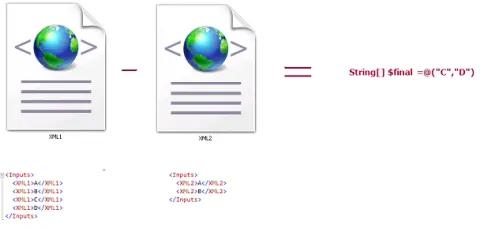
How to add values to the string array from xml using Powershell
In this article we will be seeing how to add values to the string array from xml using Powershell.
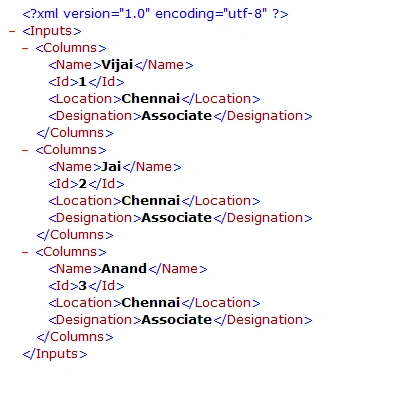
Export XML to Excel in SharePoint 2010
In this article we will be seeing how to export XML to Excel in SharePoint 2010.
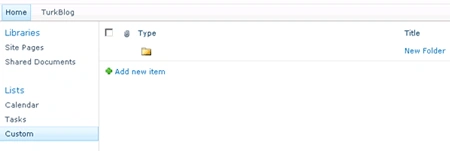
Programmatically create folder in SharePoint List
In this article we will be seeing how to create folder in SharePoint list using SharePoint Object Model.
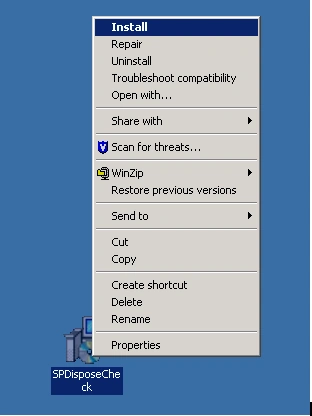
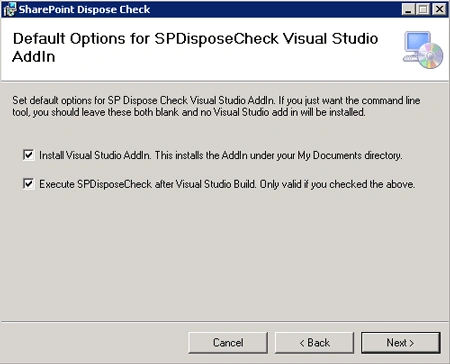
Install SharePoint Dispose Checker Tool
In this article we will be seeing how to install SPDisposeCheck tool.
SharePoint Dispose Check tool in Visual Studio 2010
In this article we will be seeing how to use SharePoint Dispose Check tool in Visual Studio 2010.
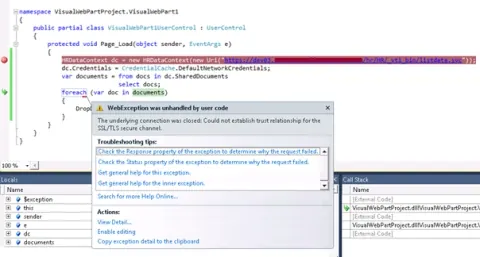
Could Not Establish Trust Relationship For The SSL/TLS Secure Channel
In this article we will be seeing how to resolve the following issue “The underlying connection was closed. Could not establish trust relationship for the SSL/TLS secure channel”.
Check whether SharePoint list is an External List
In this article we will be seeing how to check whether the SharePoint list is an External list or not using SharePoint Object Model and Powershell.

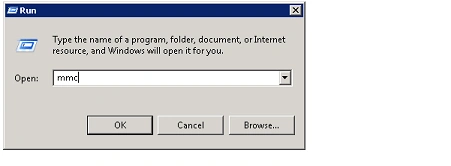
Export or Import SSL Certificates in windows server using Microsoft Management Console
In this article we will be seeing how to export or import SSL certificates in windows server using Microsoft Management Console.
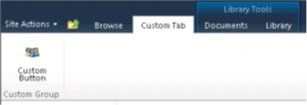
Create a custom tab in the SharePoint ribbon interface
In this article we will be seeing how to create a custom tab, group and button to the server ribbon in Sharepoint 2010.
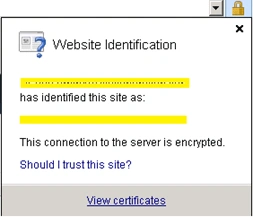
Add Certificate to the SharePoint Trusted Root Certificate Authority
In this article we will be seeing how to export the certificate and import into SharePoint Trusted Root Certificate Authority.
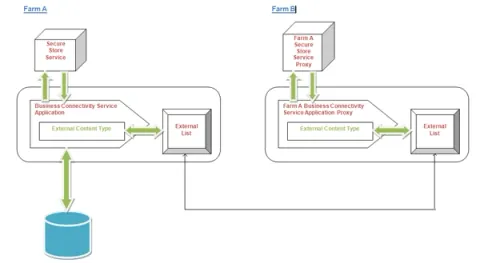
Publish External Content Type across farms
In this article we will be seeing how to publish external content type across farms.
Unable to edit an identifier column for external list in SharePoint Workspace
I was working on external list in SharePoint workspace. I was unable to add or edit the identifier column in the external list.
External Lists in SharePoint Workspace
In this article we will be seeing how to connect external list to SharePoint 2010 workspace and how to update, add and delete the data in the external list.