Loading
Vijai Anand Ramalingam's contributions

Auto-Populate the Field Values Based on Text Change in SharePoint Online List Forms
In this article you will see how to auto-populate the field values based on text change in SharePoint Online list forms.

Converting ASP.Net Web App Into Provider-Hosted App Using Visual Studio
In this article you will see how to convert an ASP.NET Web Application into a Provider-Hosted App using Visual Studio 2013.
Creating Provider-Hosted App in Office 365 and Azure Using VS 2013: Part 3
Learn how to package a provider-hosted SharePoint app, upload it to the Office 365 app catalog, and install it on an Office 365 site.

Creating Provider-Hosted App in Office 365 and Azure Using VS 2013: Part 2
This article shows how to create a Provider-Hosted app in Office 365 and Azure using Visual Studio 2013.
Creating Provider-Hosted App in Office 365 and Azure Using VS 2013: Part 1
This article shows how to create a Provider-Hosted app in Office 365 and Azure using Visual Studio 2013.
How to add a taxonomy field control in a custom page
In this blog you will see how to add a taxonomy field control in a custom SharePoint page.
Office 365: How to Set up an App Catalog on SharePoint 2013 Online
This article shows how to set up an app catalog in SharePoint 2013 Online.
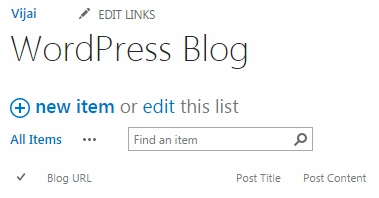
Office 365: Post a Blog on WordPress Using NINTEX Workflow in SharePoint 2013 Online
In this article you will see how to post a blog on WordPress using NINTEX workflow in SharePoint 2013 Online.
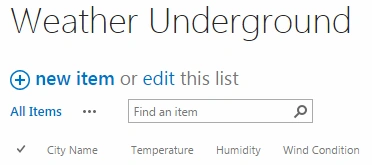
Weather From Weather Underground Using NINTEX Workflow in SharePoint 2013 Online
In this article you will see how to get the weather from Weather Underground using a NINTEX workflow in SharePoint 2013 Online.
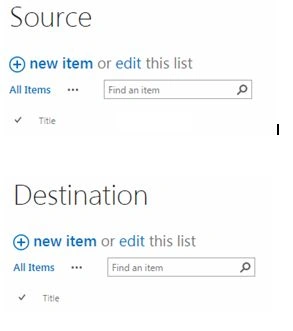
Office 365: Create Item in Another List Using NINTEX Workflow in SharePoint 2013 Online
In this article you will see how to create an item in another list using a NINTEX workflow in SharePoint 2013 Online.
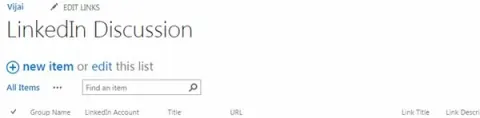
Office 365: Post a Discussion on LinkedIn Using NINTEX Workflow in SharePoint 2013 Online
In this article you will see how to post a discussion on LinkedIn using a NINTEX workflow in SharePoint 2013 Online.
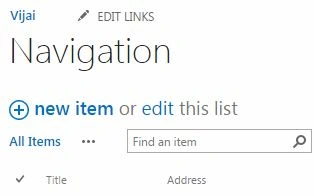
Office 365: How to Create Navigation Using NINTEX Workflow in SharePoint 2013 Online
In this article you will see how to create navigation using NINTEX workflow in SharePoint 2013 Online.

Office 365: How to Create a Task Pane App For Excel Online Using Napa Tool
In this article you will see how to create an app for Excel Online using Napa Tool.
Office 365: How to Add an App in Excel Online From Office Store
This article shows how to add an app in Excel Online from the Office Store.
Office 365: How to Create a Task Pane App For Word 2013
In this article you will see how to create a task pane app for Word 2013 using Visual Studio 2013.
Office 365: How to Add an App in Word 2013 From Office Store
In this article you will see how to add an app in Word 2013 from the Office store.
Office 365: How to get the recipients in a read form in Outlook Web App
In this blog you will see how to get the recipients in a read form in Outlook Web App.
Office 365: How to get the user’s default time zone in Outlook Web App
In this blog you will see how to get the user’s default time zone in Outlook Web App.
Office 365: How to get the user’s display name and email address in Outlook Web App
In this blog you will see how to get the user’s display name and email address in Outlook Web App.
Office 365: How to get the item type in Outlook Web App
In this blog you will see how to get the item type in Outlook Web App.
Office 365: How to get the created date and time of an item in Outlook Web App
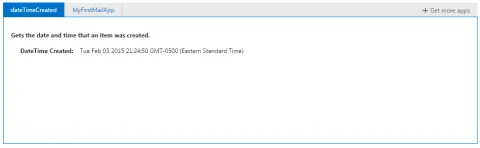
In this blog you will see how to get the created date and time of an item in Outlook Web App.
Office 365: How to Create an App For Outlook Web App Using Napa Tool
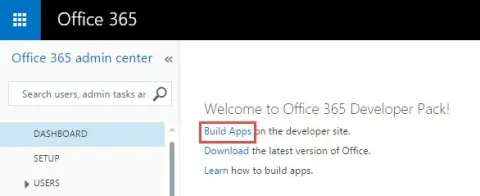
In this article you will see how to create an app for Outlook Web App using Napa Tool.
Office 365: How to Create an App For Outlook 2013 Using Visual Studio
In this article you will see how to create an app for Outlook 2013 using Visual Studio 2013 in Office 365.
Office 365: How to Add an App in Outlook 2013 From Office Store
In this article you will see how to add an app to Outlook 365 from the Office store.
Configure SharePoint 2013 Services using Configuration Wizard
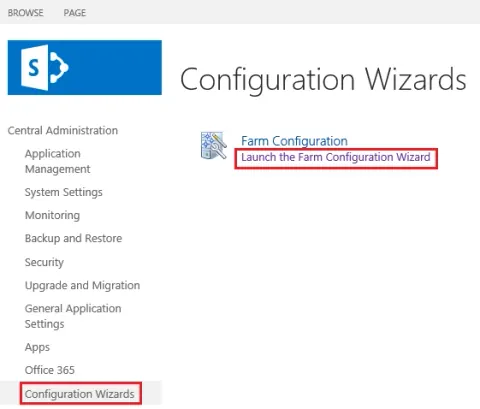
In this blog you will see how to configure SharePoint 2013 services using Configuration Wizard in the Central Administration.