Loading
Vijai Anand Ramalingam's contributions

Add Content Type to List using NINTEX Workflow in SharePoint 2013 Online
In this blog you will see how to add content type to list using NINTEX workflow in SharePoint 2013 Online.
Delete a List using NINTEX Workflow in SharePoint 2013 Online
In this blog you will see how to delete a list using NINTEX workflow in SharePoint 2013 Online.
Create a List using NINTEX Workflow in SharePoint 2013 Online
In this blog you will see how to create a list using NINTEX workflow in SharePoint 2013 Online.
Start a Workflow using NINTEX Workflow in SharePoint 2013 Online
In this blog you will see how to start a workflow using NINTEX in SharePoint 2013 Online.
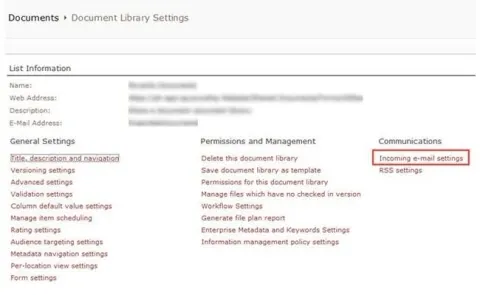
Enable Incoming E-mail Settings For SharePoint Document Library
This article shows how to enable incoming e-mail settings for a SharePoint Document Library.
How to Add User to Group using NINTEX Workflow in SharePoint 2013 Online
In this blog you will see how to add user to group using NINTEX workflow in SharePoint 2013 Online.
How to remove a user from a group using NINTEX Workflow in SharePoint 2013 Online
In this blog you will see how to remove user from group using NINTEX workflow in SharePoint 2013 Online.
How to remove a group using NINTEX Workflow in SharePoint 2013 Online
In this blog you will see how to remove a group using NINTEX workflow in SharePoint 2013 Online.
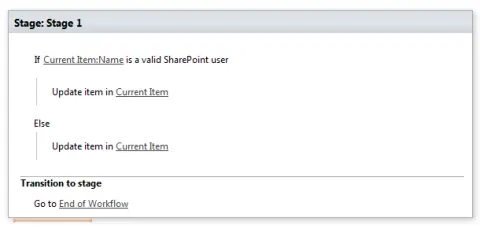
SharePoint Designer 2013: Person is a Valid SharePoint User
In this blog you will see how to use “Person is a valid SharePoint User “condition in SharePoint Designer 2013.
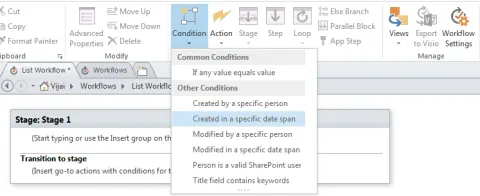
SharePoint Designer 2013: Created in a Specific Date Span Condition
In this blog you will see how to use “Created in a specific date span “condition in SharePoint Designer 2013.
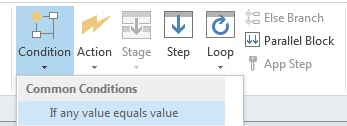
SharePoint Designer 2013: If any Value Equals Value Condition
In this blog you will see how to use “If any value equals value“ condition in SharePoint Designer 2013.
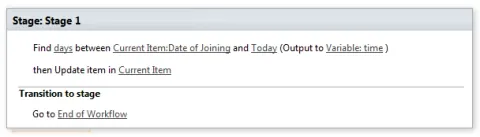
SharePoint Designer 2013: Find Interval Between Dates Action
In this blog you will see how to use “Find Interval Between Dates" action in SharePoint Designer 2013.
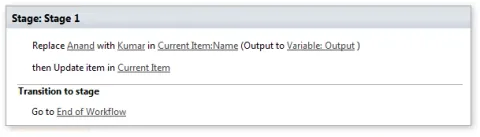
SharePoint Designer 2013: Replace Substring in String Action
In this blog you will see how to use “Replace Substring in String" action in SharePoint Designer 2013.
SharePoint Designer 2013: Find Substring in String Action
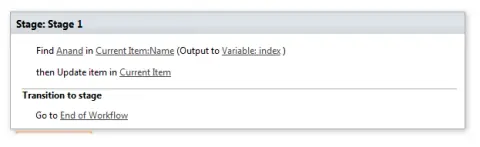
In this blog you will see how to use “Find Substring in String" action in SharePoint Designer 2013.
SharePoint Designer 2013: Trim String Action
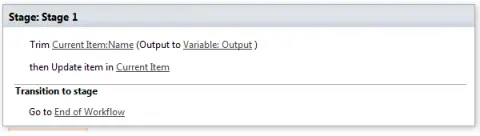
In this blog you will learn how to Trim String Action in SharePoint Designer.
SharePoint Designer 2013: Extract Substring of String from Index with Length Action
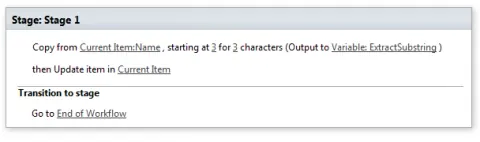
In this blog you will see how to use “Extract Substring of String from Index with Length" action in SharePoint Designer 2013.
SharePoint Designer 2013: Extract Substring from Index of String Action
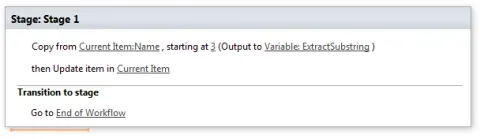
In this blog you will see how to use “Extract Substring from Index of String" action in SharePoint Designer 2013.
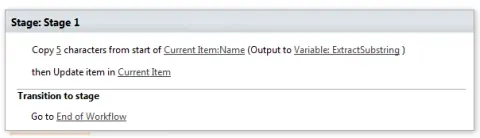
SharePoint Designer 2013: Extract Substring from Start of String Action
In this blog you will see how to use “Extract Substring from Start of String" action in SharePoint Designer 2013.
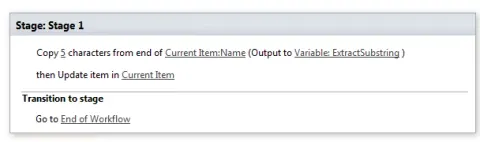
SharePoint Designer 2013: Extract Substring from End of String Action
In this blog you will see how to use “Extract Substring from End of String" action in SharePoint Designer 2013.
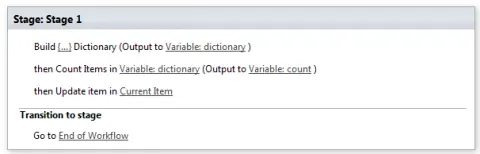
SharePoint Designer 2013: Count Items in a Dictionary Action
In this blog you will see how to use "Count Items in a Dictionary" action in SharePoint Designer 2013.
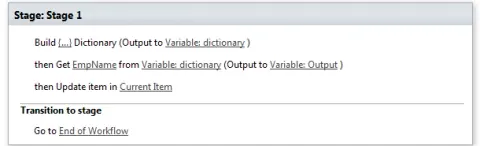
SharePoint Designer 2013: Get an Item from a Dictionary Action
In this blog you will see how to use get an item from a Dictionary" action in SharePoint Designer 2013.
How to Create a List in SharePoint 2010 Using NINTEX Workflow
This article shows how to create a list in SharePoint 2010 using a NINTEX workflow.
SharePoint Designer 2013: Build Dictionary Action
In this article you will see how to use a Build Dictionary action in SharePoint Designer 2013.

SharePoint Designer 2013: Create a List Workflow in SharePoint 2013 Online
In this article you will see how to create a list workflow in SharePoint 2013 Online.
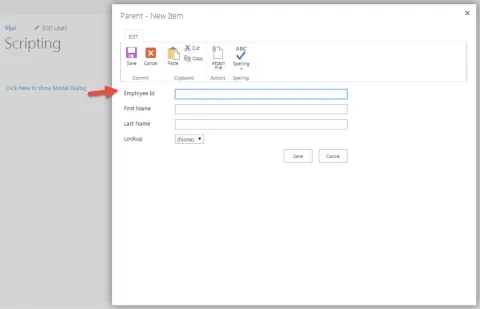
Show Modal Dialog in SharePoint 2013 Online
In this blog you will see how to open the page or list forms as modal dialog in SharePoint 2013 Online.