Loading
Vijai Anand Ramalingam's contributions

How to Get the SharePoint Log Levels using Powershell
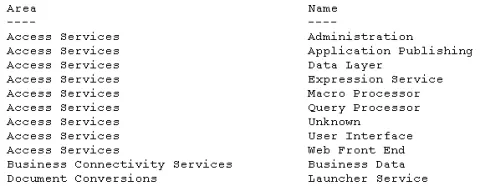
In this blog you will see how to get the SharePoint diagnostic log levels using PowerShell.
The Proxy Server is not Responding: while accessing SharePoint Central Administration
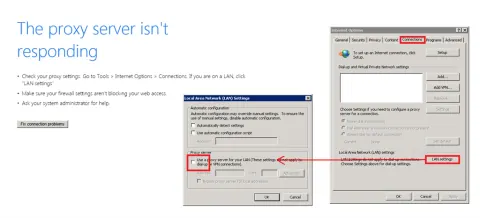
In this blog you will see how to resolve “The proxy server isn't responding” while accessing SharePoint Central Administration.
"An update conflict has occurred, and you must re-try this action." error in SharePoint 2010
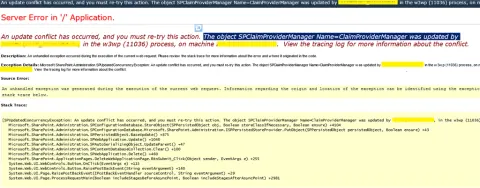
In this blog you will see how to resolve “An update conflict has occurred, and you must re-try this action. The object SPClaimProviderManager Name=ClaimProviderManager was updated by , in the w3wp (11036) process, on machine . View the tracing log for more information about the conflict.” error in SharePoint 2010.
“Cannot connect to the configuration database” in SharePoint 2010
In this blog you will see how to resolve “Cannot connect to the configuration database” error in SharePoint 2010.
Enable Minimal Download Strategy using PowerShell Script in SharePoint 2013
In this blog you will see how to enable Minimal Download Strategy for a site using PowerShell Script.
Send Email to Individual Users Using NINTEX WorkFlow
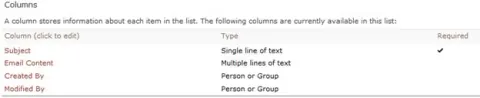
In this article you will see how to send email to individual users using NINTEX workflow.
Upgrade Managed Metadata Service Application to SharePoint 2013
In this blog you will see how to upgrade Managed Metadata Service Application to SharePoint 2013 using PowerShell.
Upgrade SharePoint 2010 Farm Solution to SharePoint 2013
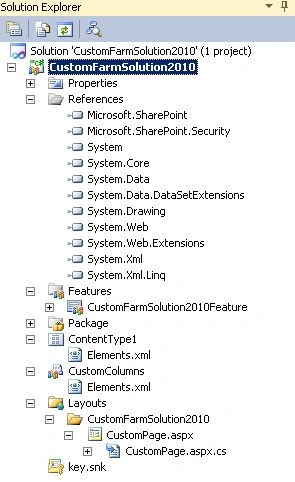
In this article you will learn how to upgrade a SharePoint 2010 Farm solution to SharePoint 2013.
Migrate SharePoint 2010 classic-mode web application to a SharePoint 2013 claims-based authentication.
In this blog you will see how to convert SharePoint 2010 classic-mode web application to a SharePoint 2013 claims-based authentication using PowerShell.
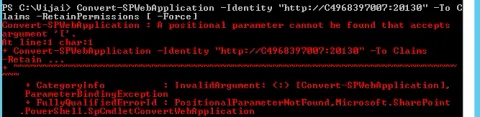
Convert-SPWebApplication : A positional parameter cannot be found that accepts argument '['.
In this blog you will see how to resolve “Convert-SPWebApplication : A positional parameter cannot be found that accepts argument '['.“ issue in PowerShell.
Mount-SPContentDatabase in SharePoint 2013
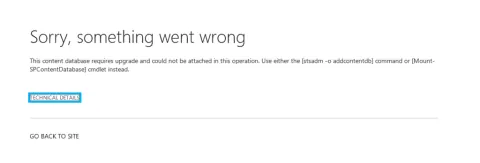
In this blog you will see how to attach the existing SharePoint content database to the target web application in SharePoint 2013.
Create classic mode web application in SharePoint 2013
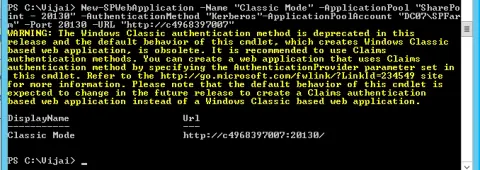
In this blog you will see how to create a classic mode web application in SharePoint 2013 using Powershell.
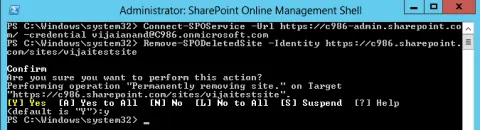
SharePoint Online Management Shell: Remove-SPODeletedSite
In this blog you will see how to remove the deleted site collection permanently from SharePoint Online recycle bin using Powershell.
SharePoint Online Management Shell: Restore-SPODeletedSite
In this blog you will see how to restore the deleted site collection from SharePoint Online recycle bin using Powershell.
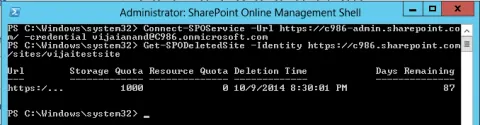
SharePoint Online Management Shell: Get-SPODeletedSite
In this blog you will see how to get the deleted site collection properties that is in the recycle bin from SharePoint Online using Powershell.
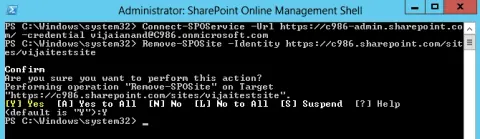
SharePoint Online Management Shell: Remove-SPOSite
In this blog you will see how to remove the site collection from SharePoint Online using Powershell.
SharePoint Online Management Shell: New-SPOSite
In this blog you will see how to create a new site collection in SharePoint Online using Powershell.
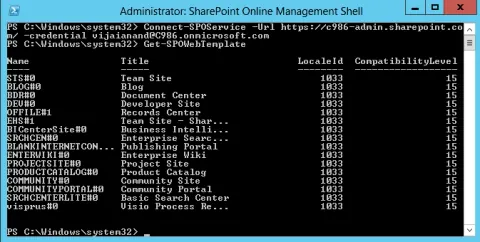
SharePoint Online Management Shell: Get-SPOWebTemplate
In this blog you will see how to get all the web templates that are available in SharePoint Online using PowerShell.
SharePoint Online Management Shell: Set-SPOSite
In this blog you will see how to set the SharePoint Online site collection properties using Powershell.
SharePoint Online Management Shell: Remove-SPOSiteGroup
In this blog you will see how to remove the site group from SharePoint Online site collection using Powershell.
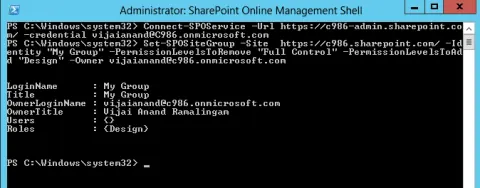
SharePoint Online Management Shell: Set-SPOSiteGroup
In this blog you will see how to update the owner and permission levels for the site group in SharePoint Online site collection using Powershell.
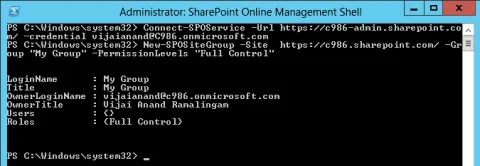
SharePoint Online Management Shell: New-SPOSiteGroup
In this blog you will see how to create a new site group in SharePoint Online site collection using Powershell.
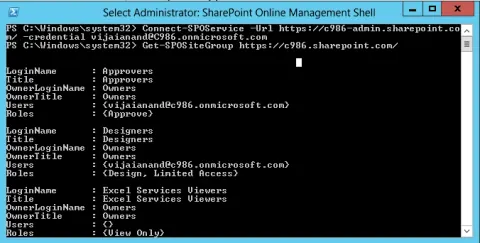
SharePoint Online Management Shell: Get-SPOSiteGroup
In this blog you will see how to get all the groups from SharePoint Online site collection using Powershell.
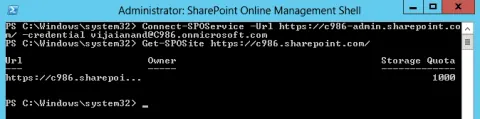
SharePoint Online Management Shell: Get-SPOSite
In this blog you will see how to get the SharePoint Online site collection and its properties using Powershell.