Loading
Vijai Anand Ramalingam's contributions
- Blog · Azure
How to Create an Azure Policy Assignment for a Storage Account to Restrict SKUs
In this blog, you will see how to create an Azure Policy Assignment for a storage account to restrict SKUs using PowerShell.
- Blog · Azure
How to Upload Files to Azure File Share using PowerShell
In this blog, you will see how to upload files to Azure File Share using PowerShell.
- Blog · Azure
How to Create a Directory in Azure File Share using PowerShell
In this blog, you will see how to create a directory in file share using PowerShell.
- Blog · Azure
How to Create a File Share in an Azure Storage Account using PowerShell
In this blog, you will see how to create a file share in an Azure Storage Account using PowerShell.
- Blog · Azure
How to Generate an Account-Level Shared Access Signature (SAS) Token for an Azure Storage Account
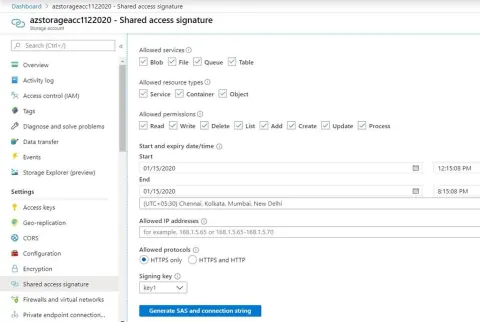
In this blog, you will see how to generate an account-level shared access signature (SAS) token for an Azure Storage account using PowerShell.
- Blog · Azure
How to Get All the Blobs from an Azure Storage Account using PowerShell
In this blog, you will see how to get all the blobs from a specific container in Azure Storage Account using PowerShell.
- Blog · Azure
How to list directories and files from Azure File Share using PowerShell
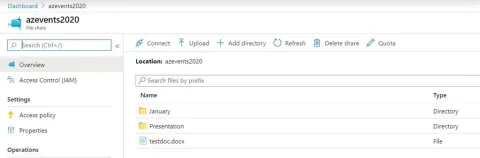
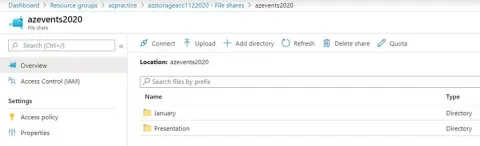
In this blog, you will see how to list directories and files from Azure File Share using PowerShell.
- Blog · Azure
How to Delete an Azure Storage Account using PowerShell
In this blog, you will see how to delete an Azure storage account using PowerShell.
- Blog · Azure
How to Delete a Blob from an Azure Storage Account using PowerShell
In this blog, you will see how to delete a blob from an Azure storage account using PowerShell.
- Blog · Azure
How to Delete a Container from an Azure Storage Account using PowerShell
In this blog, you will see how to delete a container from an Azure storage account using PowerShell.
- Blog · Azure
How to Download Blob Contents from an Azure Storage Account using PowerShell
In this blog, you will see how to download blob contents from an Azure Storage Account using PowerShell.
- Blog · Azure
How to Get All the Containers From a Specific Azure Storage Account using PowerShell
In this blog, you will see how to get all the containers from a specific Azure Storage Account using PowerShell.
- Blog · Azure
How to Upload Blob Contents in an Azure Storage Account using PowerShell
In this blog, you will see how to upload blob contents in an Azure Storage Account using PowerShell.
- Blog · Azure
How to Create a Container in an Azure Storage Account using PowerShell
In this blog, you will see how to create a container in an Azure Storage Account using PowerShell.
- Blog · Azure
How to Create an Azure Storage Account using PowerShell
In this blog, you will see how to create an Azure Storage Account using PowerShell.
- Blog · Azure
How to add Tags to an Azure Storage Account using PowerShell
In this blog, you will see how to add tags to an Azure Storage Account resource using PowerShell.
- Blog · Azure
How to Lock an Azure Storage Account using PowerShell.
In this blog, you will see how to lock an Azure Storage Account resources to prevent unexpected changes (accidentally deleting or modifying resources) using PowerShell.
- Blog · Azure
How to Retrieve and Refresh Azure Storage Account Access Keys using PowerShell
In this blog, you will see how to retrieve and refresh Azure Storage Account Access Keys using PowerShell.
- Blog · Azure
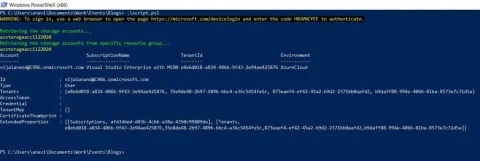
How to get all Azure Storage Accounts using PowerShell
In this blog, you will see how to get all Azure Storage Accounts using PowerShell.
- Article · Bot Framework
How To Add Action To A Bot Using Microsoft Power Automate
In this article, you will see how to add action to a bot (created using Power Virtual Agents) using Power Automate.
- Blog · SharePoint
How to get all the users from SharePoint Online sites default owners group using CSOM
In this blog, you will see how to get all the users from SharePoint Online site default owners group using CSOM in Console Application.
- Article · SharePoint
How To Create A Site Design And Site Script For SharePoint Online Modern Team Site
In this article, you will learn how to create a site design and site script for SharePoint Online Modern Team site.
- Blog · Microsoft 365
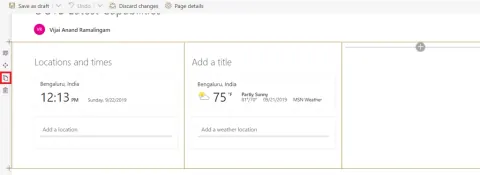
SharePoint Online Modern UI - Duplicate Section Or Webpart
In this blog, you will see how to duplicate a section or webpart in a Modern SharePoint site page.
- Blog · Microsoft 365
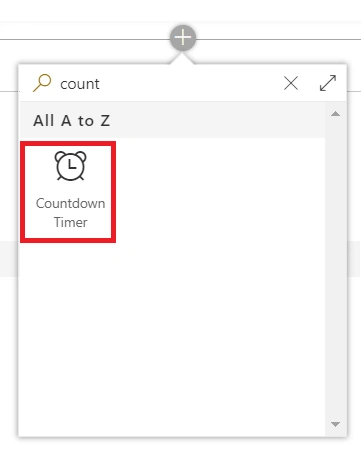
SharePoint Online Modern UI – Countdown Timer Web Part
In this blog, you will see how to use the Countdown Timer web part in a Modern SharePoint site page.
- Blog · Microsoft 365
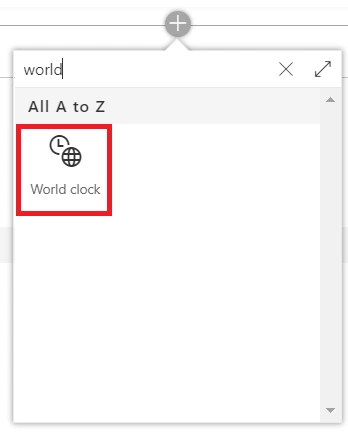
SharePoint Online Modern UI - World Clock Web Part
In this blog, you will see how to use the World Clock web part in a Modern SharePoint site page.