Loading
Vijai Anand Ramalingam's contributions
- Blog · Microsoft 365
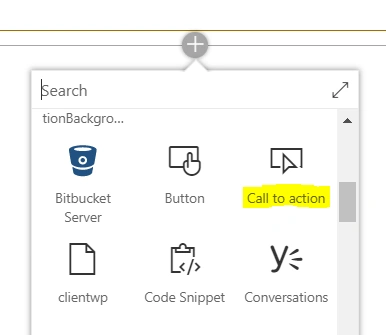
SharePoint Online Modern UI – Call To Action Web Part
In this blog, you will see how to use the "Call to action" web part in a Modern SharePoint site page.
- Blog · Microsoft 365
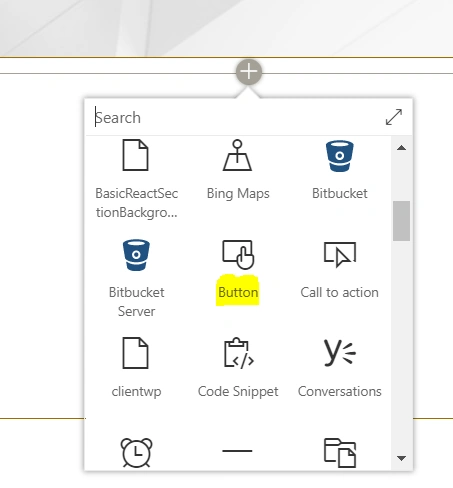
SharePoint Online Modern UI - Button Web Part
In this blog, you will see how to use the Button web part in a Modern SharePoint site page.
- Video · Microsoft 365
Introduction to Microsoft Kaizala And How to Empower Your Mobile Workforce using Kaizala ?
In this video, you will learn what Kaizala is and how to empower your Mobile Workforce using Kaizala.
- Article · SharePoint
How To Create An App Page Using SharePoint Framework In SharePoint Online Modern Site
This article guides you through creating an app page using SPFx in SharePoint Online Modern Site. An app page allows pre-configured application content without user authoring. You'll learn to set up your development environment, build and bundle your solution, upload it to the SharePoint app catalog, and create the app page.
- Blog · Microsoft 365
How To Deploy, Publish And Install SharePoint Framework Extension using PnP PowerShell
In this blog, you will learn how to deploy and publish the SharePoint Framework Extension in site collection app catalog and how to install the app in the site using PnP PowerShell.
- Blog · Microsoft 365
Export SharePoint Online List Items To CSV Using PnP PowerShell
In this blog, you will learn how to export SharePoint Online list items to a csv using PnP PowerShell.
- Blog · Microsoft 365
How To Create List From An Existing List In SharePoint Online Modern Site
in this blog, you will learn how to create a list from an existing list in SharePoint Online Modern Site.
- Video · Microsoft 365
Introduction to Microsoft Search
In this session, we will be talking about what Microsoft Search is, how to turn on Microsoft Search in your tenant, and how to configure it.
- Video · Microsoft 365
Overview Of Kaizala Extensibility and Programmability
In this video, we will be discussing about how Kaizala supports extensibility that allows you to integrate it to existing business processes and workflows.
- Article · SharePoint
How To Create List From Excel In SharePoint Online Modern Site
In this article, you will learn how to create a list from Excel in SharePoint Online modern site.
- Blog · SharePoint
Export Keyword Search Results To CSV In SharePoint Online Using PnP PowerShell
In this blog, you will learn how to export keyword search results to a csv in SharePoint Online using PowerShell.
- Article · Power Automate
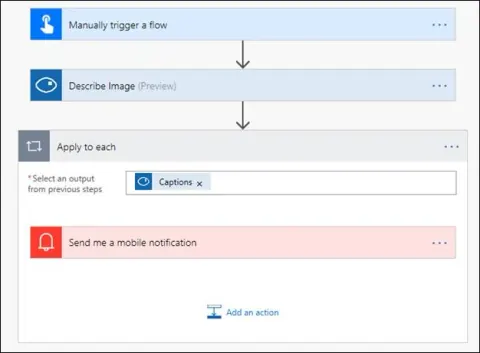
Generate A Description Of An Image Using Cognitive Service And Microsoft Flow
In this article, you will see how to generate a description of an image using Cognitive Service and Microsoft Flow.
- Article · Power Automate
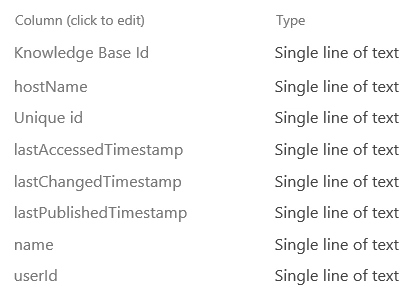
Download Knowledgebase Details Using Cognitive Service And Microsoft Flow
In this article, you will see how to download knowledgebase details using Cognitive Service and Microsoft Flow.
- Article · Power Automate
Detect Language And Translate Text Using Microsoft Translator And Microsoft Flow
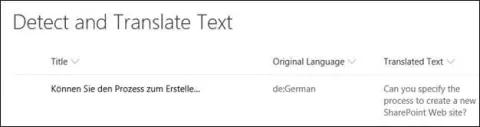
In this article, you will see how to detect language and translate text using Microsoft Translator Service and Microsoft Flow. I have created a simple SharePoint list, which contains Title, Original Language and Translated Text fields as shown below.
- Video · Microsoft 365
Getting Started With Microsoft Stream
This is a video recording of our webinar on Microsoft Stream. Here, you will learn how to get started with Microsoft Stream and build robust applications.
- Article · Power Automate
Record Microsoft Form Respons In SharePoint Using Microsoft Flow
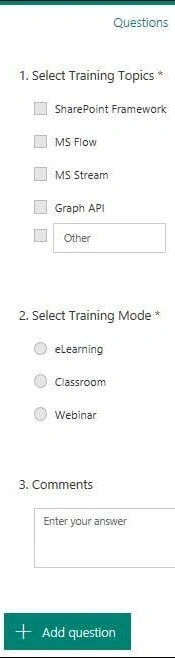
This article explains how to record responses from Microsoft Forms in SharePoint using Microsoft Flow. It covers creating a flow, connecting Microsoft Forms and SharePoint, capturing form responses, and storing them in a SharePoint list. A step-by-step guide helps you automate and streamline data collection.
- Article · Microsoft 365
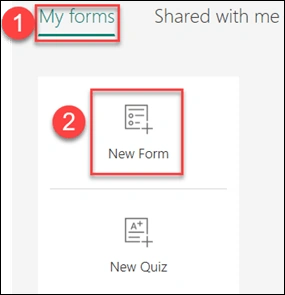
How To Create A Form Using Microsoft Forms
Create custom forms effortlessly with Microsoft Forms. Gather data, conduct surveys, and streamline feedback collection. Customize questions, share forms easily, and analyze responses seamlessly within Microsoft 365.
- Article · Power Automate
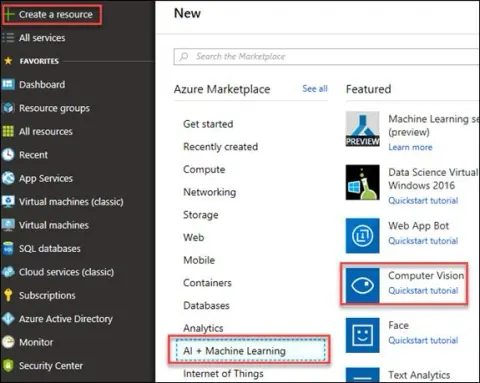
How To Extract Text From Image Using Cognitive Service And Microsoft Flow
In this article, you will see how to extract text from image using Cognitive Service and Microsoft Flow. An image will be uploaded to SharePoint picture library that triggers the flow and using Computer Vision API (Uses the OCR operation to recognize and extract printed text from an image) connector text will be extracted from the image.
- Article · Power Automate
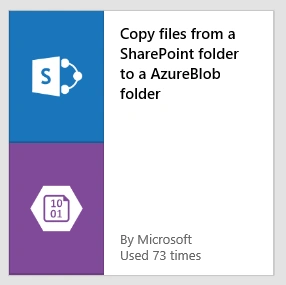
Copy Files From SharePoint To An Azure Blob Storage Using Microsoft Flow
In this article, you will see how to copy files from SharePoint to an Azure blob storage using Microsoft Flow. Whenever a file added to a SharePoint document library folder, flow copies the file to an Azure blob storage.
- Blog · SharePoint
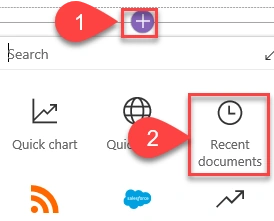
SharePoint Online Modern UI - Recent Documents Webpart
In this blog, you will see how to use Recent documents webpart in Modern SharePoint site page.
- Blog · SharePoint
SharePoint Online Modern UI - Page Properties Webpart
In this blog, you will see how to use Page Properties webpart in Modern SharePoint site page.
- Blog · SharePoint
SharePoint Online Modern UI - Weather Webpart
In this blog, you will see how to use Weather webpart in Modern SharePoint site page.
- Blog · SharePoint
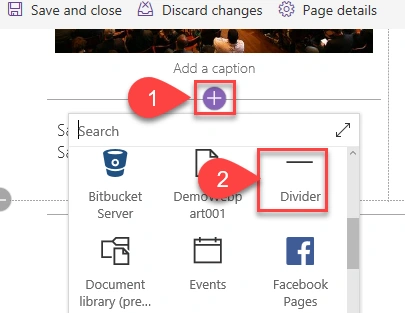
SharePoint Online Modern UI - Divider Webpart
In this blog, you will see how to use Divider webpart in Modern SharePoint site page.
- Blog · SharePoint
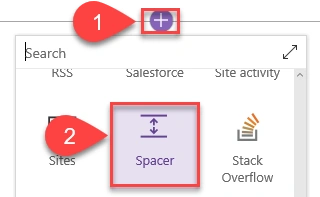
SharePoint Online Modern UI - Spacer Webpart
In this blog, you will see how to use Spacer webpart in Modern SharePoint site page.
- Blog · SharePoint
SharePoint Online Modern UI - People Webpart
In this blog, you will see how to use People webpart in Modern SharePoint site page.