Loading
Vijai Anand Ramalingam's contributions
- Article · SharePoint
PnP List Picker And Fluent UI Dialog Control In SharePoint Framework
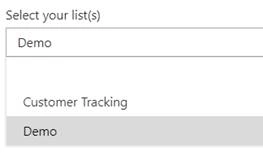
In this article, you will see how to use PnP List Picker and Fluent UI Dialog control in SharePoint Framework.
- Article · SharePoint
Display Calendar Events Using Graph API in SharePoint Framework
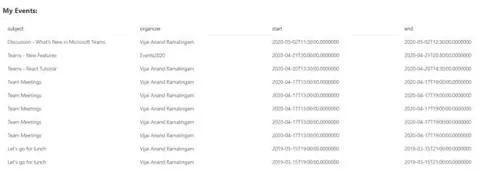
Explore the process of integrating Microsoft Graph API to showcase calendar events within a SharePoint Framework web part. Follow steps to set up dependencies, scaffold the solution, manage permissions, deploy to the app catalog, and seamlessly test the functionality within SharePoint sites.
- Blog · SharePoint
Create List Item Using PnP JS In SharePoint Framework
In this blog, you will see how to create list item using PnP JS in SharePoint Framework.
- Article · SharePoint
PnP Map Control In SharePoint Framework
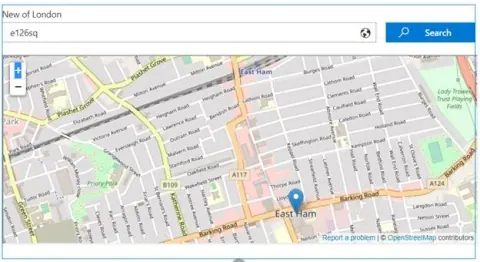
In this article, you will see how to use PnP Map Control in SharePoint Framework.
- Article · SharePoint
PnP List Item Picker in SharePoint Framework
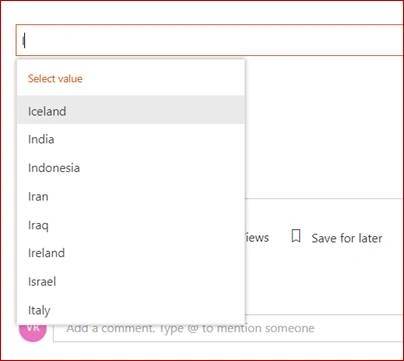
In this article, you will see how to use the PnP List Item Picker control in SharePoint Framework.
- Blog · Microsoft Teams
Create a Team From Existing SharePoint Online Modern Team Site Using PowerShell
In this blog, you will see how to create a team in Microsoft Teams from existing SharePoint Online modern team site (connected to Office 365 group) using PowerShell.
- Article · SharePoint
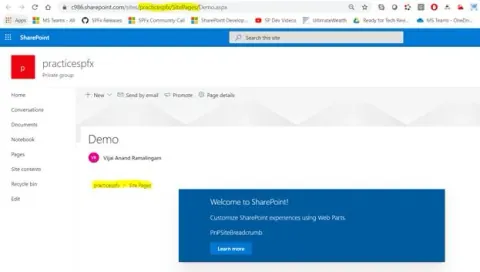
PnP Site Breadcrumb Control In SharePoint Framework
In this article, you will see how to use PnP Site Breadcrumb Control in SharePoint Framework.
- Article · SharePoint
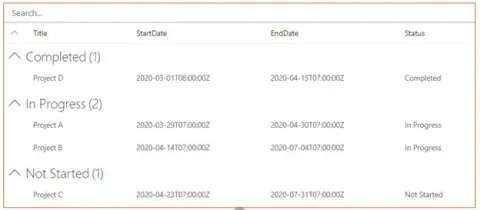
PnP List View Control In SharePoint Framework
In this article, you will see how to use PnP List View control in SharePoint Framework.
- Article · SharePoint
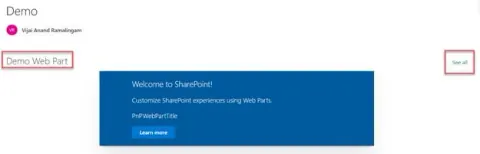
PnP Web Part Title Control In SharePoint Framework
In this article, you will see how to use PnP Web Part Title Control in SharePoint Framework.
- Article · SharePoint
PnP Security Trimmed Control In SharePoint Framework
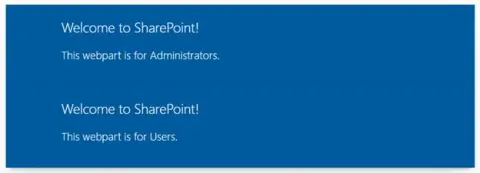
In this article, you will see how to use PnP Security Trimmed Control in SharePoint Framework.
- Article · SharePoint
PnP Combo Box List Item Picker In SharePoint Framework
Explore PnP React Controls for SharePoint Framework, including the Combo Box List Item Picker. Learn how to set up, implement, and deploy this control to select items from a list, enabling efficient development of web parts and extensions in SharePoint.
- Blog · Microsoft Teams
How To Edit Announcements Posted In Multiple Channels In Microsoft Teams
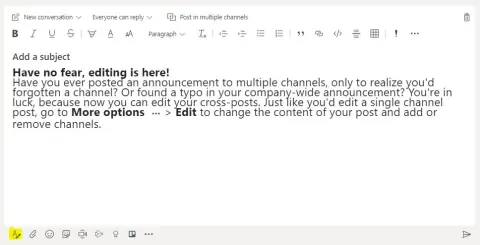
In this blog, you will see how to edit announcements posted in multiple channels in Microsoft Teams.
- Blog · Microsoft Teams
How to Create and Manage Tags in Microsoft Teams
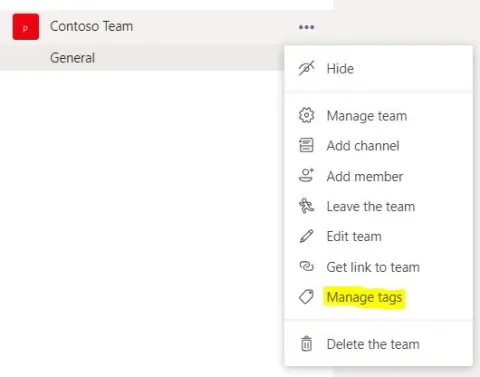
In this blog, you will see how to create and manage tags in Microsoft Teams.
- Blog · Microsoft Teams
Explore New Meeting Options In Microsoft Teams
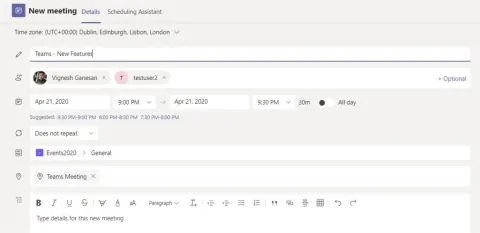
In this blog, you will see about the new meeting options available in Microsoft Teams.
- Blog · Microsoft Teams
How To Share Teams Chats Or Channel Conversations To Outlook
In this blog, you will see how to share Teams chats or channel conversations to outlook.
- Article · SharePoint
PnP Folder Explorer Control In SharePoint Framework
In this article, you will see how to use PnP Folder Explorer control in SharePoint Framework.
- Article · Microsoft Teams
Retrieve The List Of Apps Installed In The Specified Team Using Microsoft Teams Graph API In PowerShell
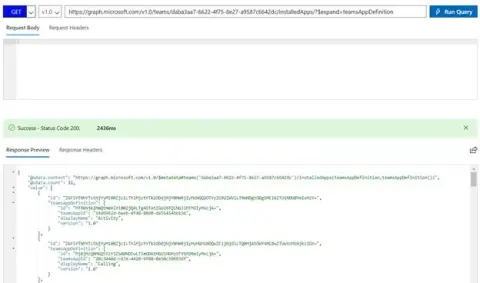
In this article, you will see how to retrieve the list of apps installed in the specified team using Microsoft Teams Graph API in PowerShell.
- Article · Microsoft Teams
How To Access Microsoft Teams Graph API In PowerShell
In this article, you will see how to access Microsoft Teams Graph API in PowerShell.
- Article · Microsoft Teams
How To Access Microsoft Teams Graph API In Power Automate
Learn how to automate Microsoft Teams lifecycle with Graph API, including creating teams, channels, and adding members. This guide covers registering an application in Azure, setting permissions, and creating a flow in Power Automate to access and retrieve all teams using Graph API.
- Blog · Microsoft Teams
How To Clone a Team Using Microsoft Graph API In PowerShell
In this blog, you will see how to clone a team using Microsoft Teams Graph API in PowerShell.
- Article · Azure
How to Start a PowerShell Runbook by Webhook in Azure Automation Using Power Automate
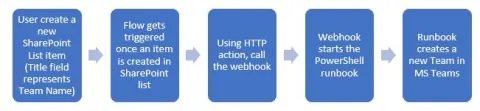
In this article, you will see how to start a PowerShell runbook using a webhook in Azure Automation using Power Automate.
- Article · Azure
How to Create a Team in Microsoft Teams Using Powershell in Azure Automation
In this article, you will see how to create a team in Microsoft Teams using PowerShell in Azure Automation.
- Blog · Microsoft Teams
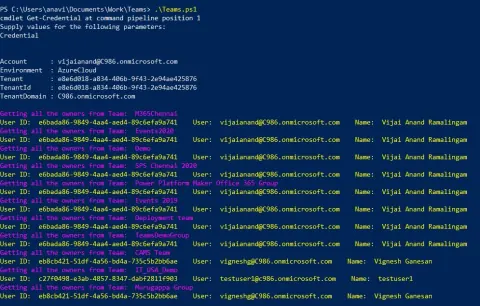
How To Get The Team Owners From All The Teams Using PowerShell
In this blog, you will see how to get the team owners from all the teams using PowerShell.
- Blog · Power Automate
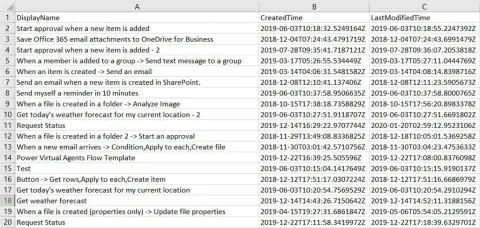
Export All Flow Details to CSV using PowerShell
In this blog, as an administrator, you will see how to export all flow details to CSV using PowerShell.
- Blog · Power Automate
How to Get All the Flows from a Specific Environment using PowerShell
In this blog, as an administrator, you will see how to get all the flows that contain specific characters (for example, test) from a specific environment using PowerShell.