Loading
What's new in Android Studio - Giraffe
This article describes the new features of Android Studio Giraffe | 2022.3.1.
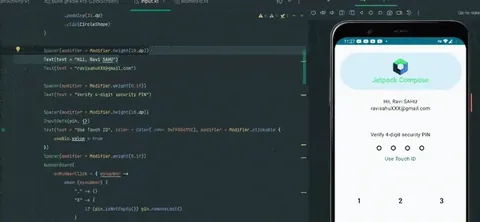
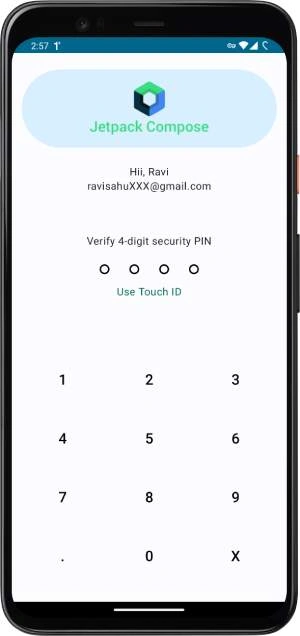
Lock Screen in Jetpack Compose
This article will describe how we can create a lock screen in Android with Jetpack Compose.
Integrate In-App Purchase In Android
In this article, we will discuss how we can integrate in-app purchase into android
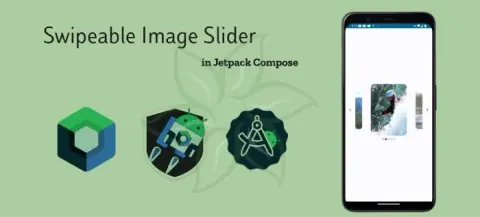
Swipeable Image Slider in Jetpack Compose
This article will describe the Swipeable Image Slider in Jetpack Compose.
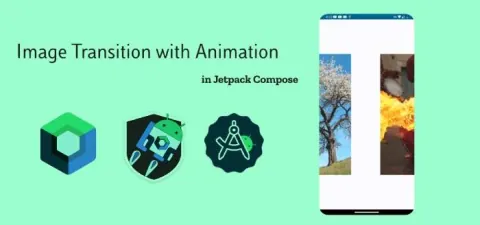
Image Transition with Animation in Jetpack Compose
This article will describe the Image Transition with Animation in Jetpack Compose.
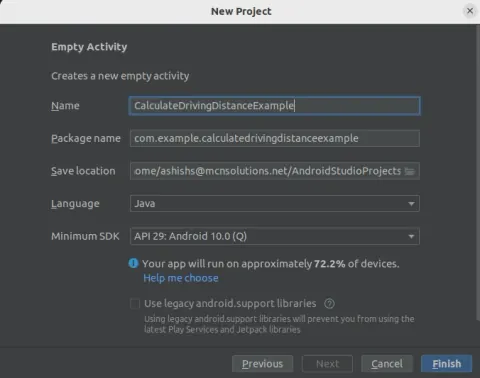
Calculating Driving Distance with Google Maps Distance Matrix API in Android
In this article, we will learn how to calculate the driving distance between two places in Android.
ROOM VS MongoDB Realm Database in Android
This article will explain which database we prefer in the Android room or MongoDB.
Face Verification using MLKIT Vision
Hi, Iam developing an android app using MLKIT Vision for face detection. - I can able to detect the user faces using mlkit vision and store the detected faces in internal storage. Now i want to verify the user faces with stored faces like. If a user opens the app starting capturing the user face and i want to verify with the stored face. How to verify the two faces are identical or not using the MLKIT vision?
Face Recognition With ML Kit in Jetpack Compose
This article provides details about ML Kit in Android.
Recognize Text With ML Kit in Jetpack Compose
Discover the synergy of ML Kit and Jetpack Compose in modern Android development. Learn text recognition to extract and display text from images, revolutionizing user experiences and creative solutions.
i have face this issue after adding pendingintentflag.immuitable.
java.lang.illegalargumentexception: 'com.isaweb.ojtqr: targeting s+ (version 31 and above) requires that one of flag_immutable or flag_mutable be specified when creating a pendingintent. strongly consider using flag_immutable, only use flag_mutable if some functionality depends on the pendingintent being mutable, e.g. if it needs to be used with inline replies or bubbles.'
How to verify image
I have a mobile application in android and I use .net as API I have form to users to attached doctor prescription for medical leaves how to check that they attached the write file rather then any dummy file upload.
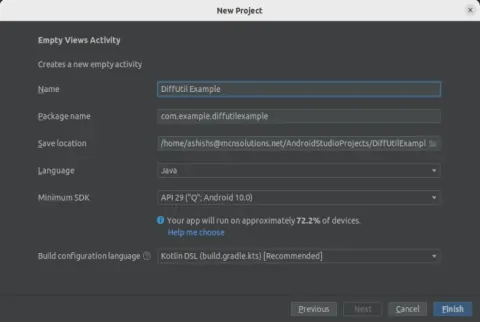
How To Use DiffUtil Class With RecyclerView In Android
Learn how to use DiffUtil with RecyclerView to compare list changes and update an Android adapter efficiently.
Expandable Card with Animation in Jetpack Compose
This article will explain how we can create an expanded card animation in Jetpack compose.
Material 3 Bottom Navigation Bar in Jetpack Compose
This article describes how we can implement material 3 Bottom Navigation Bar in Jetpack Compose
How does edge computing impact real-time data processing
Hello everyone, I am interested in learning more about edge computing and how it impacts real-time data processing. I have come across some articles that suggest edge computing enables real-time data processing and decision-making in a variety of applications. However, I am still curious about the specific ways in which edge computing achieves this.
Photo Picker In Jetpack Compose
This article has described how we can use the photo picker in Compose project and its interoperability with older versions of Android.
Android Development In 2023
In this article, you will learn about android development In 2023.
Shimmer In Jetpack Compose
This article is all about how we can successfully create a shimmer in compose.
Android 12 (Version 31) issuse in xamarin android.
Java.Lang.IllegalArgumentException: 'com.isaweb.ojtqr: Targeting S+ (version 31 and above) requires that one of FLAG_IMMUTABLE or FLAG_MUTABLE be specified when creating a PendingIntent. Strongly consider using FLAG_IMMUTABLE, only use FLAG_MUTABLE if some functionality depends on the PendingIntent being mutable, e.g. if it needs to be used with inline replies or bubbles.'
Custom Tabs with Animated Background in Android
Customs tabs that highlights when selected and animates the background to the next selection backward and forward.
Implementing Google Forms To Android Application
Learn how to send feedback form data from an Android app to Google Forms using Volley HTTP POST requests, including finding form field IDs and viewing responses in Google Sheets.
How To Make Your Image Viewer Handle Image Files With Intent Filters In Android
In this article, we will learn how to make your Image viewer handle Image files with intent filters in Android.
How to append Headers in Retrofit API call without using Interceptor
I am using a base URL like below private const val BASE_URL = "anyURL" an htt*P client private val client = OkHtttpClient.Builder().apply { addInterceptor(MyInterceptor()) }.build() a retrofit client private val retrofit = Retrofit.Builder() .addConverterFactory(Json.asConverterFactory("application/json".toMediaType())) .client(client) .baseUrl(BASE_URL).build() and a get call @GET("playlist_tracks=*********") suspend fun geAlltracks(): Music Currently, I am using an interceptor, but how can append my request with headers without Interceptor
How to Make Your PDF Viewer Handle PDF Files with Intent Filters in Android
In this article, we learn how to make your PDF Viewer handle PDF Files with Intent Filters in Android.