Loading
Articles by Mahesh Chand
CheckBox in Silverlight
This article demonstrates how to create and use a CheckBox control in Silverlight with the help of XAML and C#.
The "SplashScreen" parameter is not supported by the "MarkupCompilePass1" Error
You get the SplashScreen parameter is not supported by the MarkupCompilePass1 error message when create and run WPF applications in Visual Studio 2008 SP1.
WrapPanel in Silverlight
A WrapPanel control is used to arrange child controls to arrange vertically or horizontally. This article demonstrates how to create and use a WrapPanel control in Silverlight using XAML and C#.
AutoCompleteBox in Silverlight using C# and XAML
This article demonstrates how to create and use a AutoCompleteBox control in Silverlight using XAML and C#.

Introducing Deep Zoom Composer
This tutorial is an introduction to the Deep Zoom Composer and how to use it to build zoom and pan enabled Silverlight applications with the help of Expression Blend and Visual Studio 2008.
Silverlight Button Control
This tutorial demonstrates how to create and use a Button control in Silverlight using XAML and C#.
Drawing Bezier Curves in Silverlight
This article shows how to implement Bezier curves in Silverlight.
Implementing Opacity Masks in Silverlight
Opacity masks allow us to make portions of an object transparent or semi transparent. This article demonstrates how to implement opacity masks feature in Silverlight objects such as a Rectangle and an Image.

Cropping or Clipping in Silverlight
Learn how to clip and crop Rectangle and Image elements in Silverlight using the clipping feature.
Building Zoom and Pan Enabled Silverlight Applications with Deep Zoom Composer
This tutorial is an introduction to the Deep Zoom Composer and how to use it to build zoom and pan enabled Silverlight applications with the help of Expression Blend and Visual Studio 2008.
RadioButton in Silverlight
This tutorial shows how to create and use a RadioButton control in Silverlight 2.0.

Programming Speech in WPF and VB.NET
Speech Synthesis also known as text-to-speech of SAPI, is a process of converting text to speech. This tutorial shows how to build speech enabled applications in WPF, XAML, and VB.NET.
Programming Speech in WPF - Speech Synthesis
Speech Synthesis, also known as text-to-speech or SAPI, is a process of converting text to speech. This tutorial shows how to build speech-enabled applications in WPF using SAPI 3.5.

Blogs Website XAML Template
The attached XAML files are a sample of a Blogs website with styles and colors.
Error 501/505: Not implemented or not supported.
Read this article if you are getting Error 501 not implemented or not supported.
Invalid FORMATETC structure Error
This tip shows how to fix Invalid FORMATETC structure error when you drag and drop a control from Toolbox to a XAML file.
WPF ListView Tutorial
WPF ListView provides functionality to create a List of collection in a GridView. Learn how to use ListView in WPF and C#.
Using WPF RichTextBox using C# and XAML
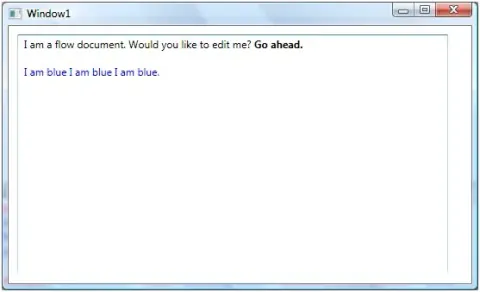
Learn to create and use a WPF RichTextBox with C# and XAML, including FlowDocument content, spell checking, loading text files, and converting content to text.
Working with WPF RadioButton using C# and XAML
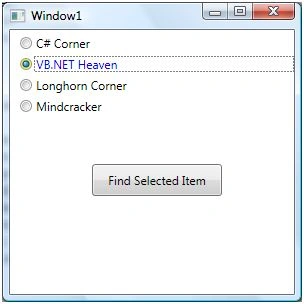
The RadioButton class in WPF represents a Radio Button control. The code example in this tutorial shows how to create and use a RadioButton control available in WPF and XAML.
ListBox In WPF
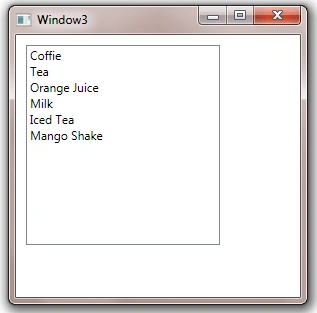
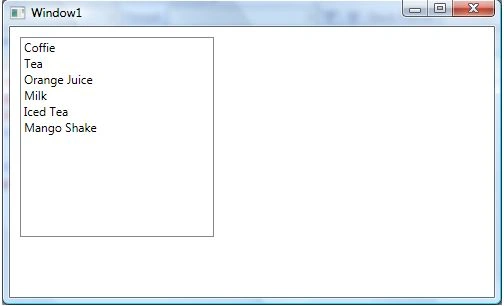
WPF ListBox class represents a ListBox control that is a collection of ListBoxItems. The <ListBox> XAML represents the UI of a ListBox. This tutorial and code examples are the various use cases of ListBox control in WPF and C#, such as ListBox Formatting, ListBox Style, Images in ListBox, CheckBox in ListBox, and Data Binding in ListBox.
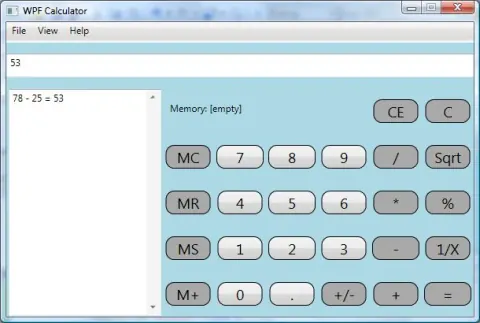
WPF Calculator
The attached source code with this article is a calculator application developed using XAML and WPF.
WPF TextBox
This article shows how to use and work with the TextBox control available in WPF and XAML.
Silverlight ListBox
This article shows you how to create and use a ListBox control available in Silverlight 2.0.