Loading
Articles by Vijai Anand Ramalingam
- Office Development
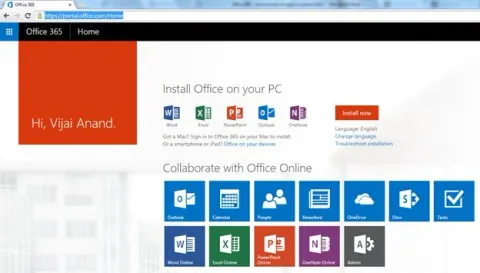
Office 365: How to Add an App in Outlook 2013 From Office Store
In this article you will see how to add an app to Outlook 365 from the Office store.
- SharePoint
Send Email to Individual Users Using NINTEX WorkFlow
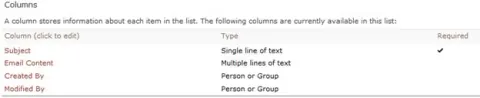
In this article you will see how to send email to individual users using NINTEX workflow.
- SharePoint
Upgrade SharePoint 2010 Farm Solution to SharePoint 2013
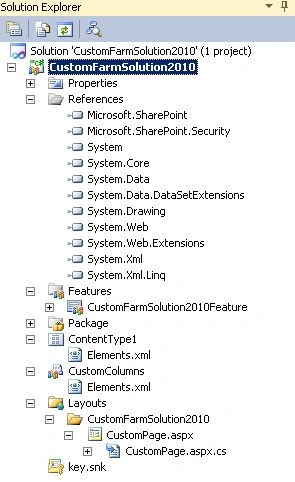
In this article you will learn how to upgrade a SharePoint 2010 Farm solution to SharePoint 2013.
- SharePoint
How to Create NINTEX Form in SharePoint 2013 Online
In this article you will see how to create a NINTEX form in SharePoint 2013 Online.
- SharePoint
Twitter Tweet Using NINTEX Workflow in SharePoint 2013 Online
In this article you will see how to tweet in Twitter using NINTEX workflow in SharePoint 2013 Online.
- SharePoint
Facebook Wall Post Using NINTEX Workflow in SharePoint 2013 Online
In this article you will see how to post on the Facebook wall using a NINTEX workflow in SharePoint 2013 Online.
- SharePoint
Translate Text to Other Language Using NINTEX Workflow in SharePoint 2013 Online
This article shows how to translate text to another language using a NINTEX Workflow in SharePoint 2013 Online.
- SharePoint
Language Detection Using NINTEX Workflow in SharePoint 2013 Online
This article explains how to detect language using a NINTEX workflow in SharePoint 2013 Online.
- SharePoint
Content Search Web Part in SharePoint 2013 Online
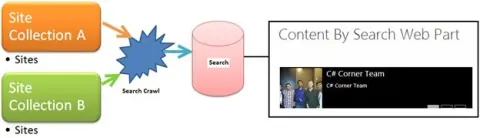
This article describes the basics of Content Search Web Part in SharePoint 2013.
- SharePoint
KnockoutJS in SharePoint 2013
KnockoutJS is a JavaScript library for binding data and generating HTML at run time. It uses the Model-View-ViewModel pattern.
- SharePoint
CAML Designer 2013 For SharePoint
In this article you will see how to build CAML queries from an Office 365 SharePoint list.
- SharePoint
AngularJS in SharePoint 2013: Part 1
AngularJS is perfect for Single Page Applications (SPAs) that extend HTML with new attributes.
- SharePoint
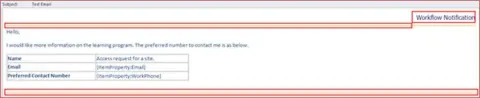
How to Remove “Workflow Notification” Text in NINTEX Email Notification
In this article you will see how to remove the “Workflow Notification” text in NINTEX email notification.
- SharePoint
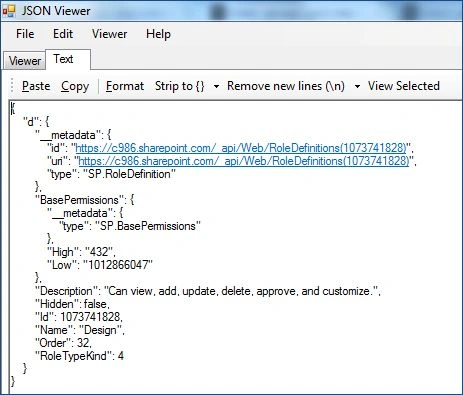
Delete Site Group, Role Definition and Get the Permission Level Properties in SharePoint 2013
In this article you will see how to delete a site group and role definition and how to get the permission level properties using the REST API in SharePoint 2013 Online.
- SharePoint
How to Enable Content Approval For the Document Library in SharePoint 2013 Online Using REST API
This article explains how to enable Content Approval for a Document Library using the REST API in SharePoint 2013 Online.
- SharePoint
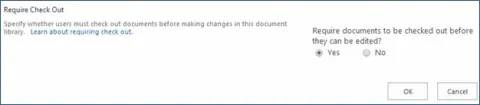
How to Enable Forced Check Out For the Document Library in SharePoint 2013 Online Using REST API
In this article you will see how to enable forced check out for a Document Library using the REST API in SharePoint 2013 Online.
- SharePoint
How to Get the Site Group Properties in SharePoint 2013 Online Using REST API
In this article you will see how to get the site group properties using the REST API in SharePoint 2013 Online.
- SharePoint
How to Update A Group in SharePoint 2013 Online Using REST API
In this article you will see how to update a group using the REST API in SharePoint 2013 Online.
- SharePoint
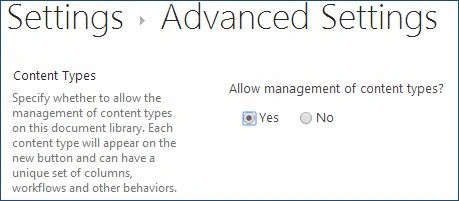
Enable Document Library Content Types in SharePoint 2013 Online Using REST API
In this article you will see how to enable content types for the document library using the REST API in SharePoint 2013 Online.
- SharePoint
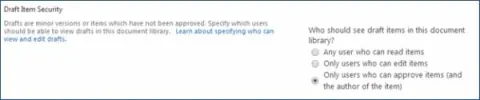
Specify the Permission Required Viewing Minor Versions and Drafts Within the List in SharePoint 2013 Online Using REST API
In this article you will see how to specify the permission required viewing minor versions and drafts within the list using REST API in SharePoint 2013 Online.
- SharePoint
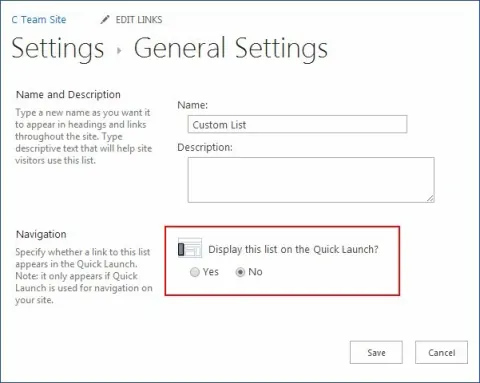
How to Display the List in the Quick Launch Bar in SharePoint Online Using REST API
In this article you will see how to display the list in the quick launch bar using the REST API in SharePoint 2013 Online.
- SharePoint
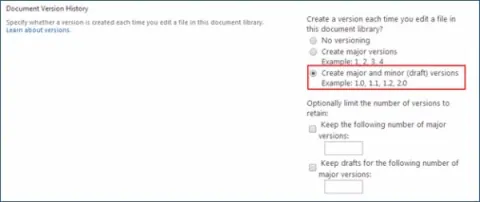
How to Enable Minor Versions For the Document Library in SharePoint 2013 Online Using REST API
In this article you will see how to enable minor versions for the document library using the REST API in SharePoint 2013 Online.
- SharePoint
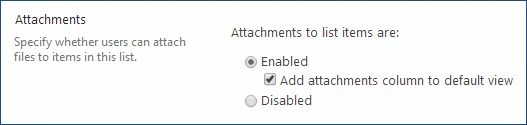
How to Disable Attachments to List Items in SharePoint Online Using REST API
In this article you will see how to disable attachments to list items using REST API in SharePoint 2013 Online.
- SharePoint
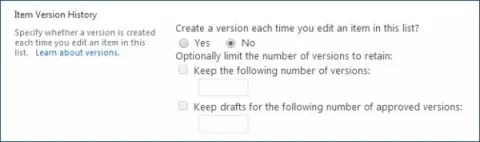
How to Enable Versioning For the List in SharePoint 2013 Online Using REST API
In this article you will see how to enable versioning for the list using the REST API in SharePoint 2013 Online.
- SharePoint
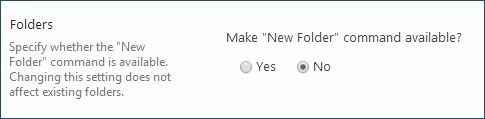
How to Enable Folder Creation For the List in SharePoint 2013 Online Using REST API
In this article you will see how to enable folder creation for the list using the REST API in SharePoint 2013 Online.